
From quote to payment, in one work order.
PraticOS is the work order app for people who work in a shop, at a bench or at the customer's door. Say the job and AI fills in the work order. Then take the photos, send the link for the customer to approve and see what's left to collect — all from your phone.
Start free · iOS and Android · paid plans in the app
- Customer
- Mark Anderson
- Equipment
- Split AC 12,000 BTU · living room
- Service
- Full cleaning + refrigerant recharge
- Ready
- Today, 4:00 PM
- Photos
- 4 attached
- Total
- $480.00
- Quote
- Approved
- In progress
- Completed
- Paid
How a work order moves through PraticOS
Five steps, from first contact to money in the bank. No spreadsheet, no notebook, no quote lost in a chat.
-
Say it and AI fills in the order
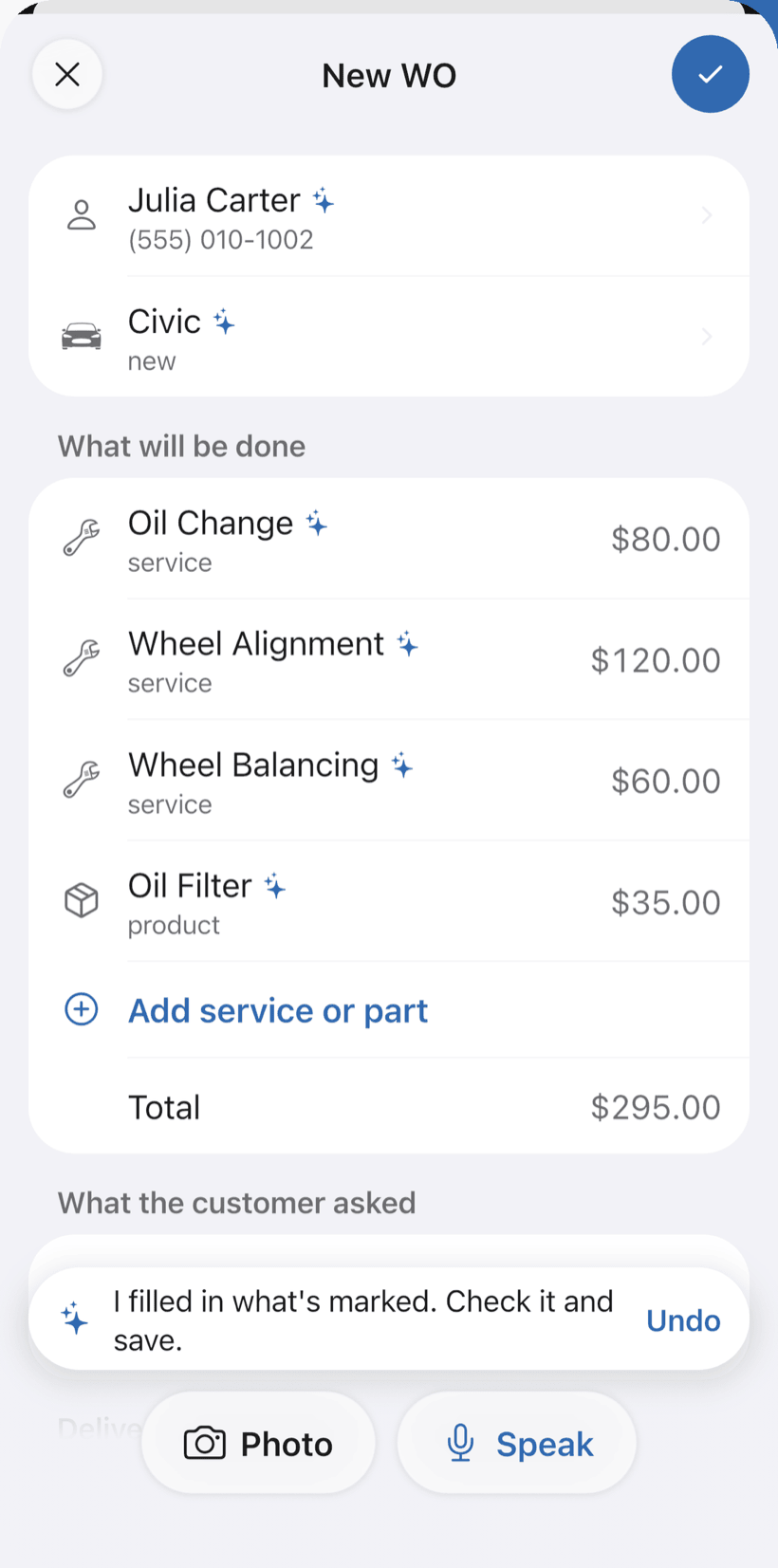
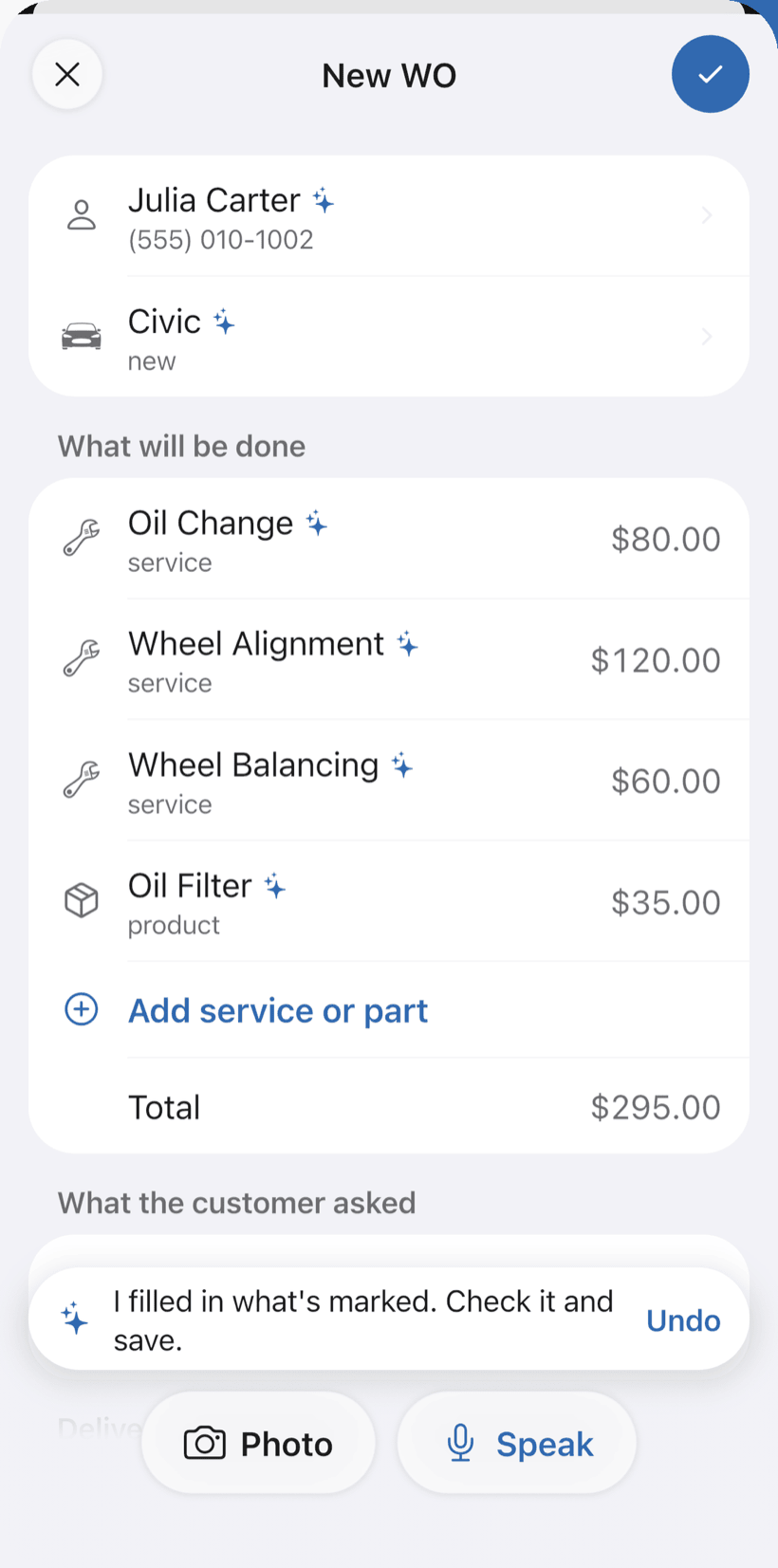
Tap + and Speak: “Julia's Civic, oil change and alignment.” AI fills in the customer, vehicle, services and parts with the prices from your catalog.
- You can also take a photo of the plate or a handwritten request
- What AI filled in is marked for you to check, and you can undo it
- Fix it by speaking: “alignment is 100”
-
Record it with photos and a checklist
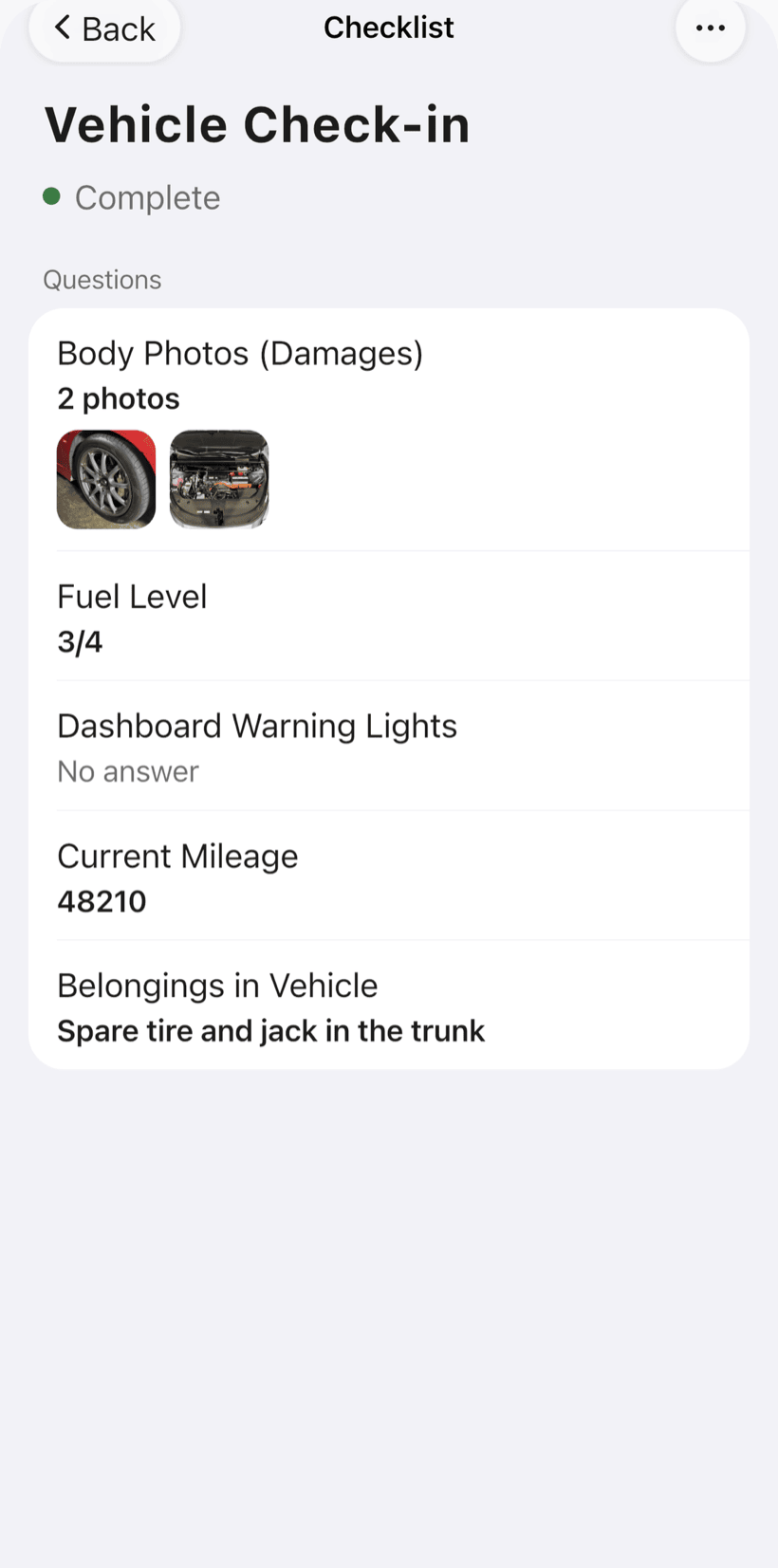
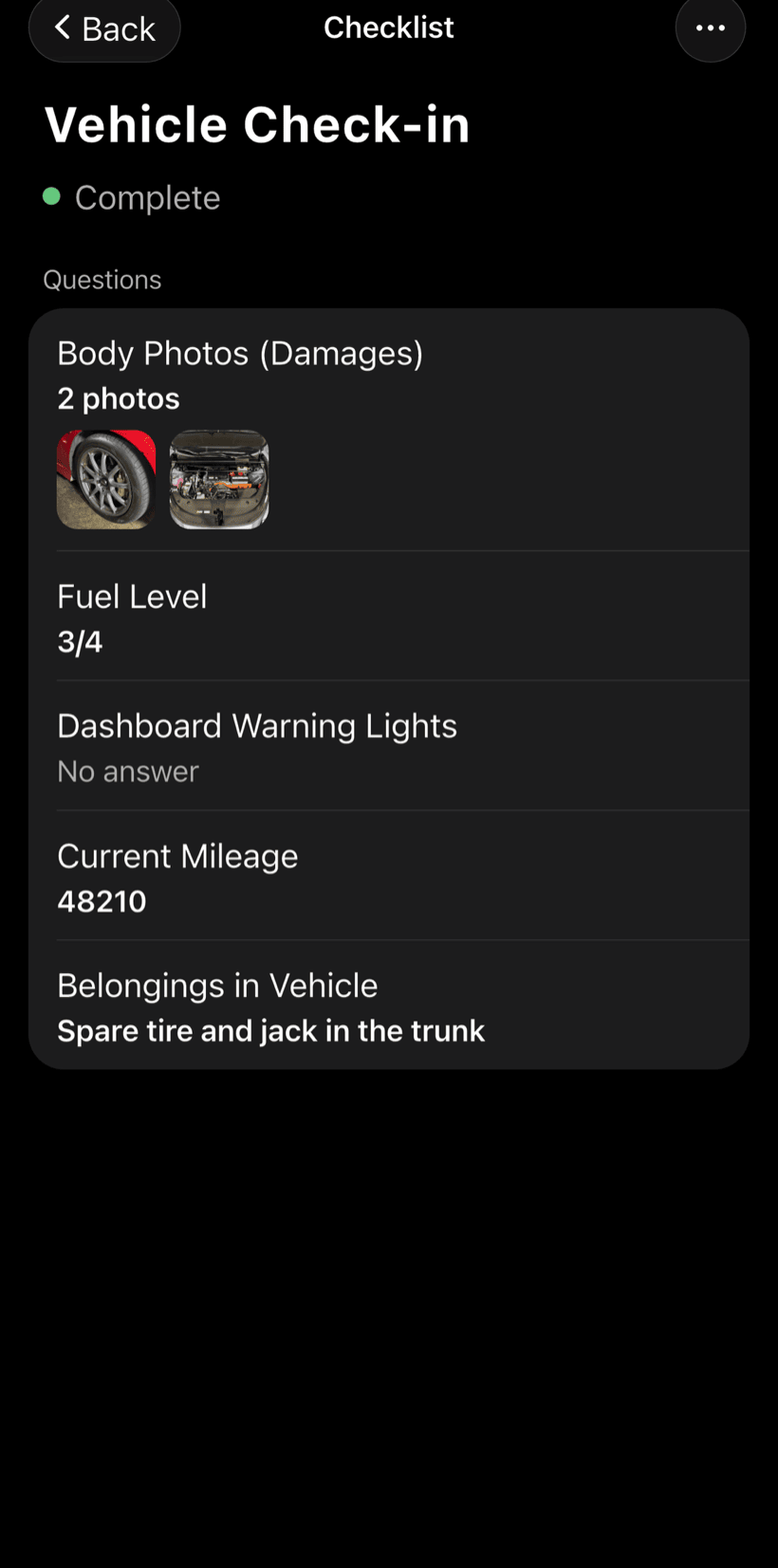
Shoot the before and after right in the work order. The check-in checklist shows how the item arrived, before anyone touches it.
- Photos stay in the order, not lost in your gallery
- Ready-made checklists for your trade, and you can adjust them
- Work order PDF with photos, ready to send or print
-
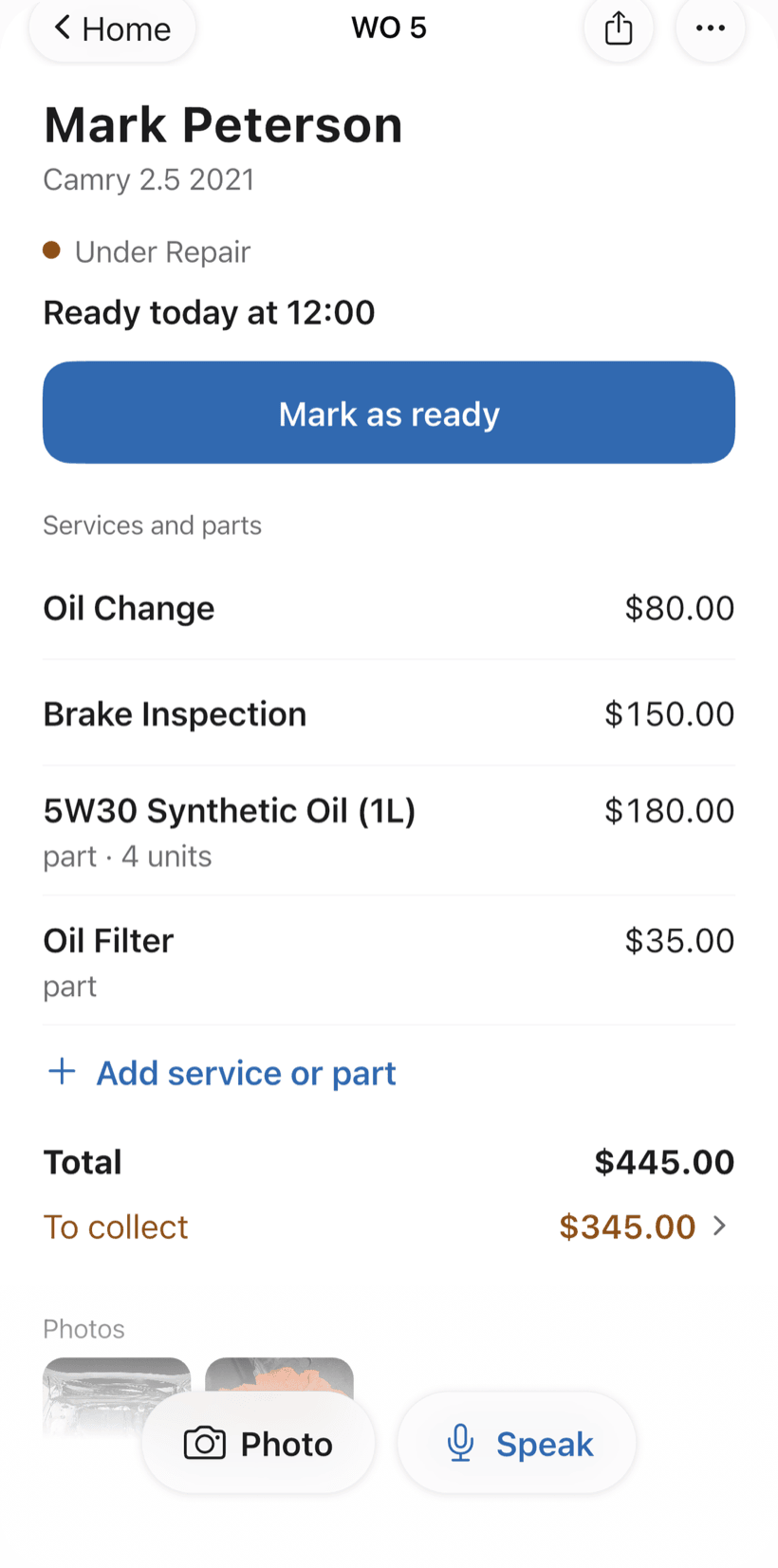
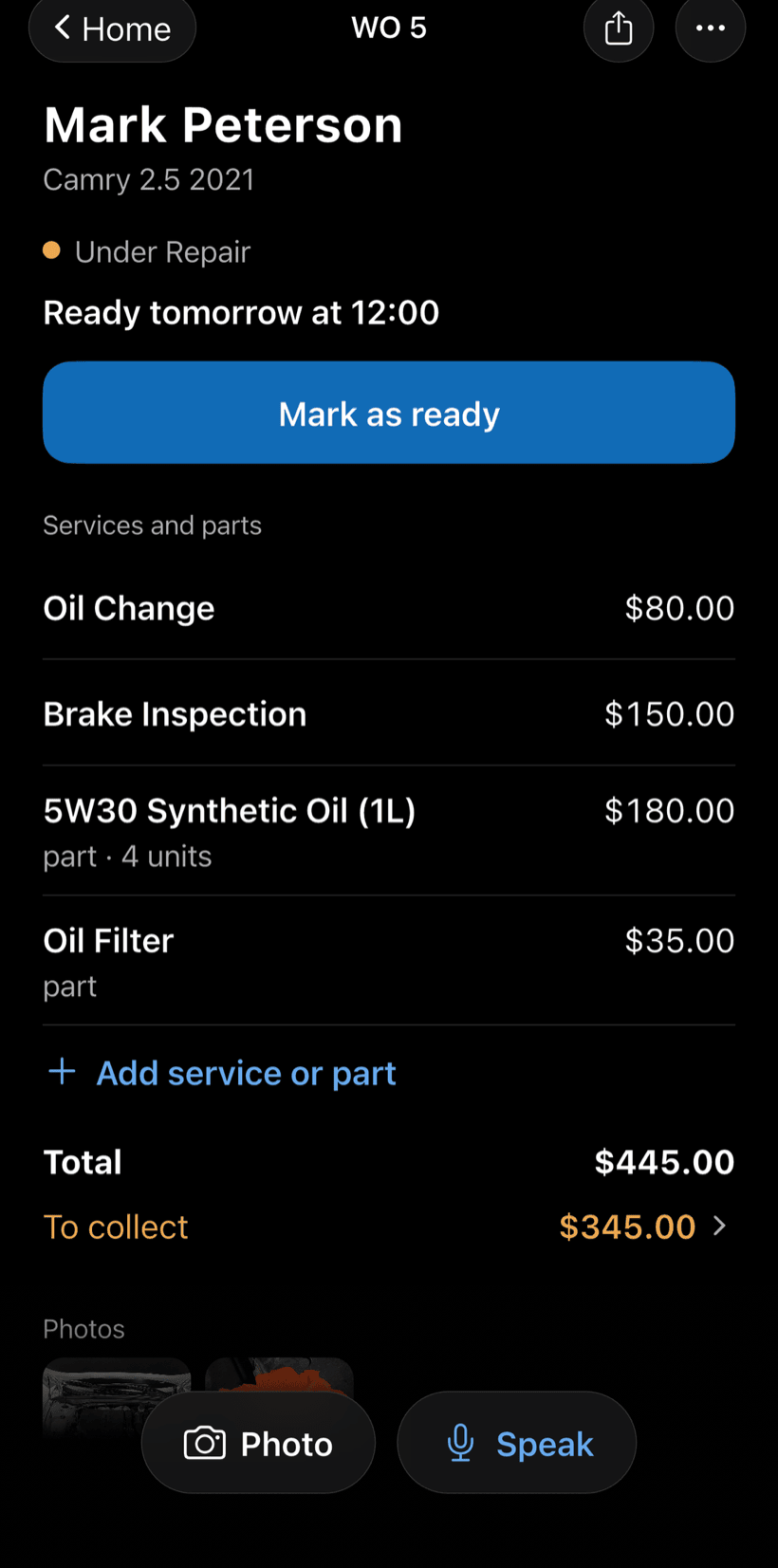
Send the link to the customer
The customer opens the work order in the browser, nothing to install. They see photos and prices, approve the quote and leave comments.
- Approval is recorded on the order itself
- The customer follows progress without calling
- At the end, they rate the job through the same link
-
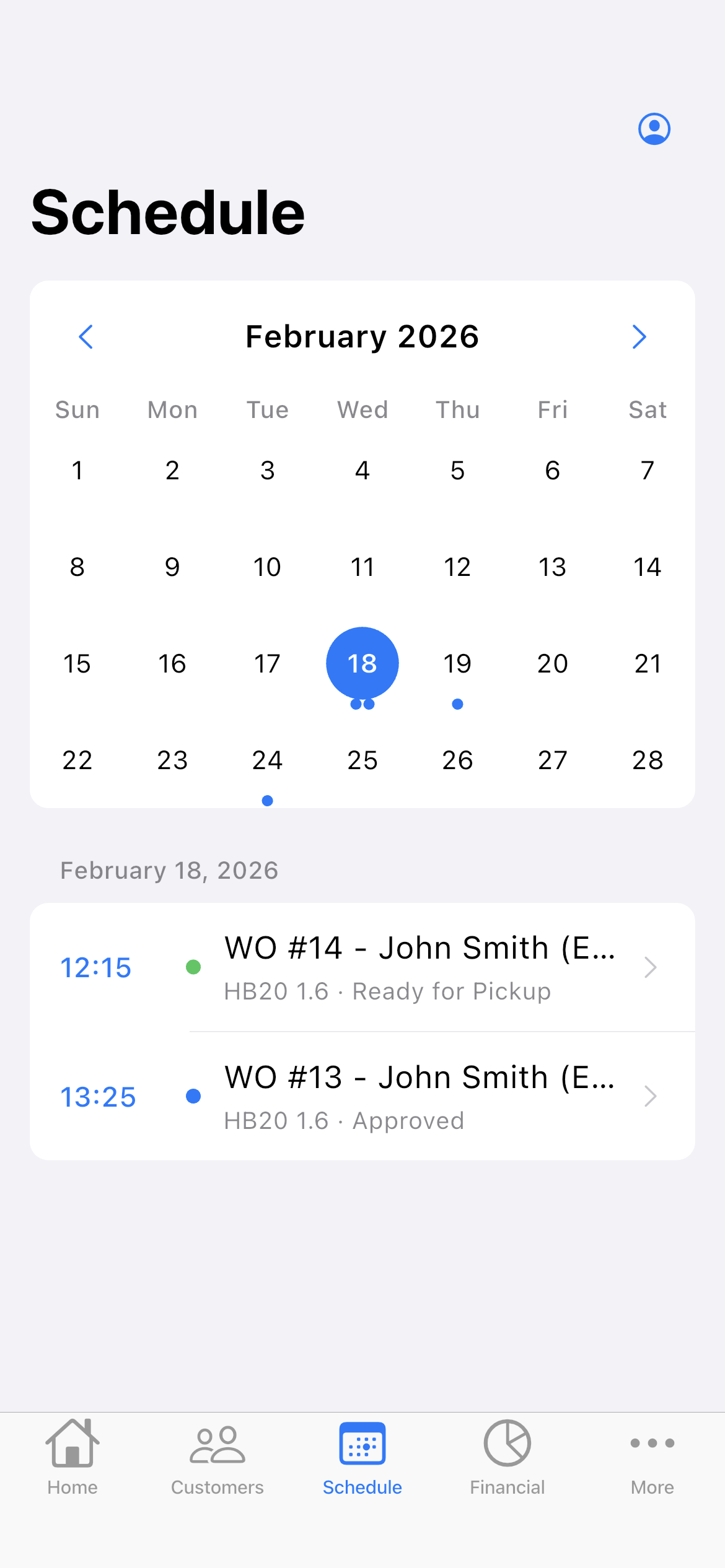
Set the day and time
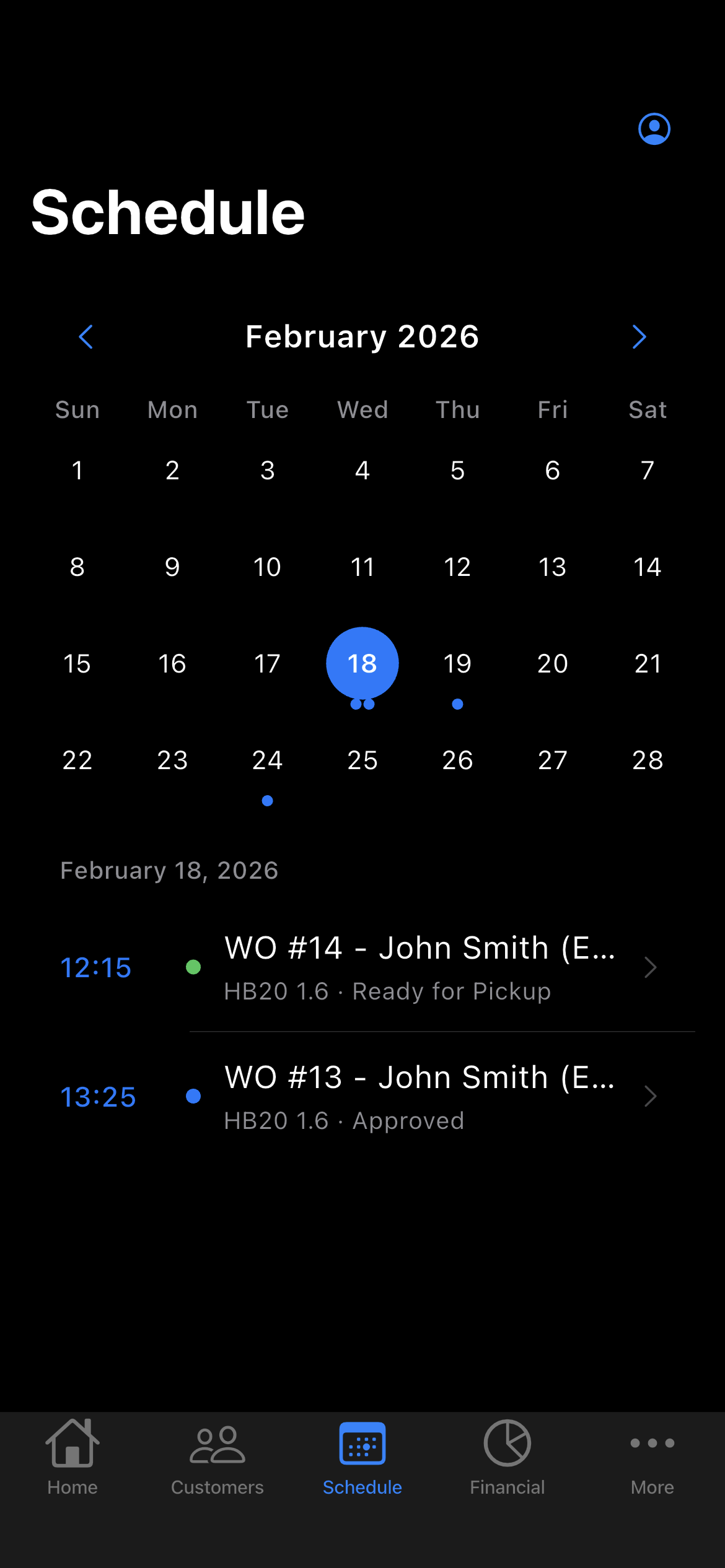
The Schedule shows the week and each day's appointments. The app reminds you before each one.
- Phone reminder before the appointment
- Daily summary at 9 AM, if you want it
- A nudge when a quote has gone unanswered
-
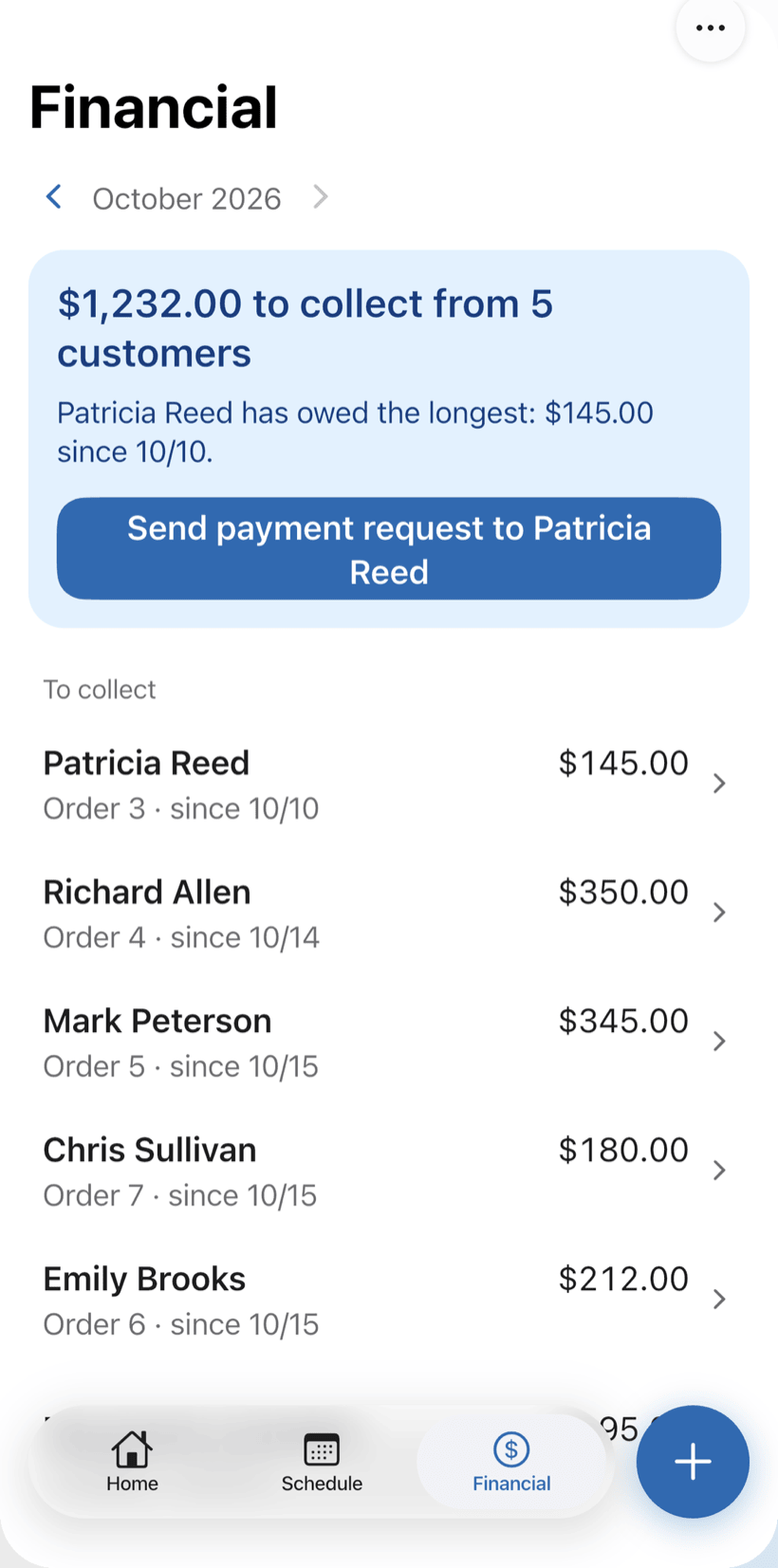
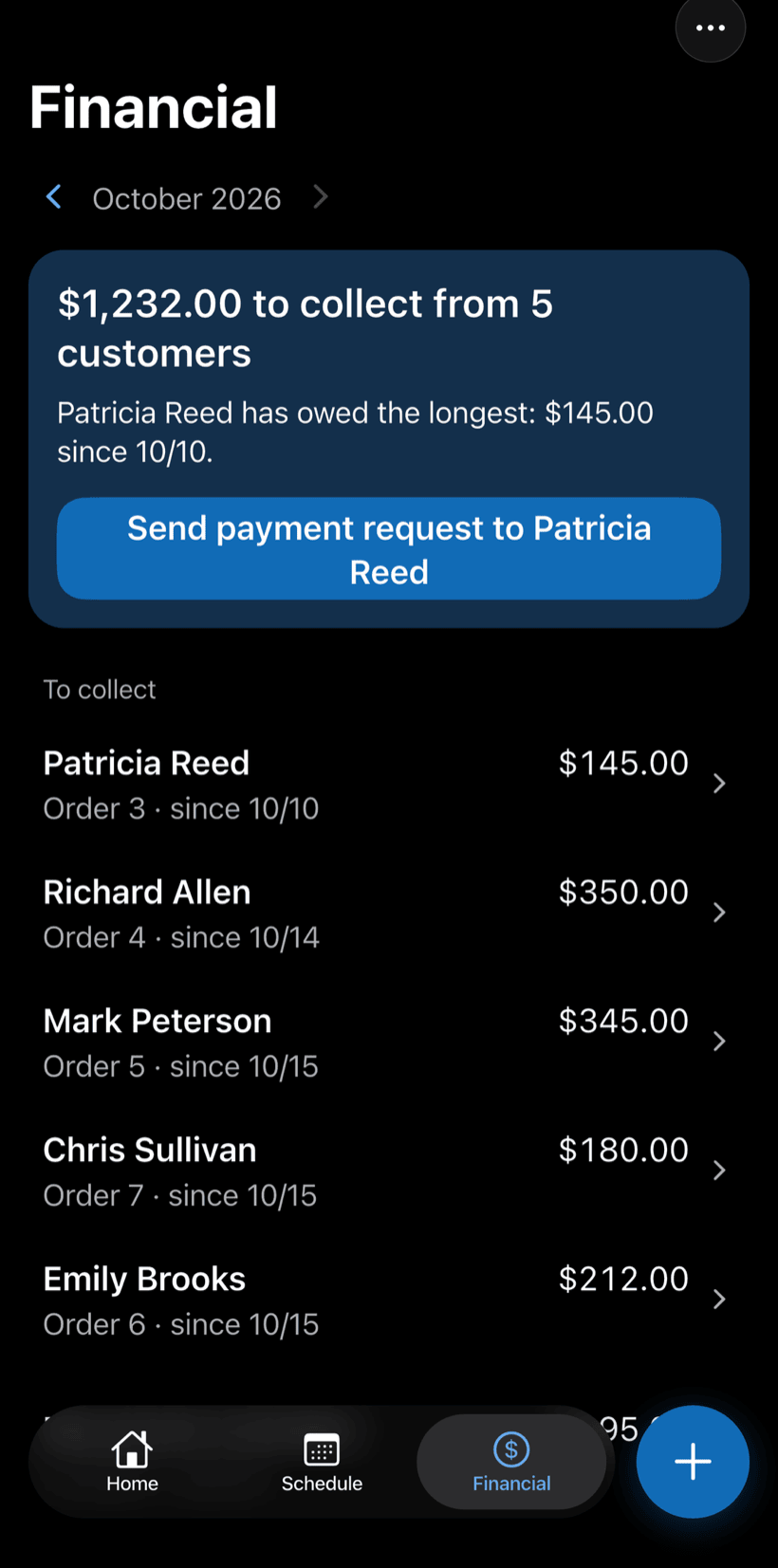
See what's left to collect
The Financial tab shows what's left to collect and from whom. Record what the customer paid, all at once or in parts.
- Whoever has owed the longest shows first
- Send the payment request to the customer in one tap
- What came in this month, on one screen
Built for people who repair, install and maintain
PraticOS adapts to your trade. In an auto shop the field is called vehicle, in a phone repair shop it is device, in HVAC it is equipment. Find yours:
- Phone Repair Shop
- Home Automation
- Pest Control
- Electrician
- Appliance Repair
- Electronics Repair
- Elevator Maintenance
- Solar Installer
- Asset Maintenance
- Building Maintenance
- Furniture Assembly
- IT Services
- Cleaning Services
- Public Works / Municipalities
- Auto Repair Shop
- Bike Shop
- HVAC Technician
- CCTV & Security
Download it and open your first order today.
Start free. Paid plans available in the app.
Questions? Talk to us on WhatsApp praticos@rafsoft.com.br FAQ