
From roof to inverter, on one work order.
PraticOS is the work order app for solar installers. Log the system with its size and inverter serial, run the safety and commissioning checklists with photos, send the quote as a link and record the payment — all from your phone.
Start free · iOS and Android · paid plans in the app
- Customer
- Mark Anderson
- System
- 6.6 kWp · 12 panels
- Inverter serial
- SN 2207-48213
- Service
- Install on asphalt shingle roof
- Photos
- 12 attached
- Total
- $16,500.00
- Quote
- Approved
- Installing
- Generating
Where a solar installer loses money
The sale closed. The losses show up later: the return trip because a photo was missing, the reading nobody wrote down and the balance nobody collected.
-
Quotes as loose PDFs
There were three versions of the proposal and nobody knows which one the customer approved.
In PraticOSThe quote lives on the work order, with equipment and labor from your catalog. The customer approves it by link and the approval is recorded.
-
Commissioning with no record
Months later the customer says the system underperforms, and there's no note of how it was handed over.
In PraticOSThe commissioning checklist records system size in kWp, DC voltage and current on the main string and photos of the inverter and panels.
-
Crew on the roof with no check
Nobody knows whether PPE and the lifeline were checked before going up.
In PraticOSThe safety checklist asks for PPE, anchorage, DC/AC shutdown and a photo of the work area before the job starts.
-
Customers calling about the job
“When are you installing?” “Is it generating yet?”
In PraticOSThe customer opens the work order from a link and sees the status — installing or generating — with the job photos.
-
After-sales with no history
The customer calls for service and nobody can find the inverter serial.
In PraticOSEach system keeps its size, panel count, install date and inverter serial. Search the work order list by serial or customer.
-
The forgotten balance
Deposit paid, balance due on completion — and at month end nobody knows who still owes you.
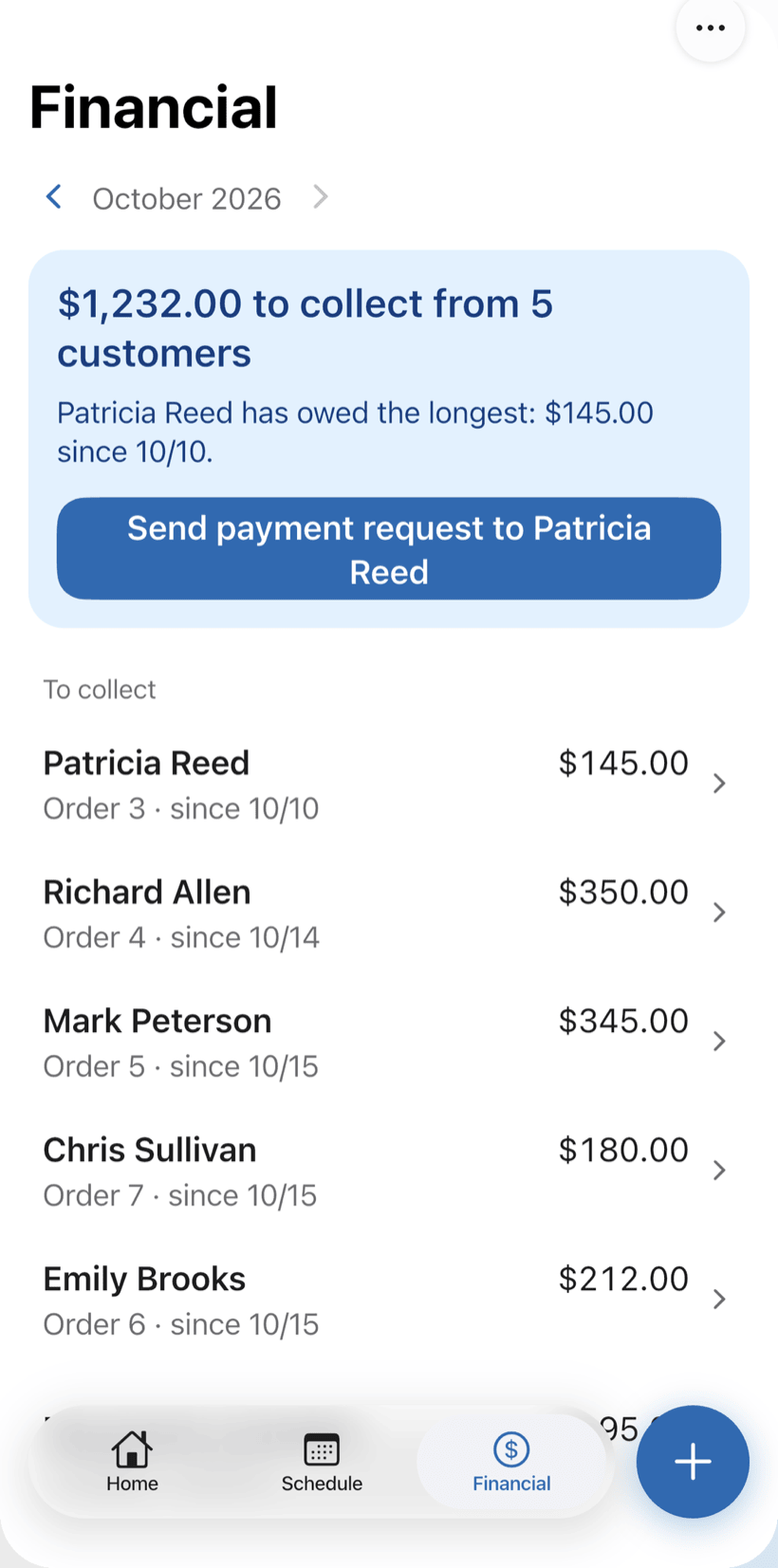
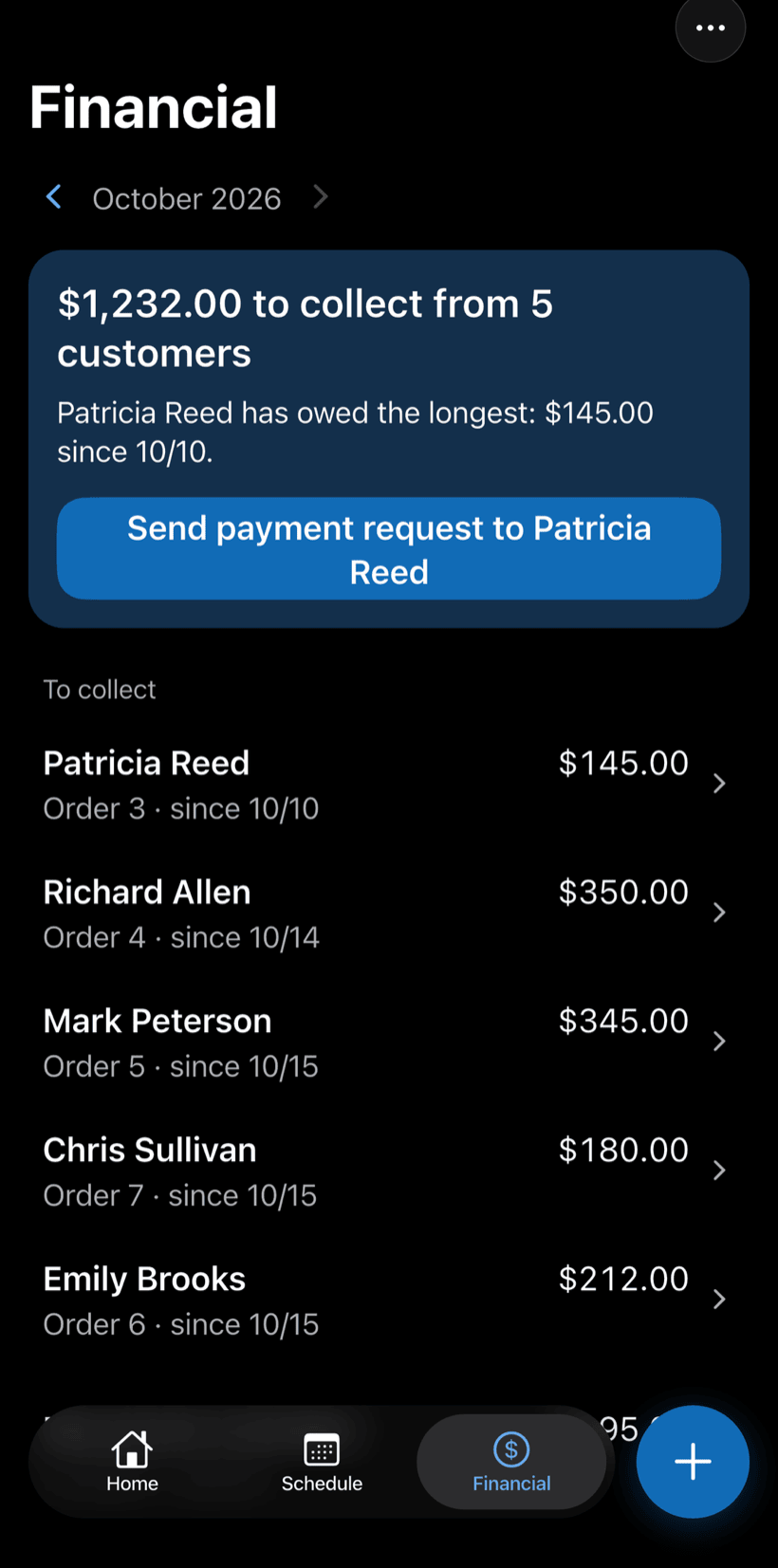
In PraticOSRecord the deposit and the balance as partial payments on the work order. Financial shows how much is left to collect and from whom, with a button to send the payment request.
How an install moves through PraticOS
From quote to generating, every step is recorded on the customer's work order.
-
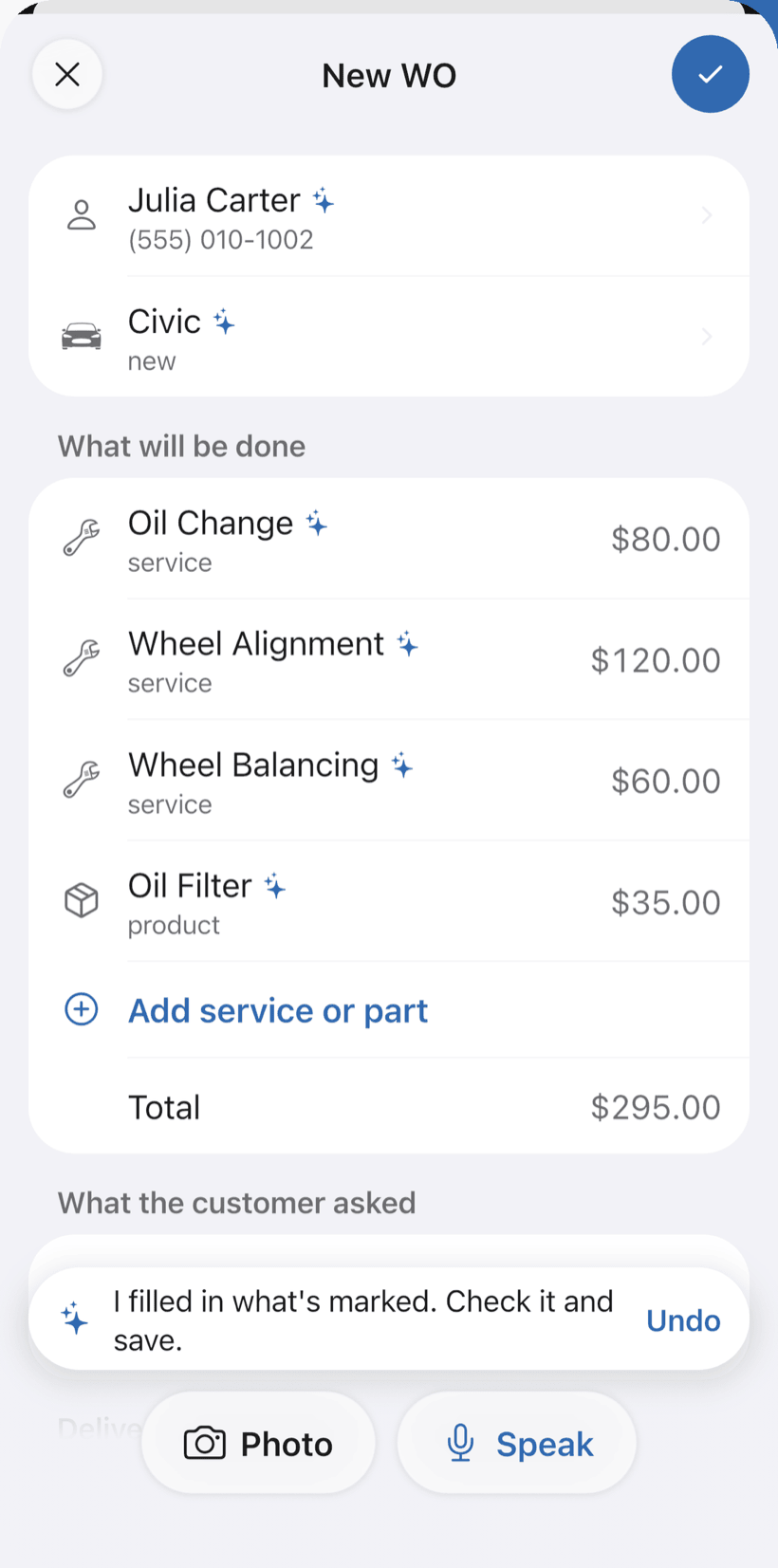
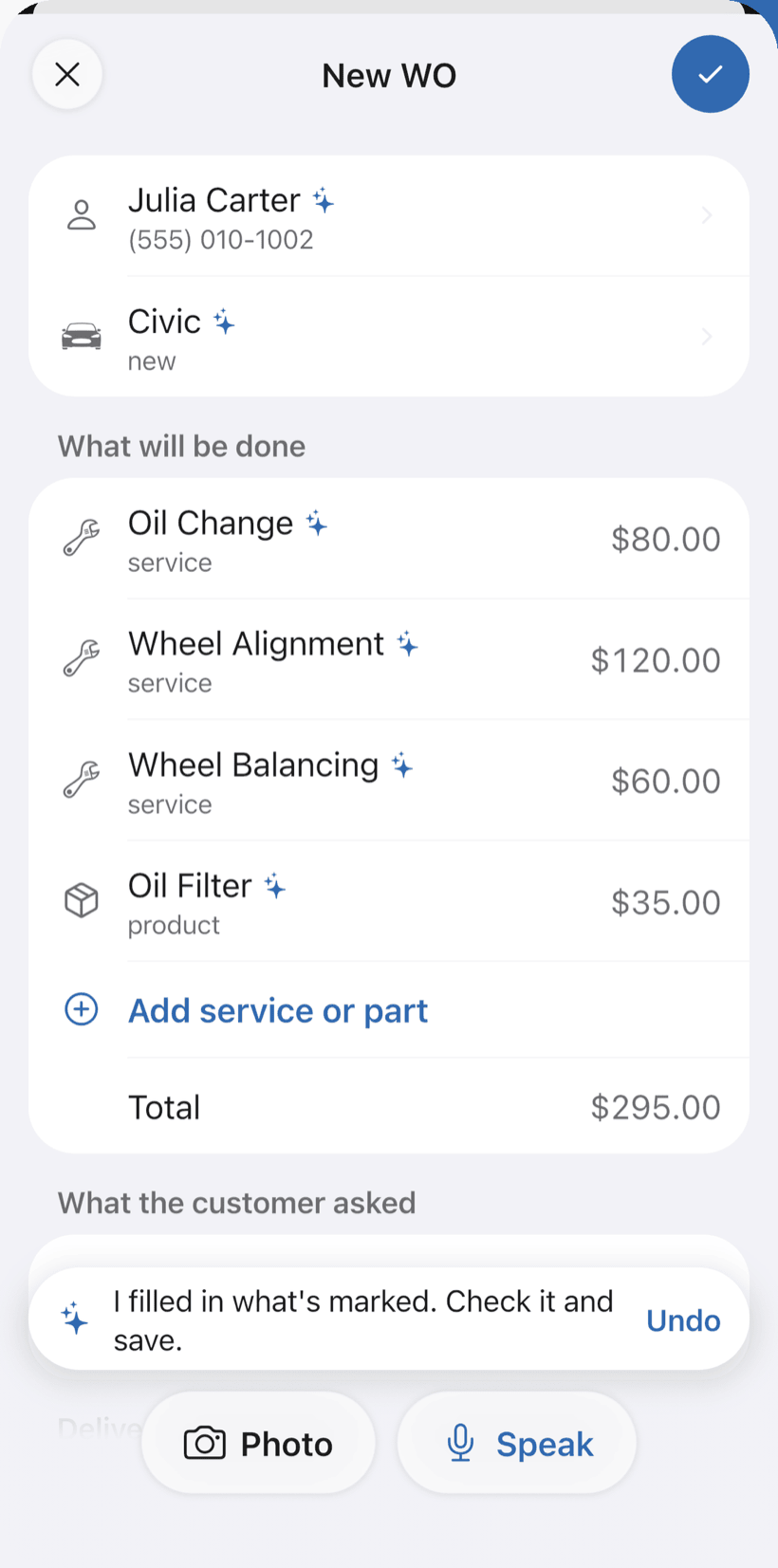
Say the install and AI opens the order
Tap Speak: “Paulo’s system, 12 panels of 550 W, 6 kW inverter, install on the 20th.” AI fills in the customer, equipment and labor with the prices from your catalog. You check it and save.
- What AI filled in is marked with ✦
- Fix it by speaking: “labor is 2,500”
- Or take a photo of the written request
-
The install on the schedule
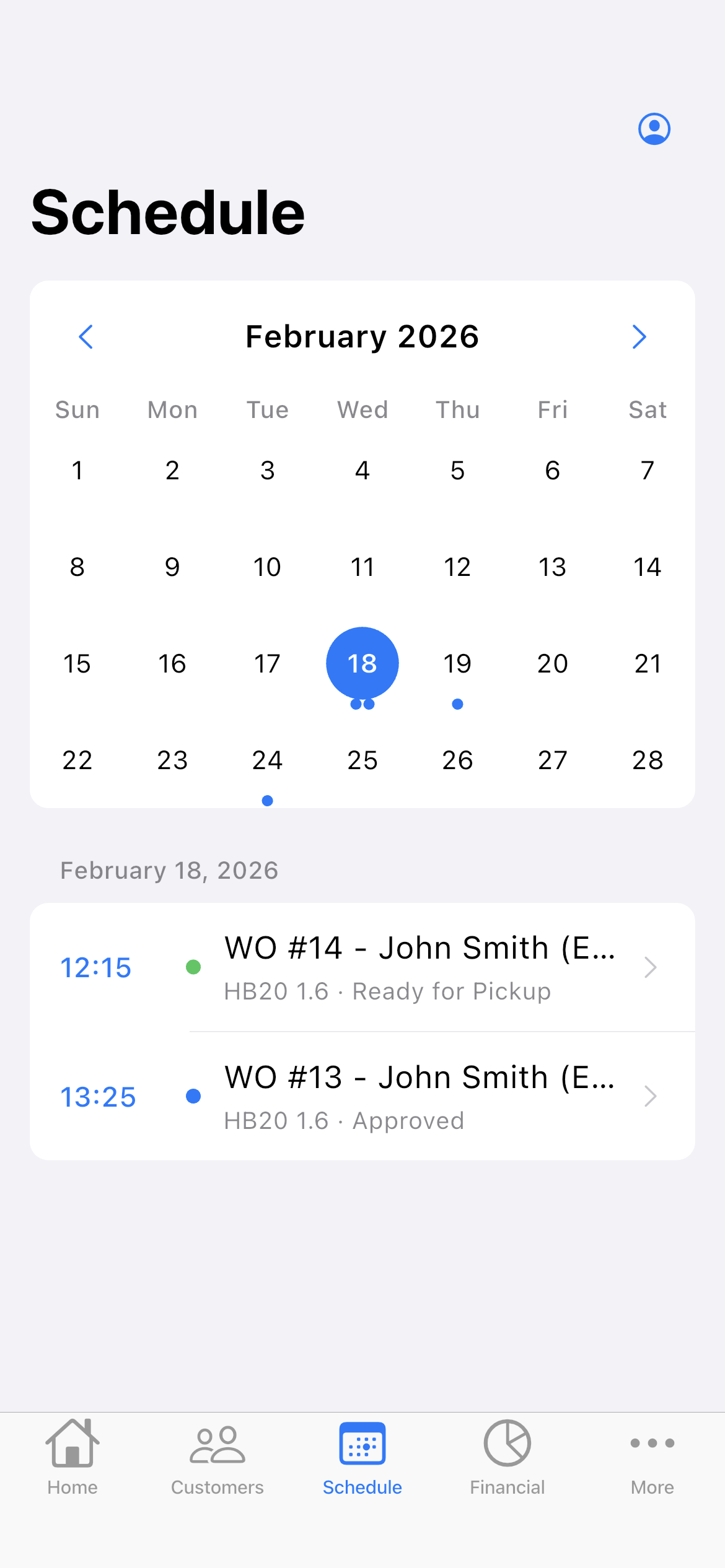
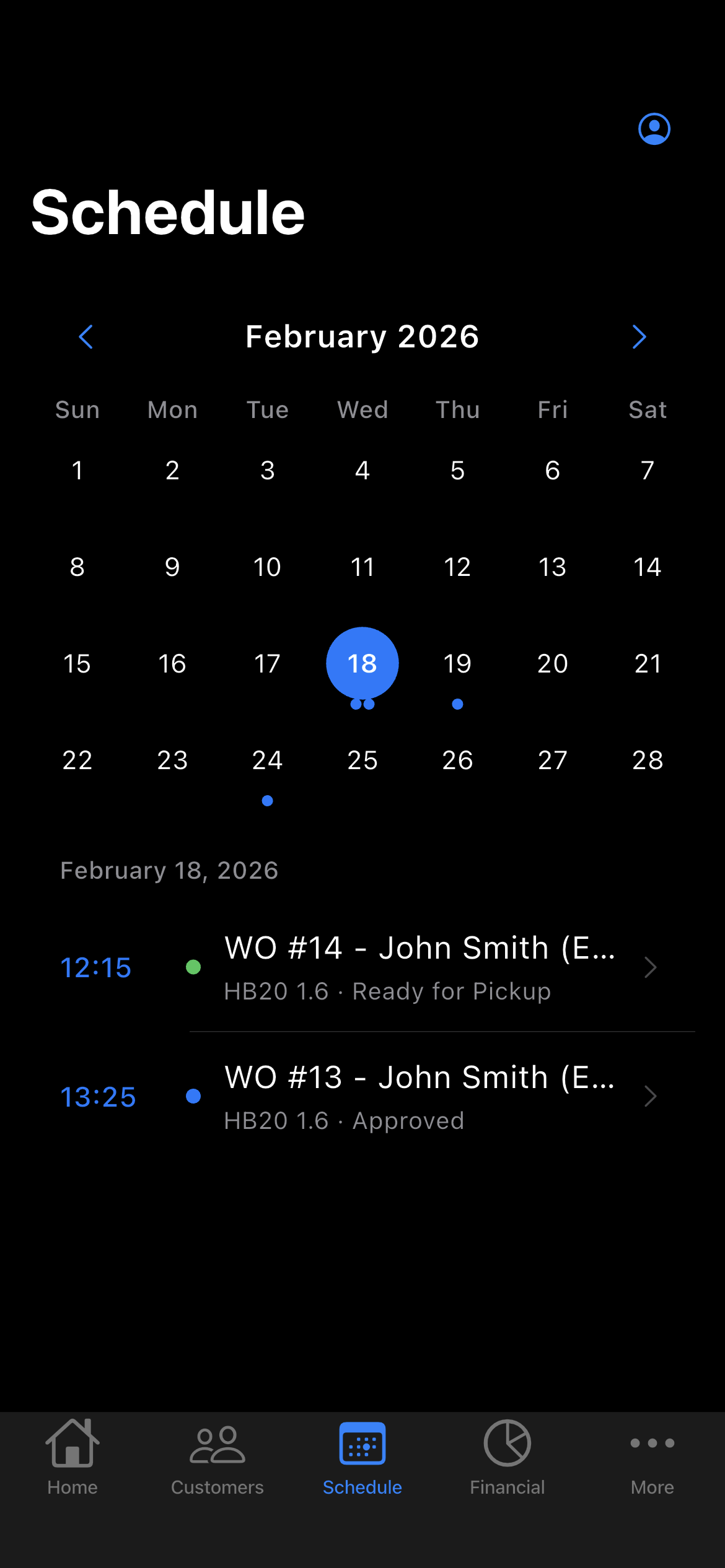
With a date on the work order, the install goes on the Schedule, and your phone reminds you before the appointment. Maintenance and panel cleaning go in the same way.
- The week on top, the day’s appointments below
- Phone reminder before the appointment
- Daily summary at 9 a.m., if you want it
-
Send the quote by link
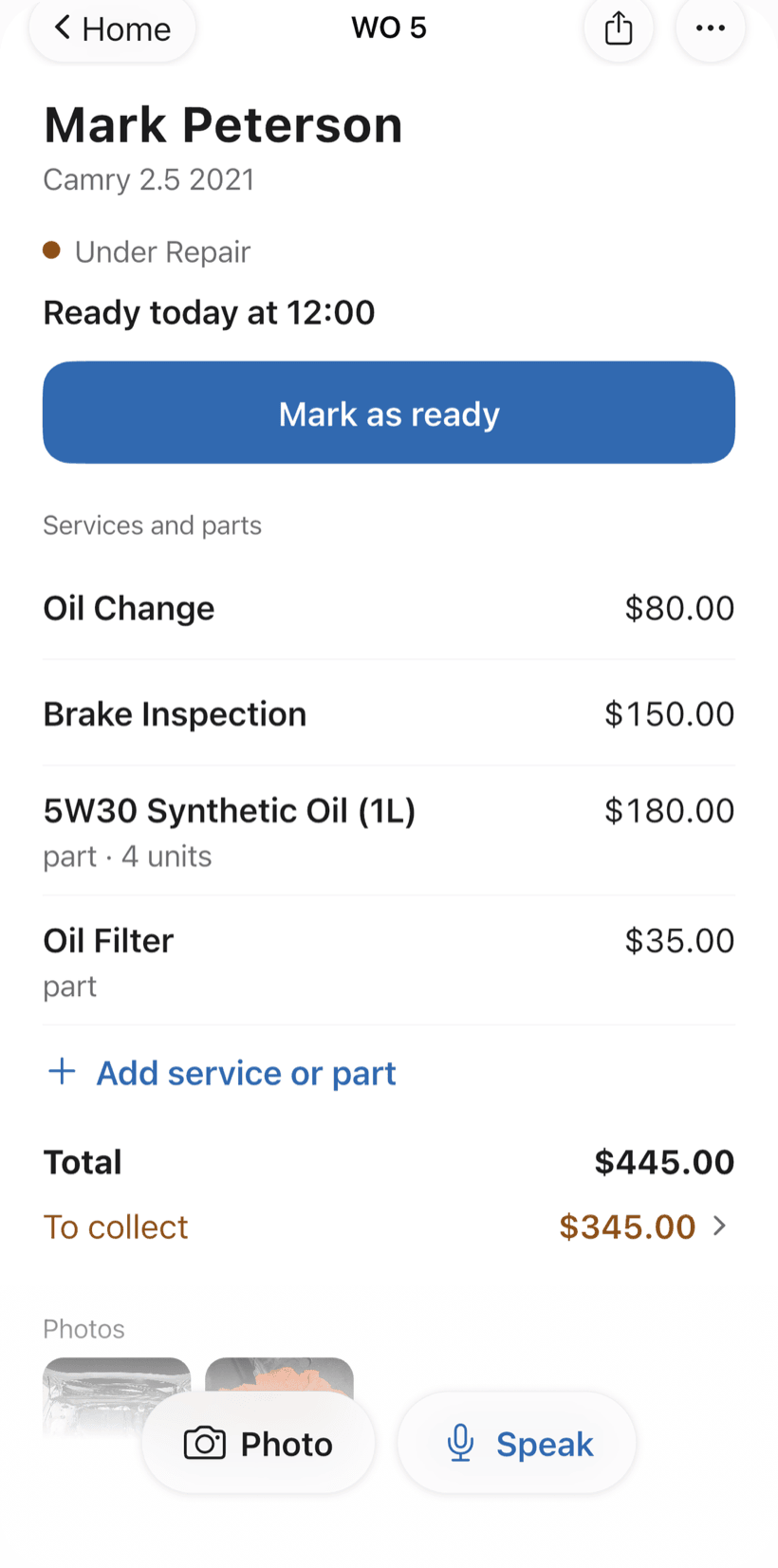
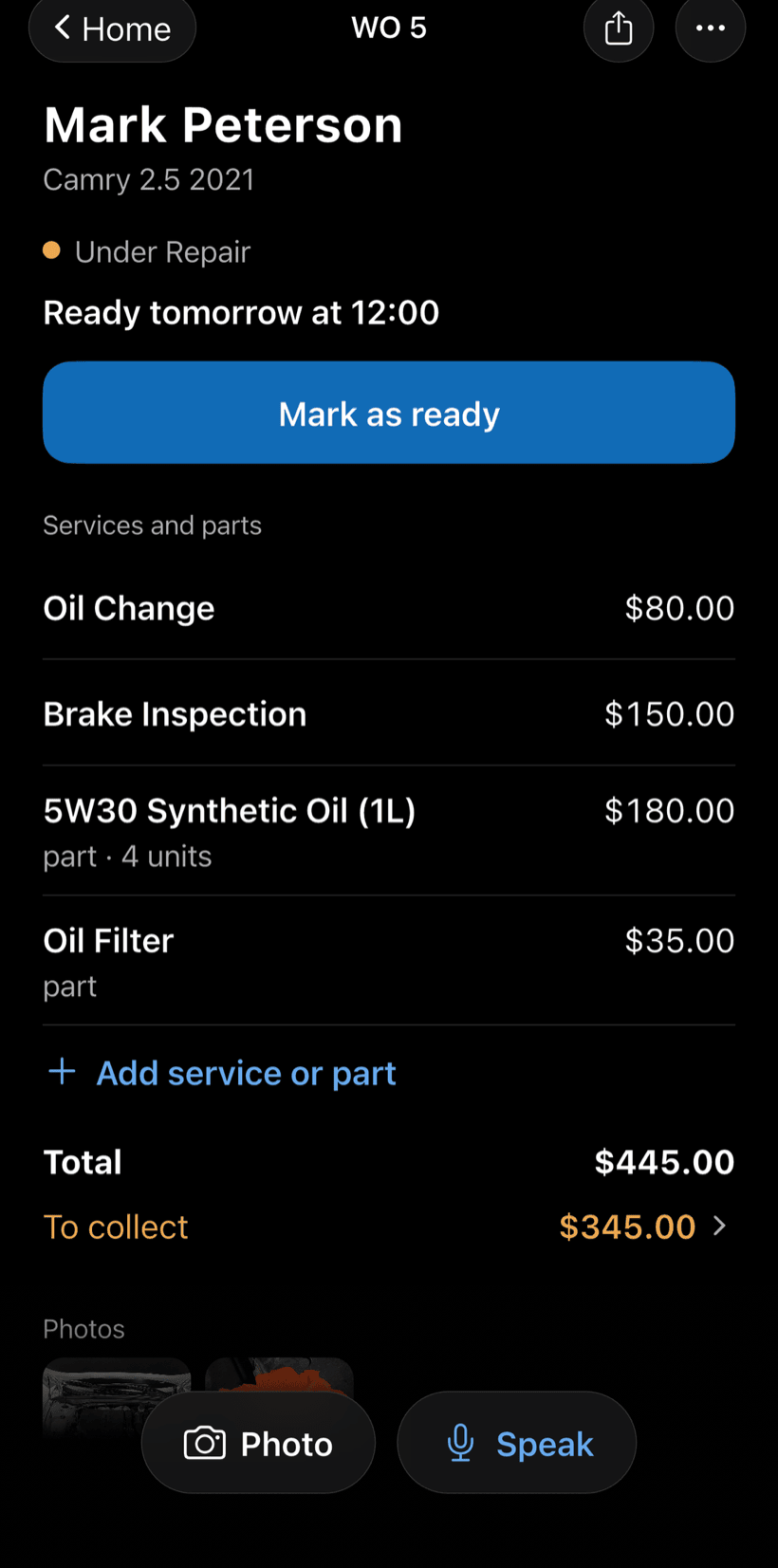
The customer opens the work order in the browser, with nothing to install. They see items and prices, approve and leave comments. Then they follow the status: installing, generating.
- Approval recorded on the work order
- The customer comments right on the order, no call needed
- Work order PDF to print or send
-
Install with a checklist
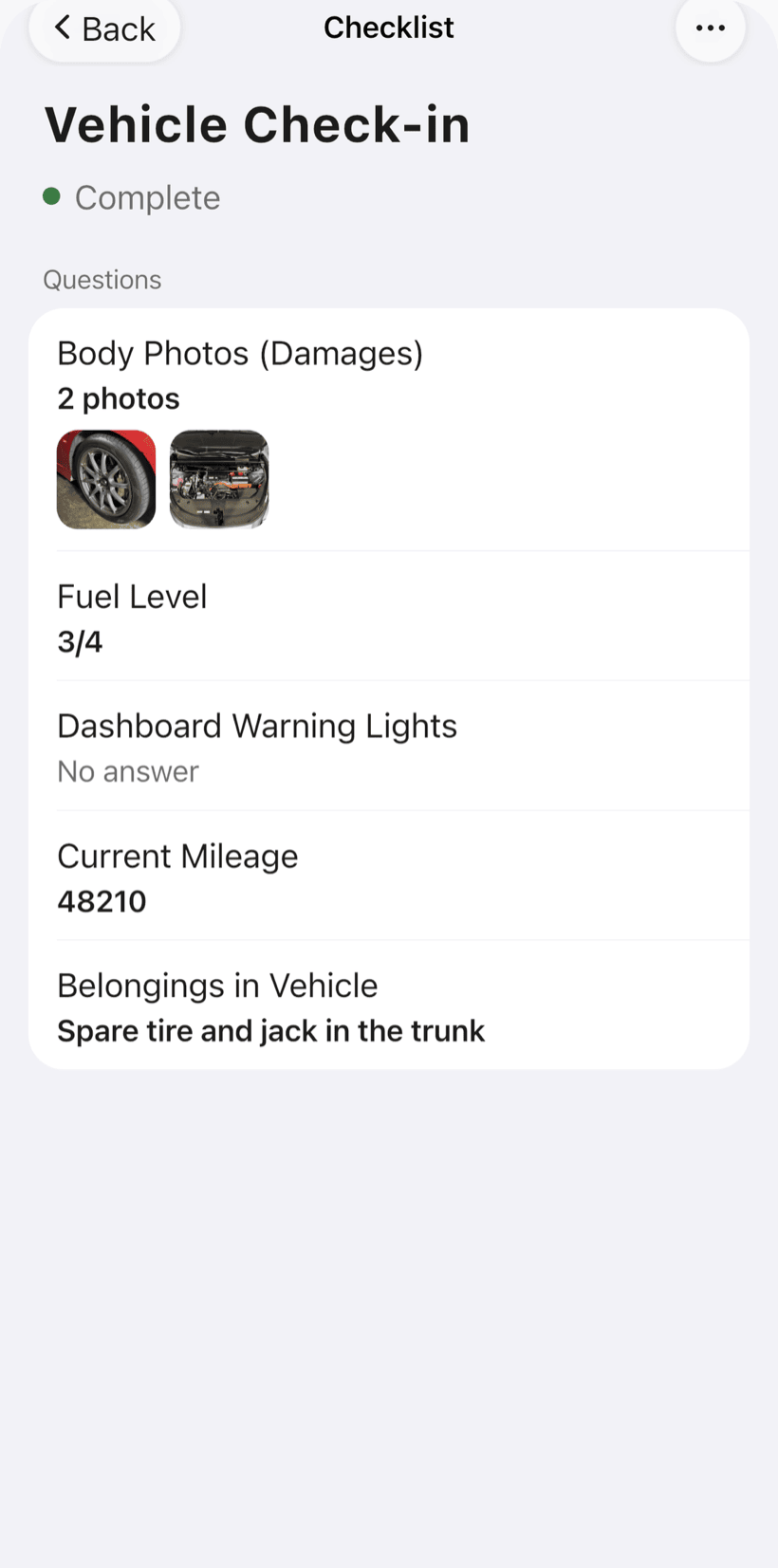
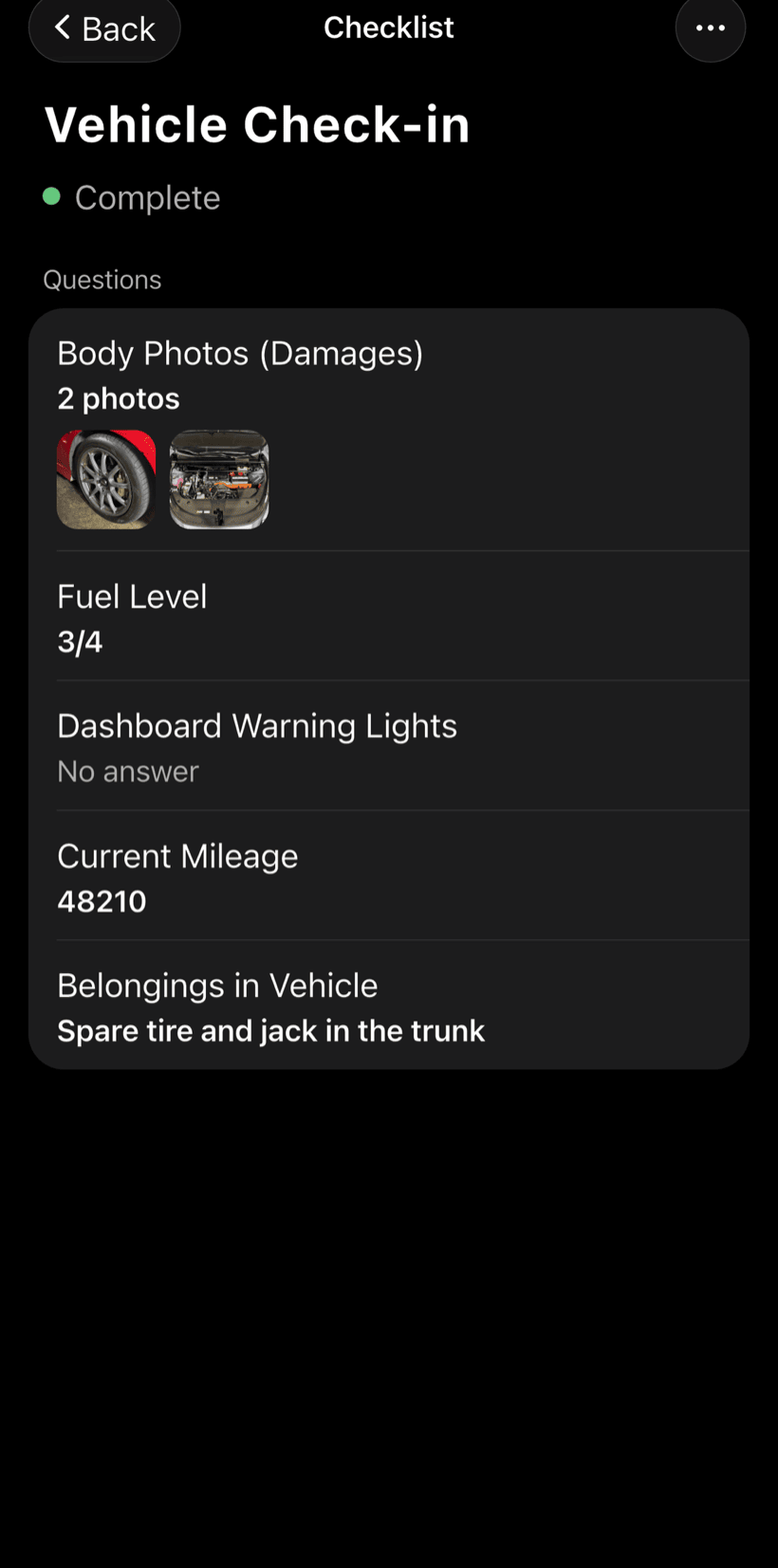
Safety before going up, commissioning at power-on, handover and guidance at the end. The templates come ready and you adjust the items.
- DC voltage and current of the main string
- Photos of the inverter and panels
- Monitoring set up and guidance given
-
Deliver and get paid
Record the deposit and the balance as partial payments, with a discount if needed. Financial shows how much is left to collect and from whom.
- Partial payments and discounts in the same order
- Whoever has owed the longest shows up first
- Monthly report of what came in
Questions from solar installers
If yours isn't here, send us an email — the PraticOS team answers it.
Do I have to pay to use it?
You can start free, with no limit on work orders or customers. The free plan has a monthly limit on photos and AI use, and one checklist template. Paid plans, subscribed in the app, raise those limits and unlock your team.
Does PraticOS do system design or sales proposals?
No. It handles the work order: quote with your catalog items, customer approval, install checklists, photos and payment. System design stays in the tool you already use.
Does it pull data from the inverter?
There's no integration with monitoring platforms. The technician records the readings on the commissioning checklist and marks whether monitoring was set up for the customer.
Does it work for maintenance and panel cleaning?
Yes. Each visit is a work order on the same system, so service calls sit next to the install history.
Can installers use it on their own phones?
Yes, if someone works with you. Tap the profile button at the top of Home, go to Team and invite them with an invite code, which you can send over WhatsApp, and they sign in with their own account on their own phone, with a role such as Technician or Manager. Inviting someone requires a paid plan, subscribed inside the app.
Download it and open your first order today.
Start free. Paid plans available in the app.
Questions? Talk to us on WhatsApp praticos@rafsoft.com.br FAQ