
From survey to handover, every camera on file.
PraticOS is the work order app for people who install CCTV, alarms, access control and electric fences. Say the job and the AI opens the order. Survey the site, send the quote as a link, record commissioning with photos and get paid — from your phone.
Start free · iOS and Android · paid plans in the app
- Customer
- Corner Market on 5th
- System
- CCTV · 16-channel NVR
- Service
- Install 8 IP cameras
- Remote access
- Set up on owner's phone
- Photos
- 14 attached
- Total
- $2,850.00
- Quote
- Approved
- Installing
- Operational
- Paid
Where a security installer loses money
It's not a lack of installs. It's the site visit that never became a quote, the password nobody wrote down and the “camera's down” call with no history.
-
Site surveys on paper
The tech checks the mounting points, internet and power, but the quote goes out days later with half the details.
In PraticOSThe pre-install survey checklist records system type, available internet, power points and photos of each spot, right on the work order.
-
Quotes the customer “never saw”
The proposal went out by text and the customer goes quiet. When they come back, camera prices have changed.
In PraticOSThe quote lives on the work order with equipment and labor from your catalog. The customer approves it by link and you get notified.
-
Installs handed over with no documented test
A month later the customer says recording never worked. You can't prove otherwise.
In PraticOSThe commissioning checklist covers recording, remote access, default passwords changed and tests run, with a photo of the setup as evidence.
-
Service calls with no system history
The tech shows up without knowing how many channels the recorder has or what was replaced last time.
In PraticOSEach system is on file with type and channel count. Search by name or identifier and see every work order for that customer.
-
Who's responsible for passwords and footage
The customer loses the NVR password or questions how footage is used, and the blame lands on you.
In PraticOSThe authorization and privacy form records the customer's contact person and their acknowledgment about keeping passwords and using recordings.
-
Installments and service calls untracked
Install paid in parts, one-off maintenance and late payers all in the same notebook.
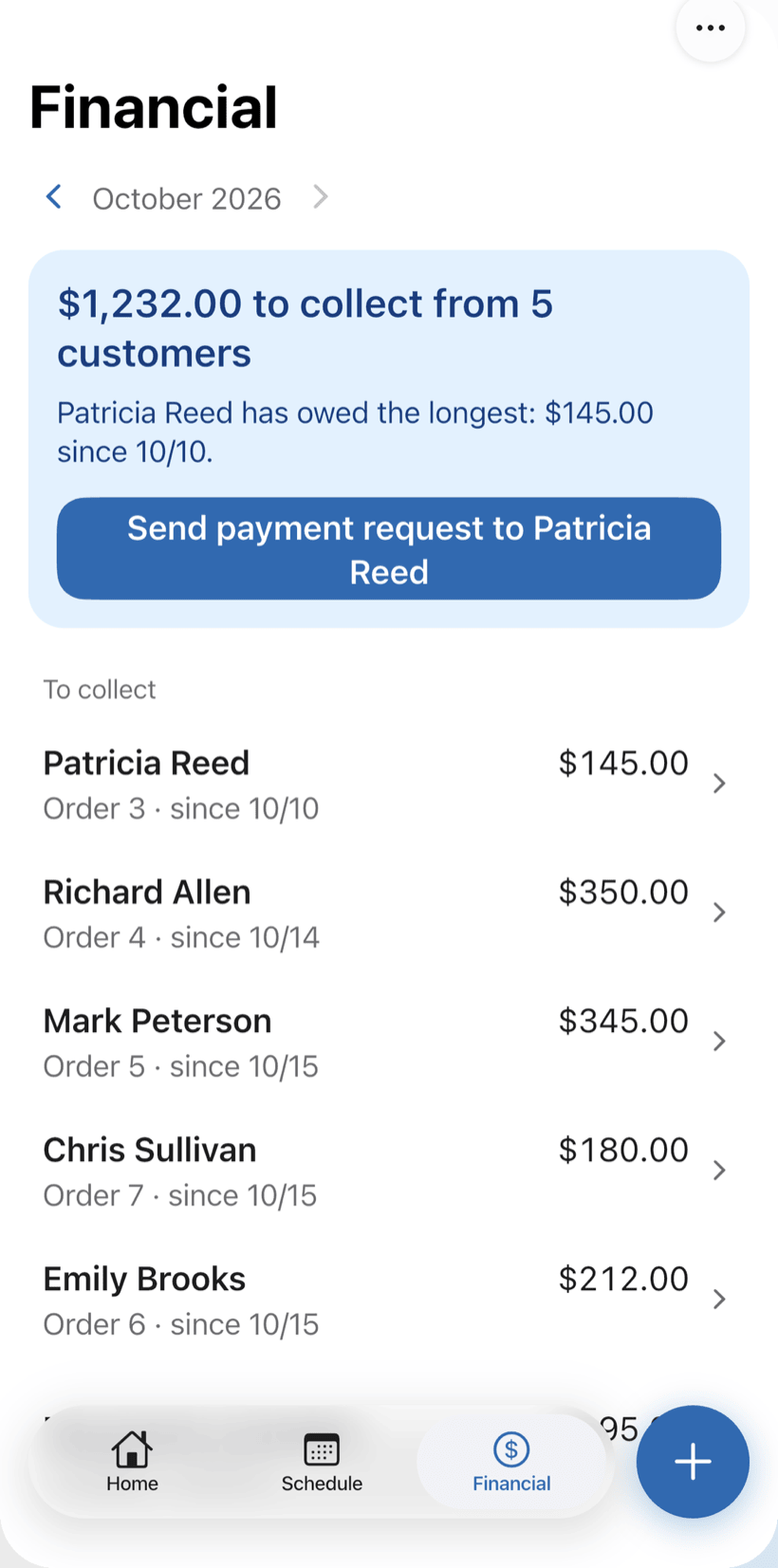
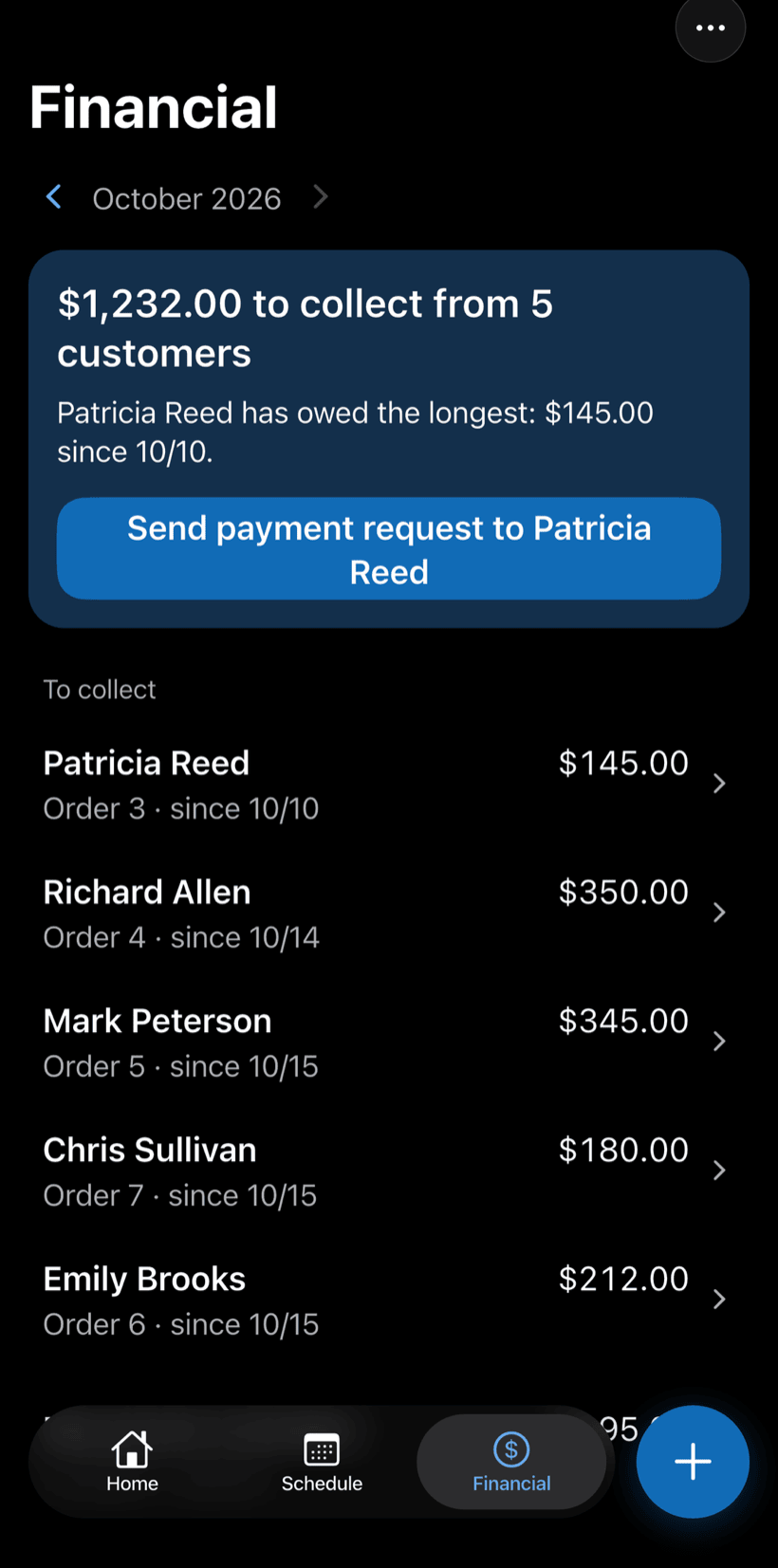
In PraticOSRecord full or partial payments on the order. Financial shows how much is still due, from which customers, and the monthly report of what came in.
How an install moves through PraticOS
From site survey to an operational system, every step is recorded on the work order.
-
Say the job and the AI opens the order
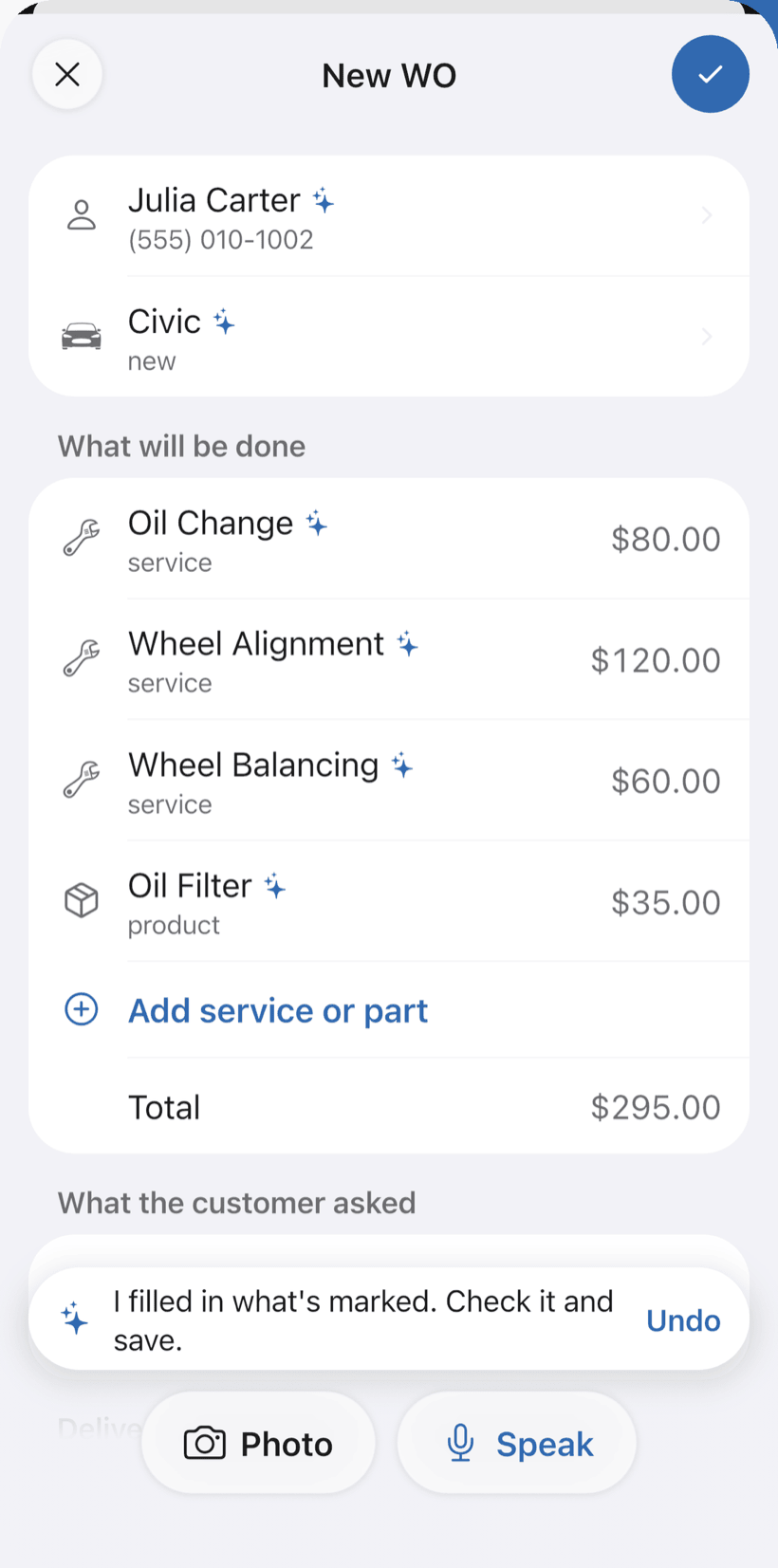
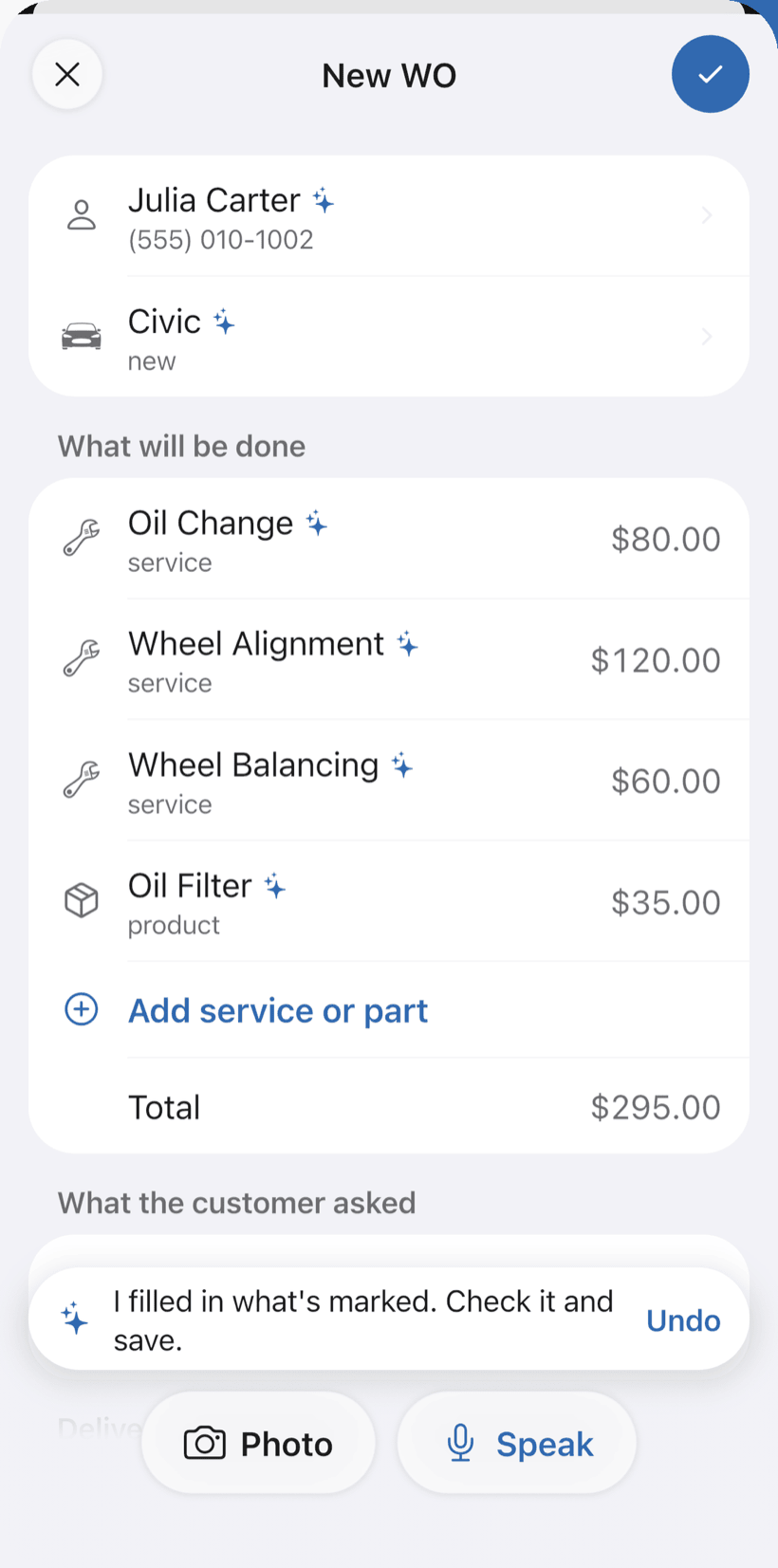
Tap Speak and say something like: “Good Price Market, install 8 cameras and an 8-channel NVR, site survey on Thursday”. Or photograph the written request. The AI fills in customer, system, equipment and labor with your catalog prices and marks what it filled with ✦.
- System with type and number of channels
- Fix it by voice: “labor is 900”
- Nothing is saved until you check it
-
Survey the site
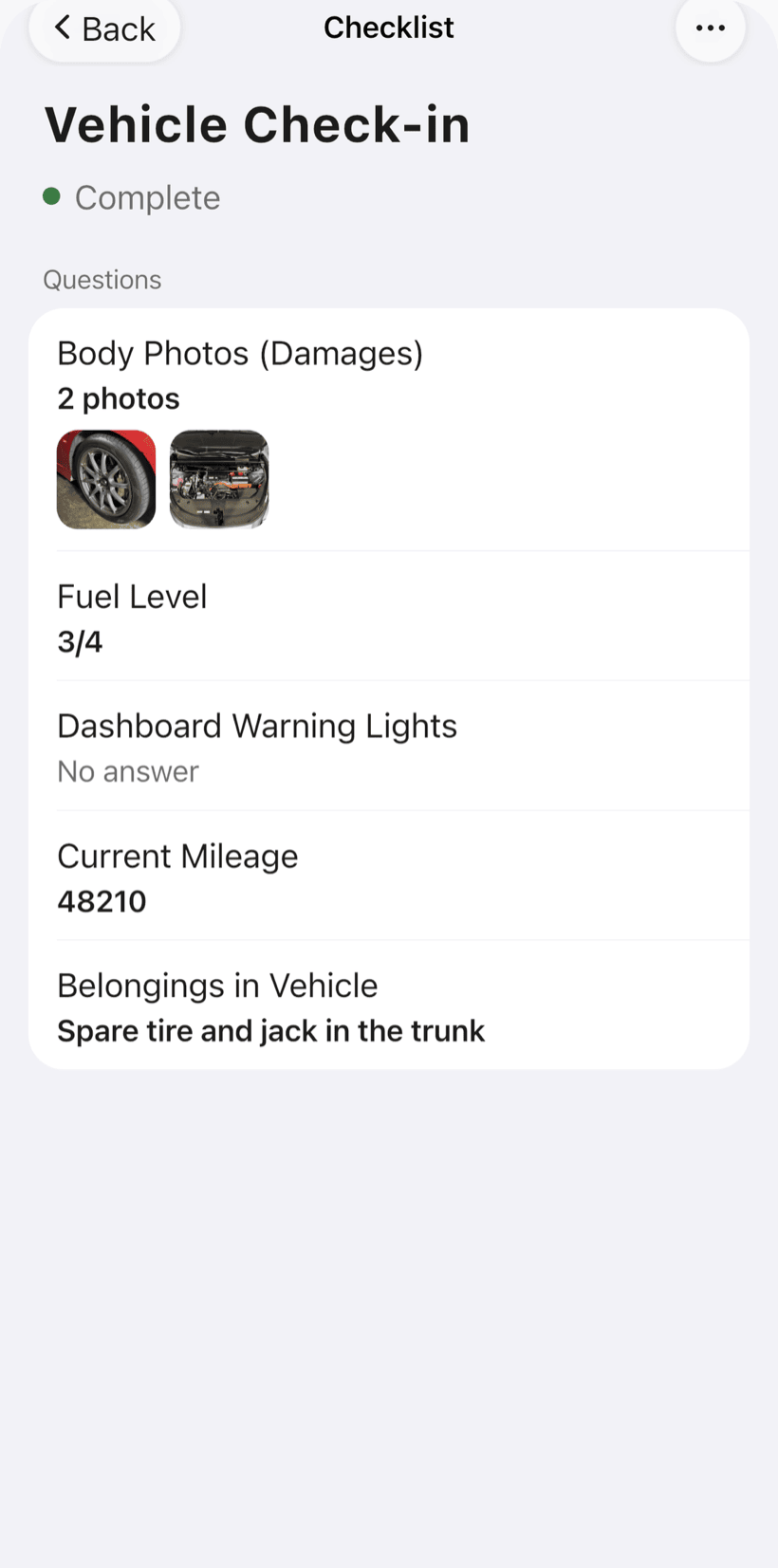
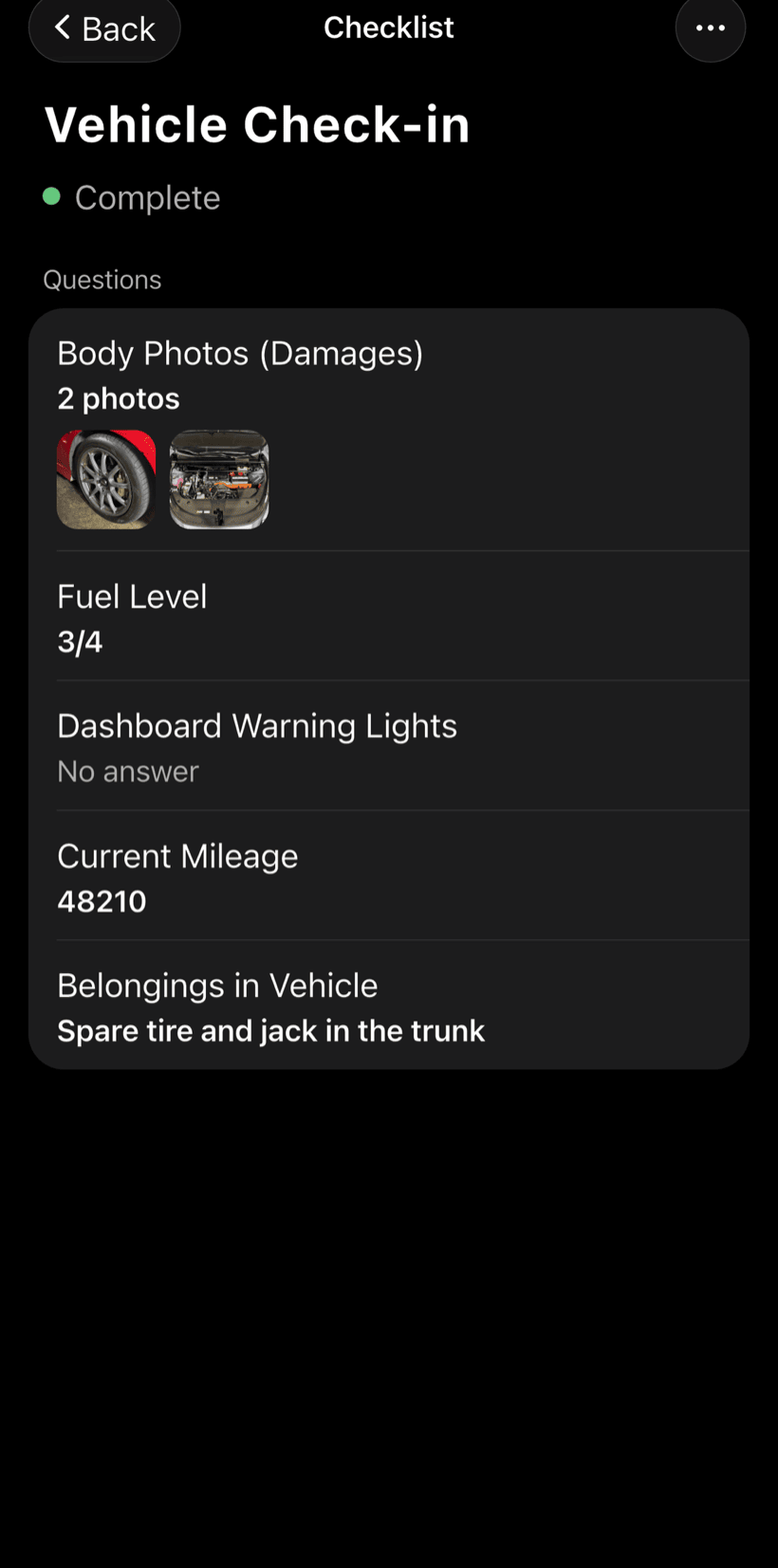
On the order, open the site survey checklist: it comes ready to use and you can adjust the items.
- System type: CCTV, alarm, access control, intercom
- Internet and power available on site
- Photos of each mounting point
-
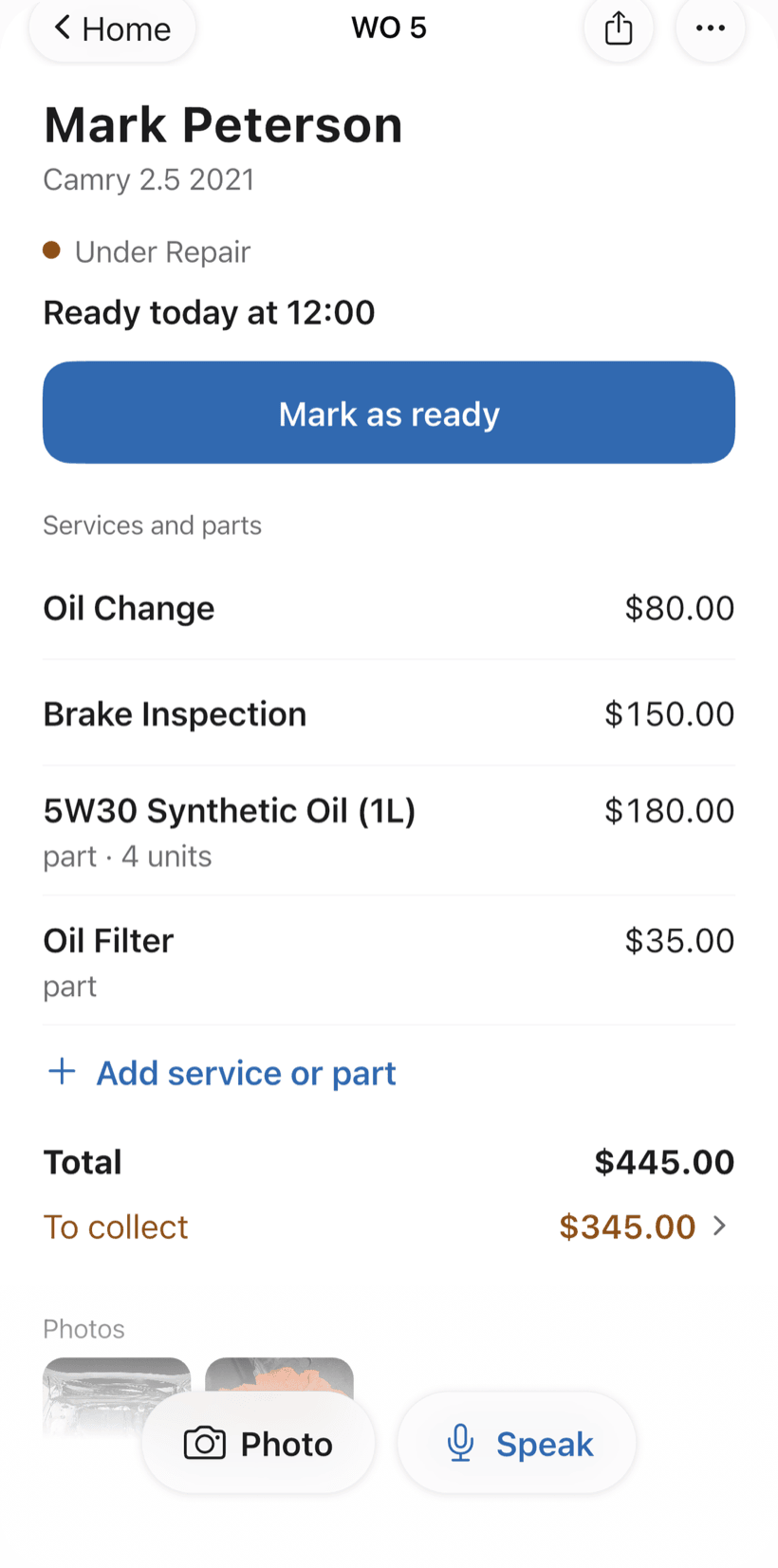
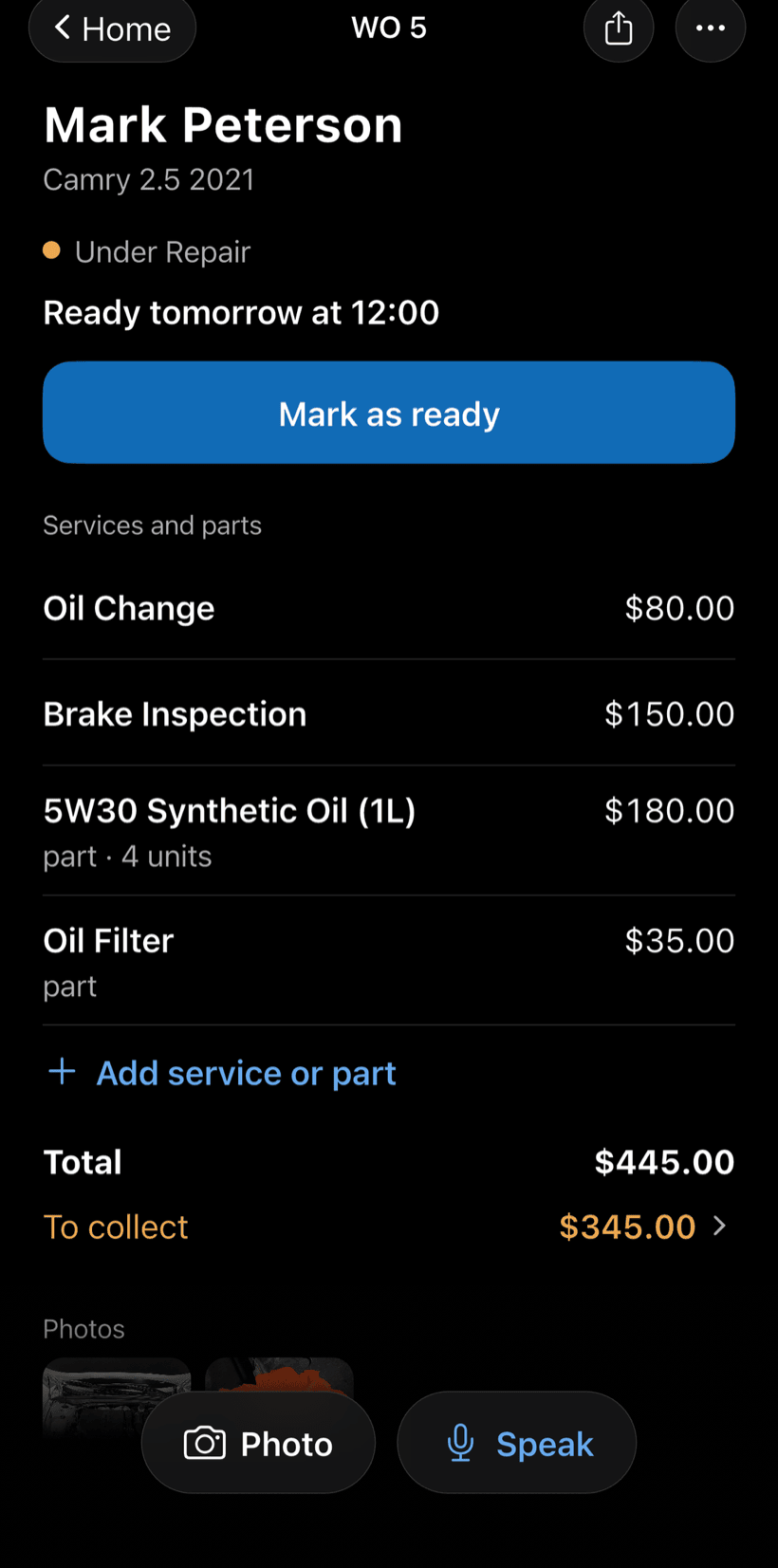
Send the quote as a link
The customer opens the work order in a browser, nothing to install. They see the survey photos, equipment and labor, approve it and leave comments.
- Approval recorded on the work order
- Notification when the customer approves or comments
- Work order PDF to print or send
-
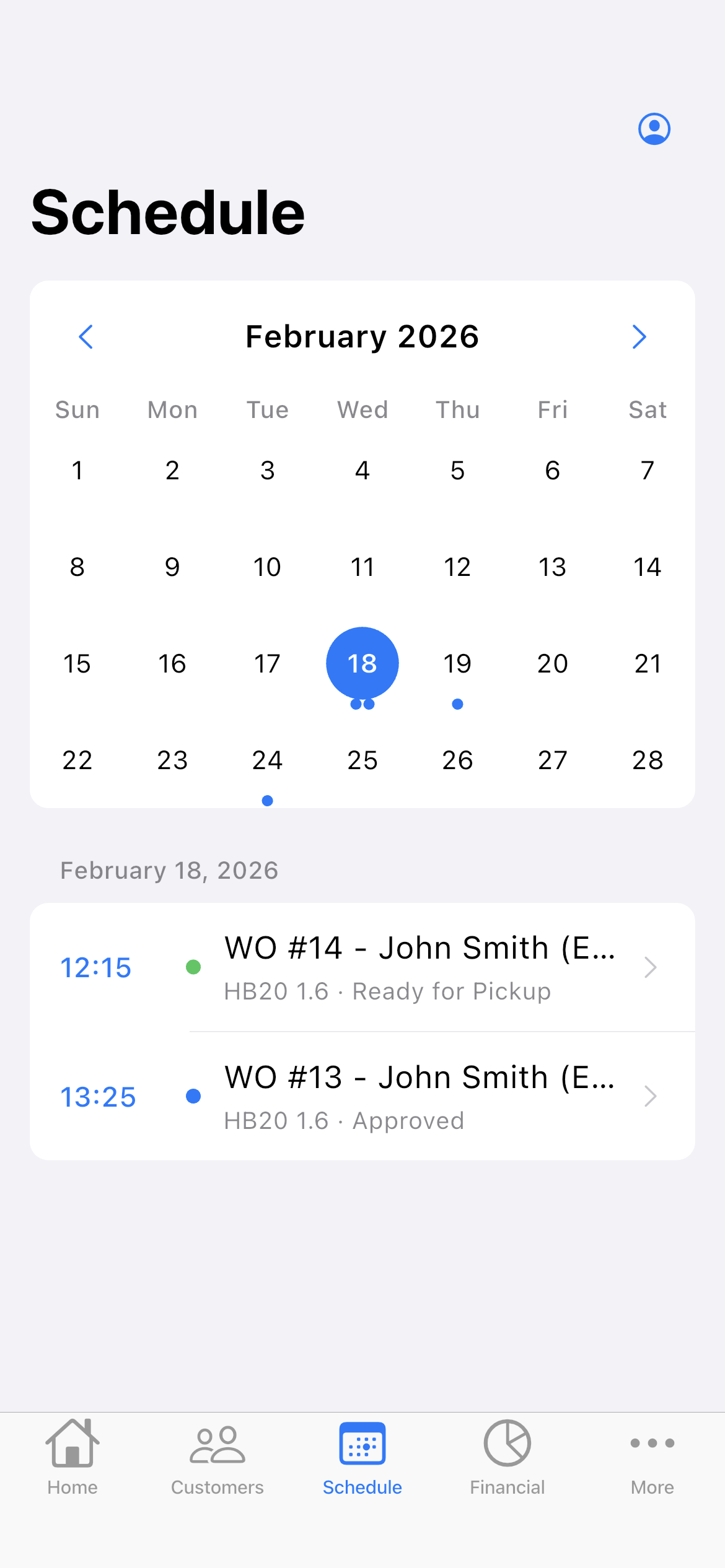
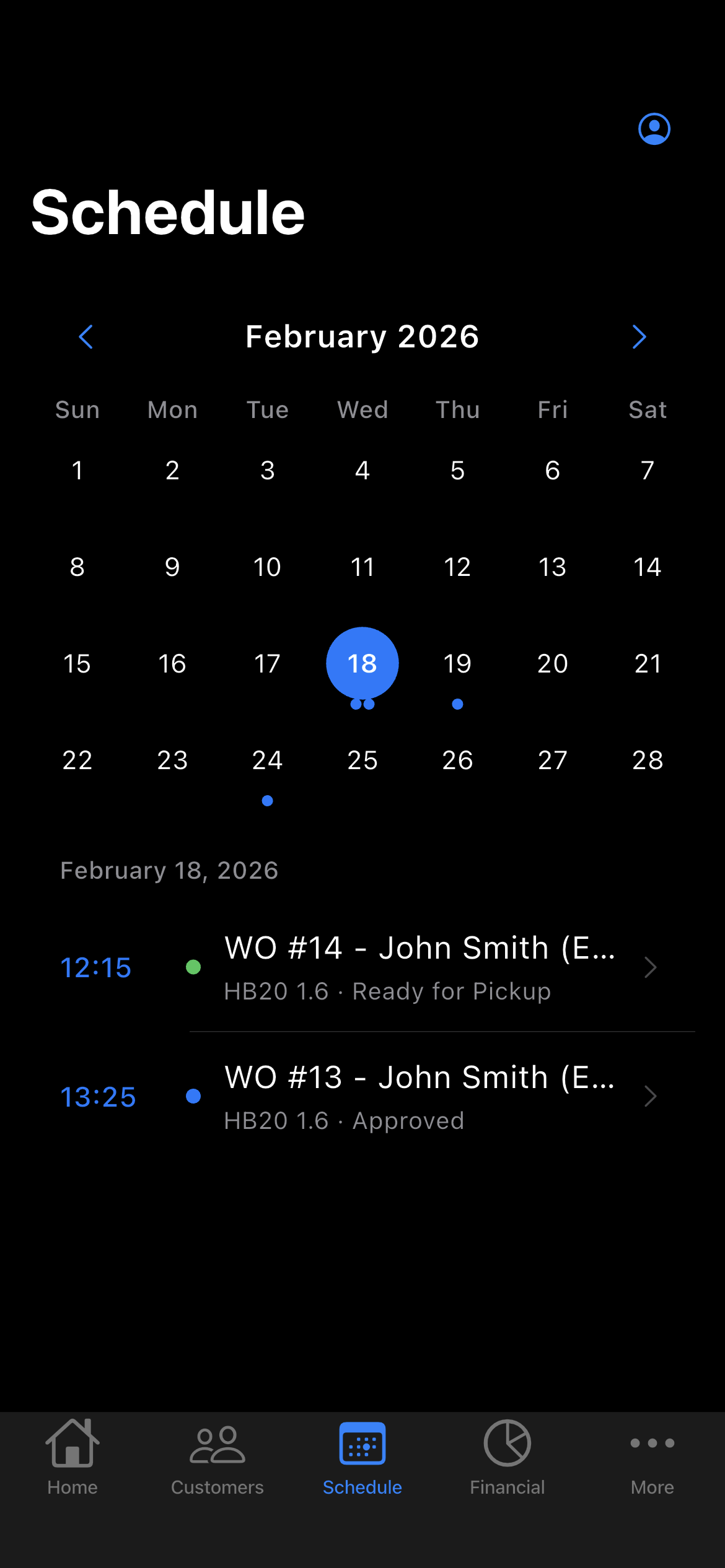
Schedule the install
Set the day and time on the order. It shows up on the Schedule on that day and your phone reminds you before the visit.
- The week on top and the day's visits
- Daily summary at 9am, if you want it
- Statuses in your trade's words: installing, operational
-
Commission, hand over and get paid
Record the system tests and the customer's sign-off form. Then log the payment in full or in parts.
- Recording, playback, notifications and sensors tested
- Default passwords changed and remote access set up
- Partial payment and discount on the same work order
Questions from security installers
If yours isn't here, send us an email — the PraticOS team answers it.
Do I have to pay to use it?
You can start free, with no limit on work orders or customers. The free plan has a monthly limit on photos and AI use, and one checklist template. Paid plans, subscribed in the app, raise those limits and unlock your team.
Does it work for alarms, access control and electric fences?
Yes. The electronic security segment covers CCTV, alarms, access control and electric fences. The app uses your trade's words: system, identifier, channels.
Can I see what was already done for a customer?
Yes. Search by customer name, system name or identifier in the work order list and every order shows up, with photos and checklists.
Can my techs use it on their own phones?
Yes. If someone works with you, tap the profile button at the top of Home and go to Team: the invite goes out as a code over WhatsApp, and each person signs in on their own phone. The free plan is for one person; to add more people, subscribe to a paid plan inside the app.
Does the customer need to install an app?
No. They get a link, open it in their phone's browser and see the work order with photos and prices. They approve the quote and leave comments right there.
Download it and open your first order today.
Start free. Paid plans available in the app.
Questions? Talk to us on WhatsApp praticos@rafsoft.com.br FAQ