
Plate, photos and quote on one work order.
PraticOS is the work order app for auto repair shops. Add the car by license plate, run the intake checklist with photos, send the quote as a link for the customer to approve and record the payment — all from your phone.
Start free · iOS and Android · paid plans in the app
- Customer
- Julia Parker
- Vehicle
- Honda Civic 2015 · 7KLM482
- Check-in
- 84,210 mi · tank 1/4
- Service
- Front brake pads and rotors
- Photos
- 6 attached
- Total
- $420.00
- Quote
- Approved
- In progress
- Completed
Where a repair shop loses money
It's rarely a lack of work. It's the quote buried in a text thread, the part that never made it onto the bill and the scratch nobody photographed.
-
Quotes lost in the chat
The price was on a sticky note or somewhere in a message thread. The customer comes back and nobody remembers what was agreed.
In PraticOSThe quote lives on the work order, with services and parts from your catalog. The customer approves it by link and the approval is recorded.
-
Parts used but never billed
The part went into the car but not onto the bill. At the end of the month the gap shows up in the cash count.
In PraticOSParts and labor go on the work order with prices, and the total adds up as you go. What was used is written down.
-
The scratch that was already there
A customer complains about damage the car already had when it arrived, and you have nothing to show.
In PraticOSThe intake checklist records the body with photos, mileage, fuel level and dashboard lights before anyone touches the car.
-
Diagnosing from scratch, again
The car comes back and nobody knows what was replaced last time.
In PraticOSSearch the work order list by license plate and see every job done on that vehicle.
-
The phone ringing all day
“Is it ready yet?” Every call pulls a mechanic out from under a car.
In PraticOSThe customer opens the work order from a link and sees the status, photos and prices without calling.
-
Closing the month without knowing what came in
Cash, card and IOUs in the same notebook. Nobody knows who still owes you.
In PraticOSRecord full or partial payments. Financial shows what is still owed and by whom, and the monthly report shows what came in.
How a car moves through the shop in PraticOS
From drop-off to pickup, every step is recorded on the vehicle's work order.
-
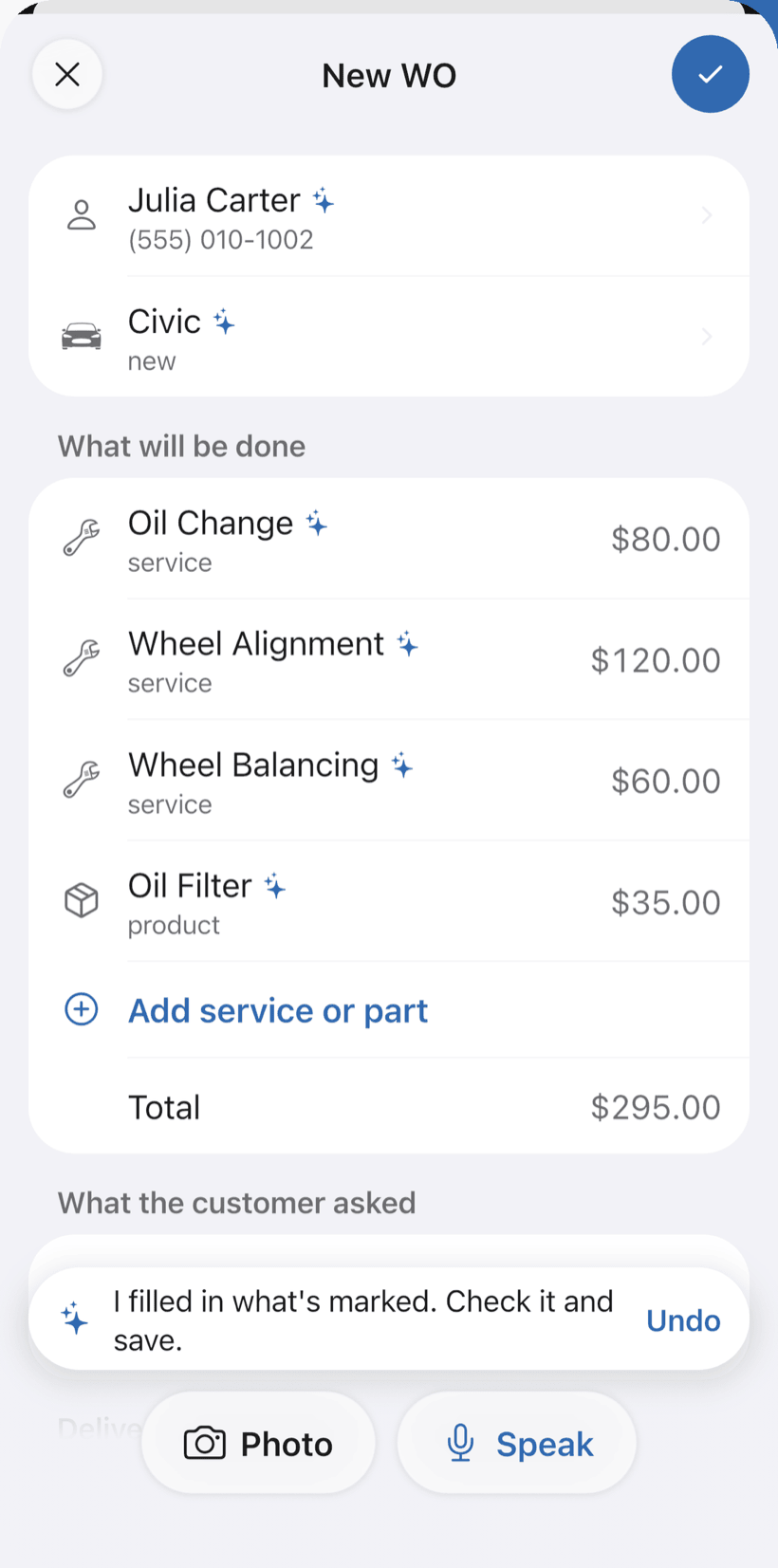
Say the job and the work order fills itself in
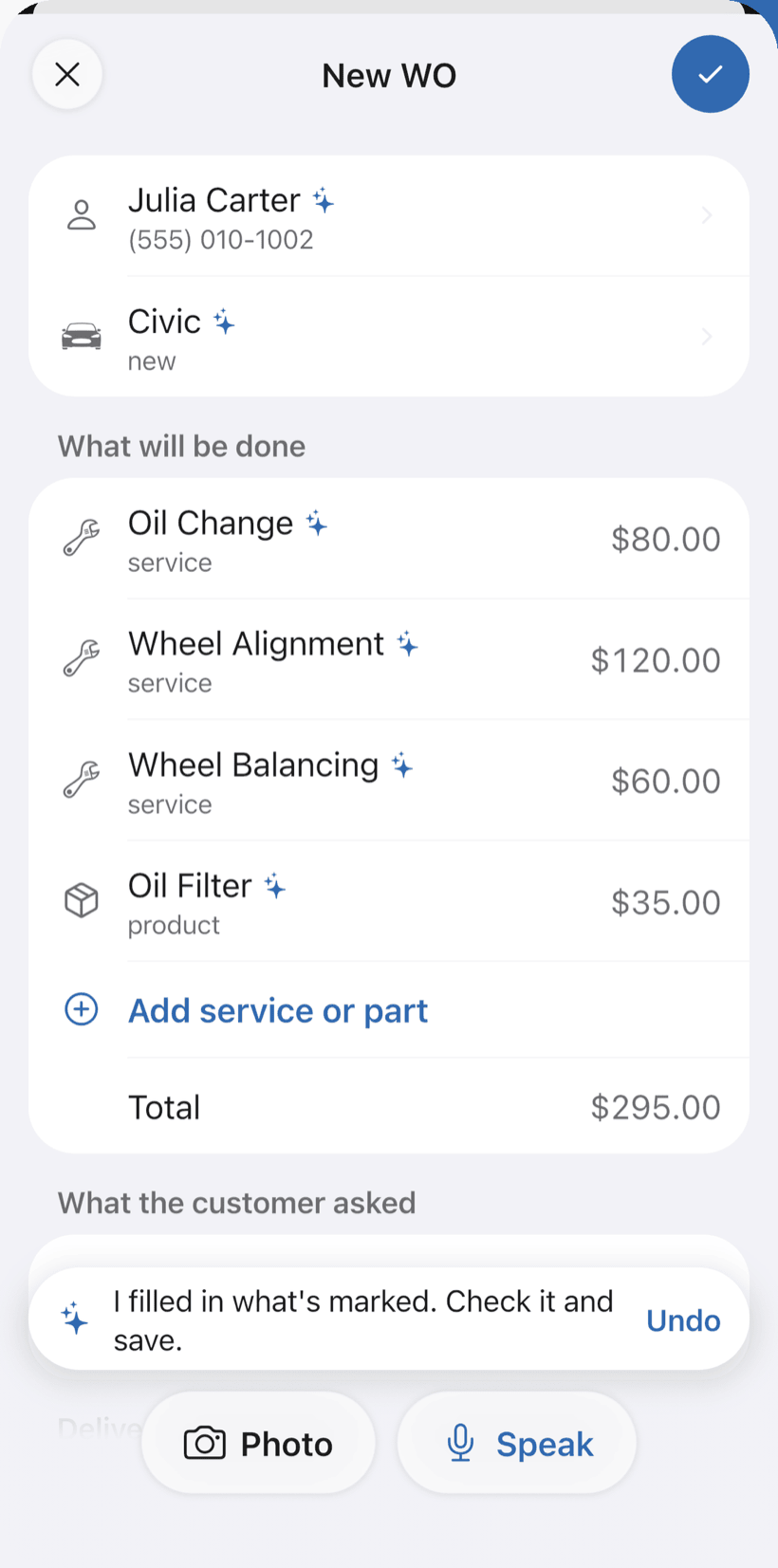
On New order, tap Speak and say “Juliana's Onix, oil change and alignment”, or take a photo of the license plate. The AI fills in the customer, vehicle, services and parts with your catalog prices. You check it and save.
- Everything the AI filled in is marked with ✦, and you can undo it
- Fix it by speaking: “the alignment is 100”
- Searching by plate brings up the car's past work orders
-
Run the intake checklist
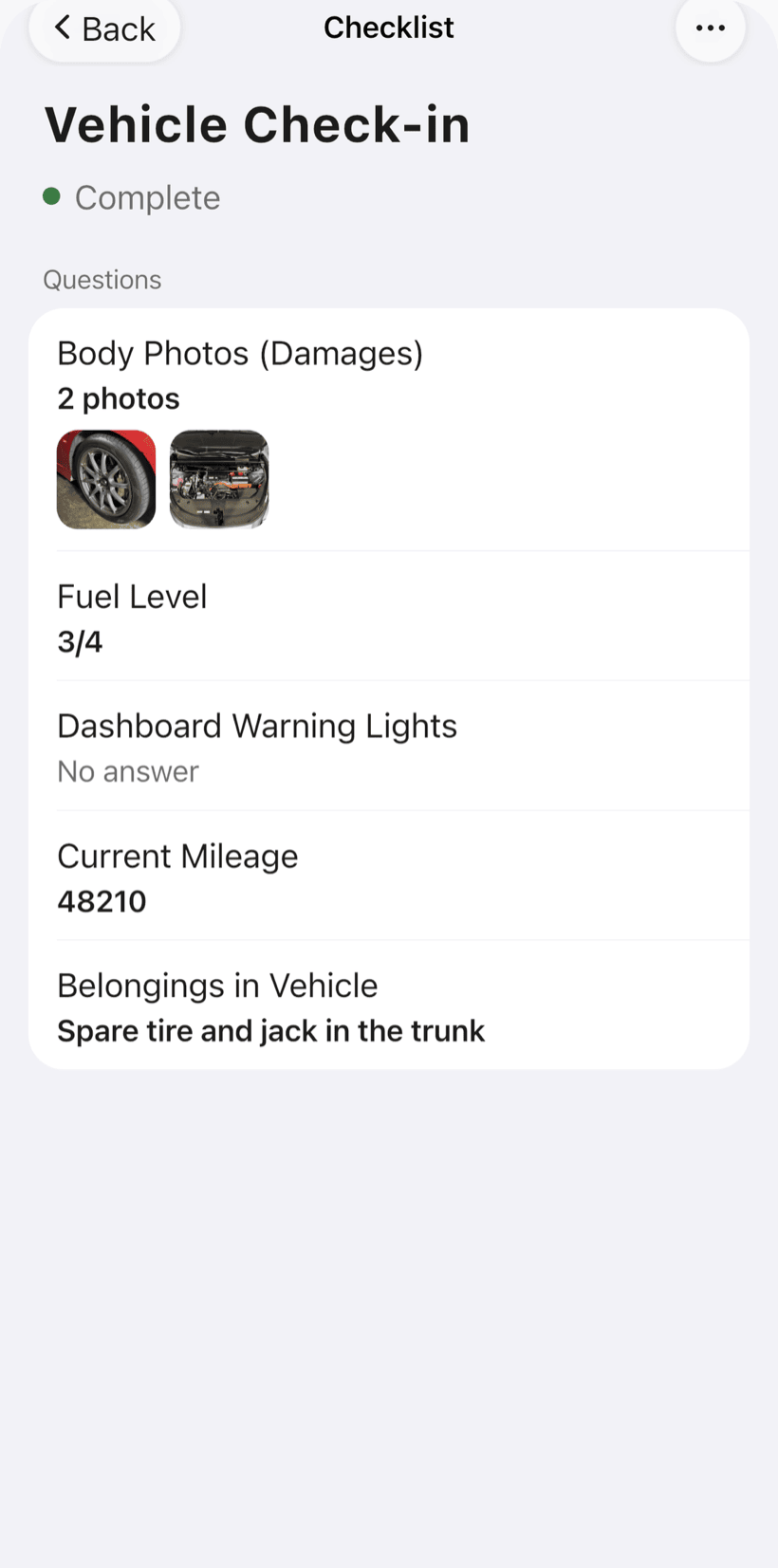
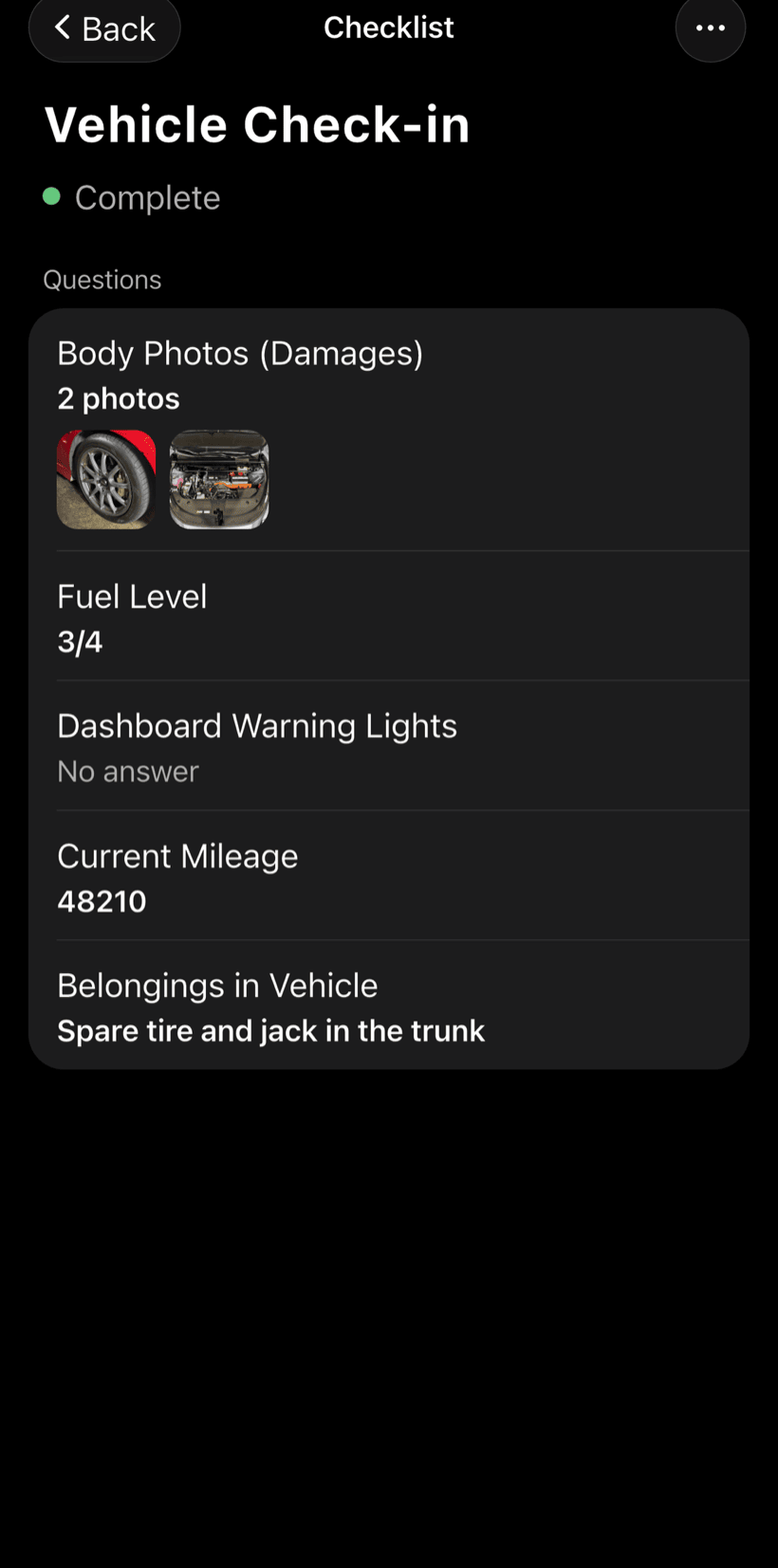
Before anyone works on the car, record how it arrived. The vehicle intake checklist comes ready to use and you can adjust the items.
- Photos of the body and any damage
- Mileage, fuel level and warning lights on the dashboard
- Belongings left in the vehicle
-
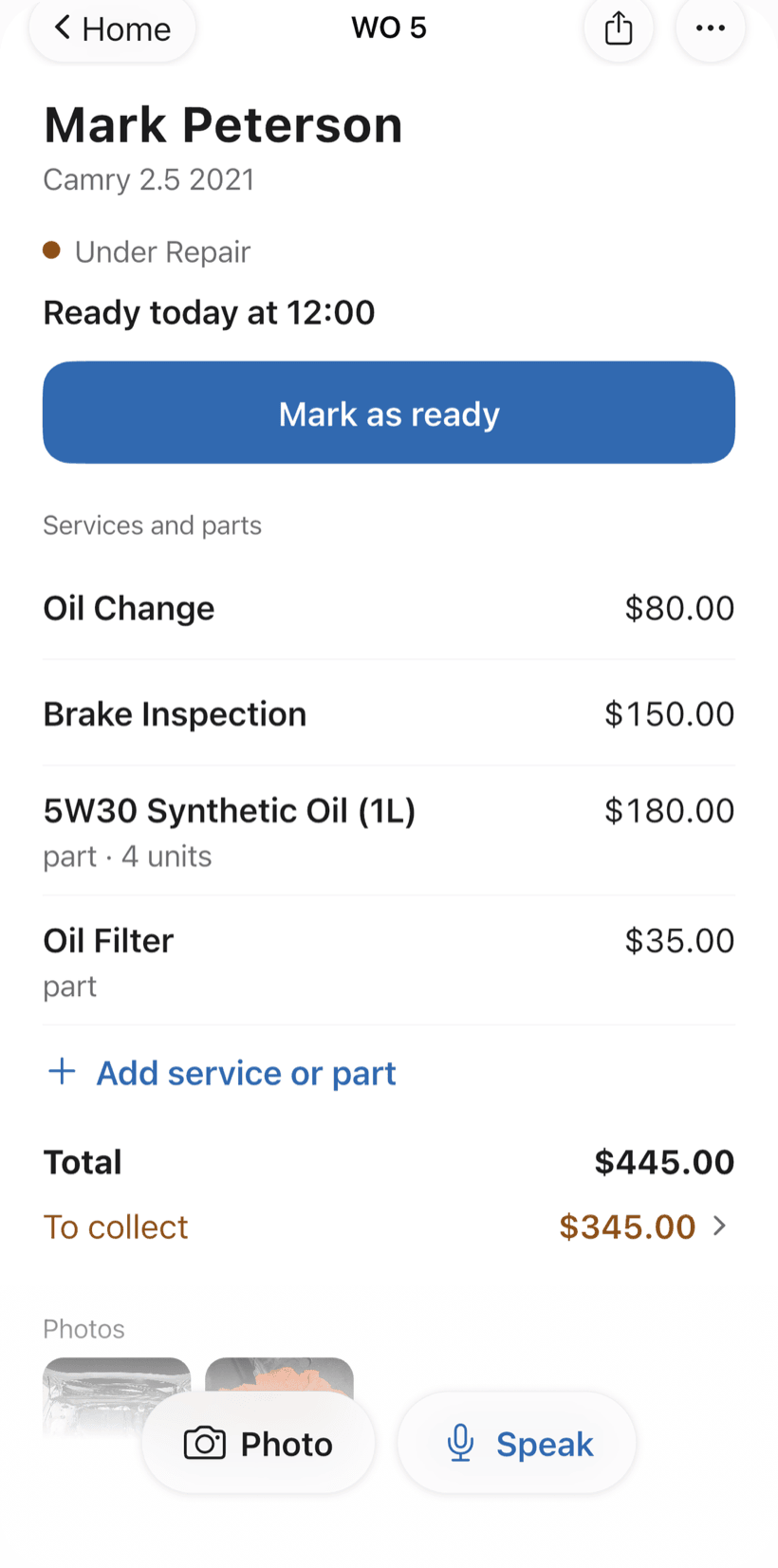
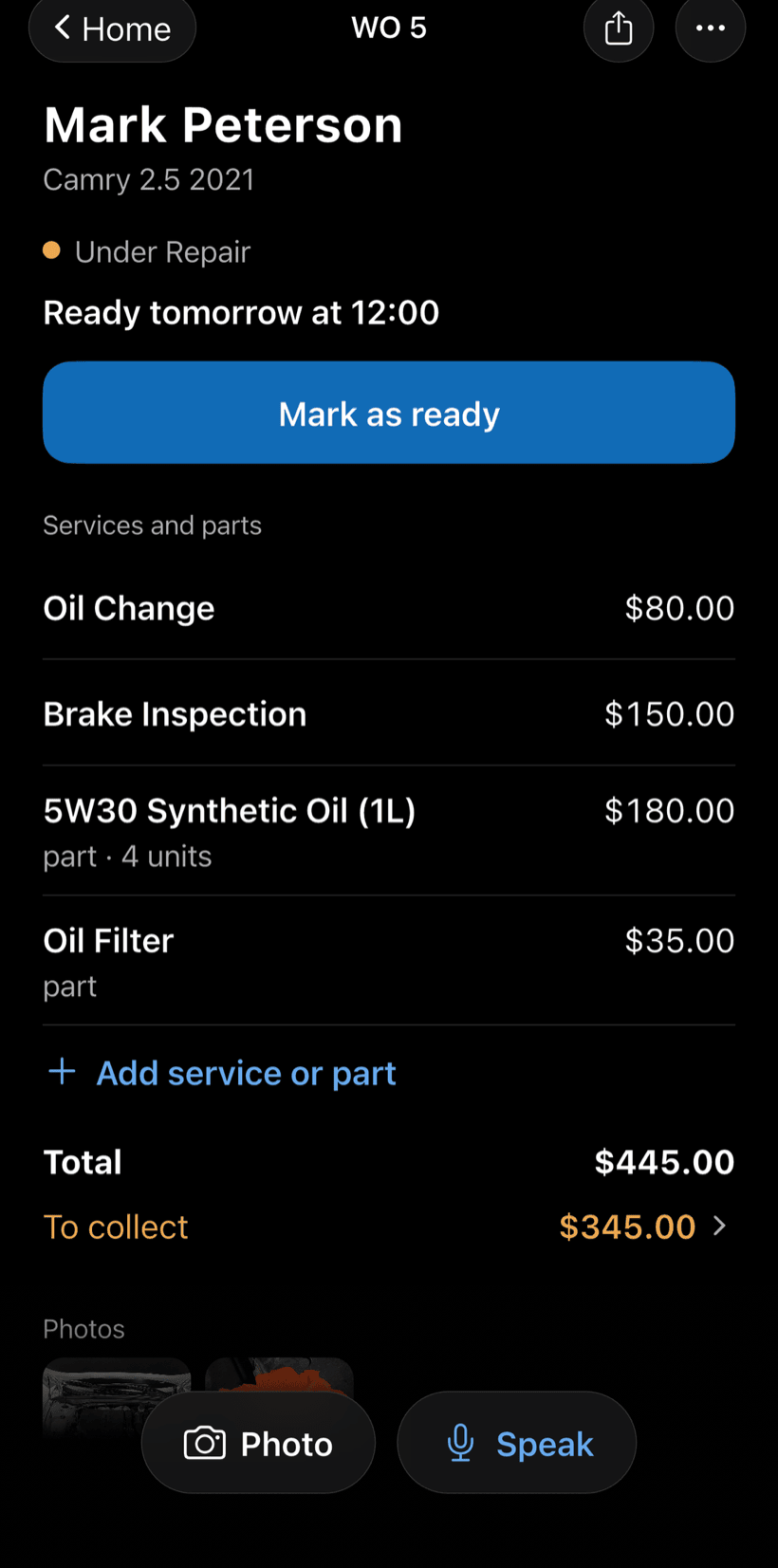
Send the quote as a link
The customer opens the work order in a browser, nothing to install. They see photos, parts and labor, approve it and leave comments.
- Approval recorded on the work order
- Customers follow progress without calling
- Work order PDF to print or send
-
Hand over the car and get paid
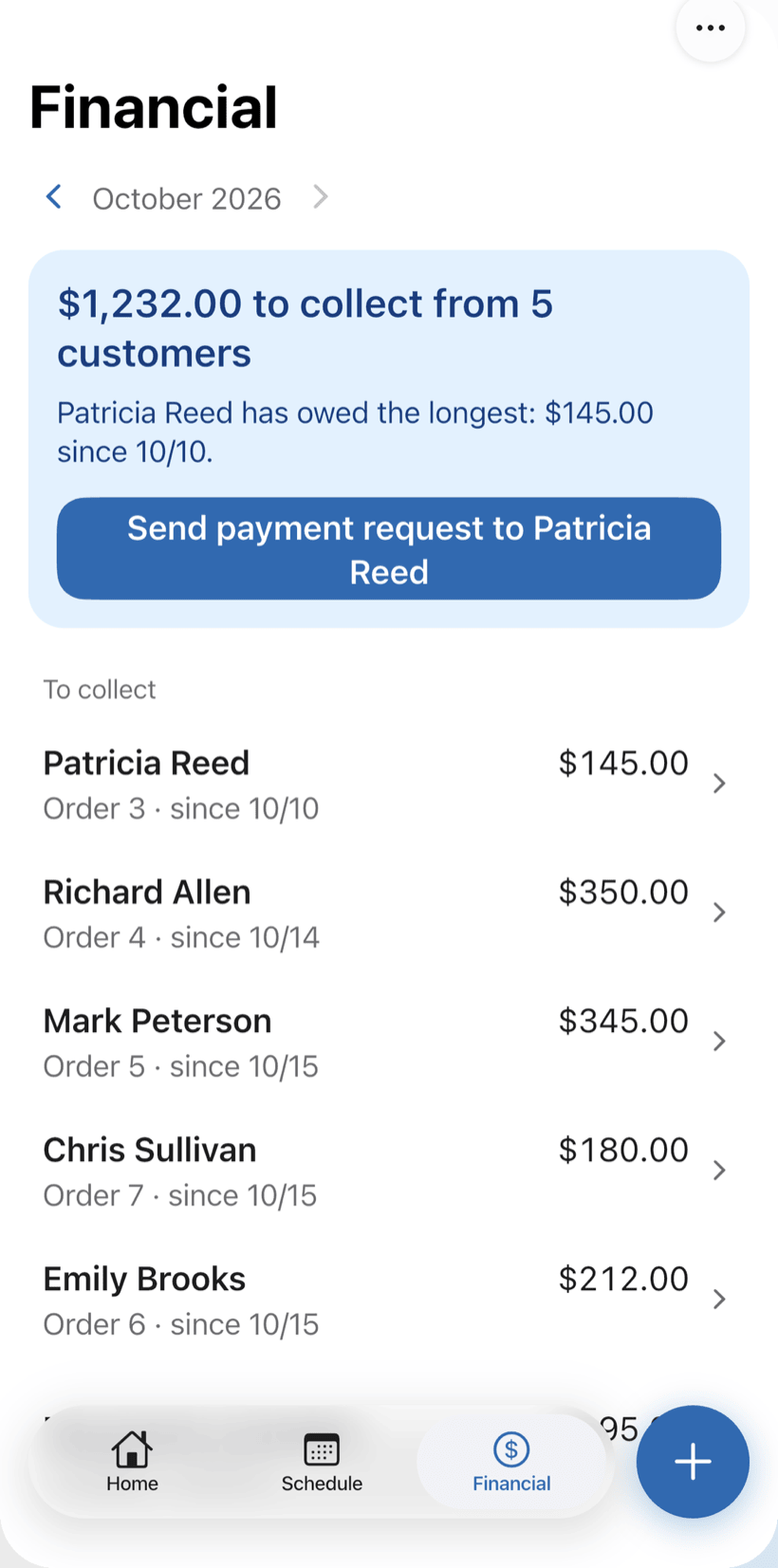
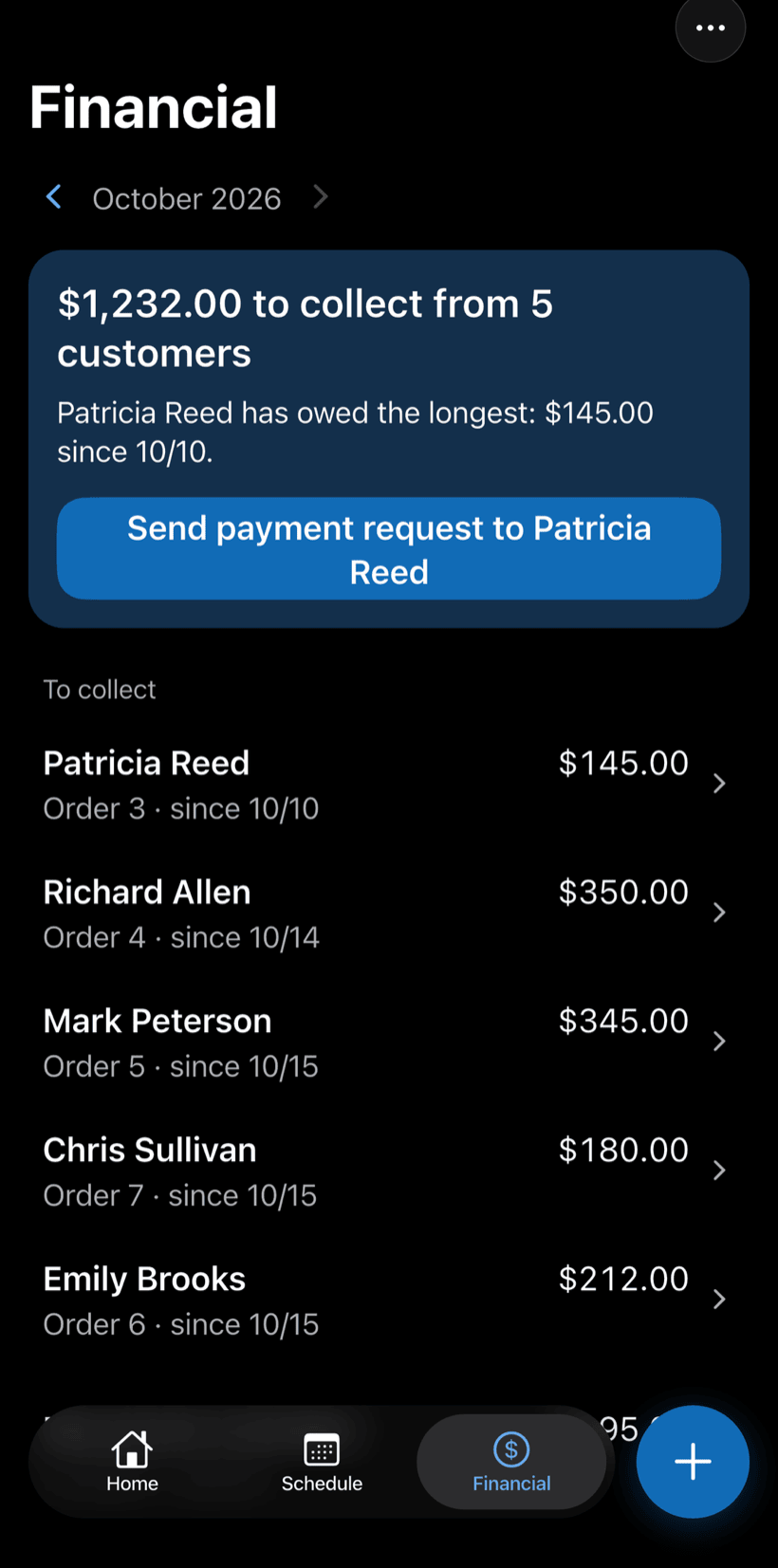
Record the payment in full or in parts, with a discount if needed. The Financial tab shows who still owes you, and you can send the customer a payment request.
- Payment in parts and discount on the same work order
- Monthly report of what came in
- Everyone who still owes you, in one list
Questions from shop owners
If yours isn't here, send us an email — the PraticOS team answers it.
Do I have to pay to use it?
Not to get started. You can use it free, with no limit on work orders or customers. The free plan has a monthly limit on photos and AI use, and one checklist template. Paid plans, with more of each and a team, are available in the app.
Does it work for body shops, dent repair and car washes?
Yes. The automotive segment covers auto repair, body and paint, dent repair and car washes. The app uses your trade's words: vehicle, license plate, make.
Can I see what was already done on a car?
Yes. Type the license plate in the work order search and every order for that vehicle shows up, with services, parts and photos.
Can my mechanics use it on their own phones?
If someone works with you, yes. Tap the profile button at the top of Home, go to Team and invite them with a code sent over WhatsApp, and they use the app on their own phone with a role, such as technician or manager. Inviting someone needs a paid plan, purchased inside the app.
Does the customer need to install an app?
No. They get a link, open it in their phone's browser and see the work order with photos and prices. They approve the quote and leave comments right there.
Download it and open your first order today.
Start free. Paid plans available in the app.
Questions? Talk to us on WhatsApp praticos@rafsoft.com.br FAQ