
The bike's specs, the quote and history together.
PraticOS is the work order app for bike shops. Add the bike with wheel size, groupset, brakes and serial number, record its condition with photos, send the quote as a link for the customer to approve and record the payment — all from your phone.
Start free · iOS and Android · paid plans in the app
- Customer
- Andrew Shaw
- Bicycle
- Trek Marlin 7 · 29″ · black
- Groupset
- Shimano Deore 12-speed · hydraulic disc
- Reported
- Chain noise, weak rear brake
- Service
- Full tune-up and brake bleed
- Total
- $165.00
- Quote
- Approved
- In progress
- Completed
Where a bike shop loses money
It's not a lack of bikes in the stand. It's the tube that never made it onto the bill, the tune-up done without knowing what was replaced and the finished bike nobody was told about.
-
Similar bike, wrong owner
Two black 29″ mountain bikes hanging side by side. At pickup, someone leaves on the other person's bike.
In PraticOSEach work order holds the bike profile: brand, model, color, wheel size, frame size and serial number. Search finds it by serial number or customer name.
-
Tune-ups done blind
The bike comes back and nobody remembers whether the chain or pads were replaced last time.
In PraticOSSearch by serial number or customer and see every work order for that bike, with services, parts and photos.
-
Parts used but never billed
Tubes, cables, pads, bar tape. Small parts that slip off the bill.
In PraticOSServices and parts go on the work order with prices from your catalog, and the total adds up as you go.
-
“Was that scratch already there?”
The customer points to a scratch on the frame and you can't show how the bike came in.
In PraticOSPhotograph the bike at check-in, right on the work order. To standardize it, build a check-in checklist with frame, wheels, brakes and drivetrain.
-
Finished bikes taking up space
The shop fills up with finished bikes and the customers don't know they can pick them up.
In PraticOSMark the work order as completed and the Home list shows which bikes can go. The customer sees the same status on the link.
-
Closing the month without knowing what came in
Service work and parts sales in the same notebook. Nobody knows who still owes you.
In PraticOSRecord full or partial payments. Financial shows what is still owed and by whom, and the monthly report shows what came in.
How a bike moves through the shop in PraticOS
From the counter to pickup, every step is recorded on the bike's work order.
-
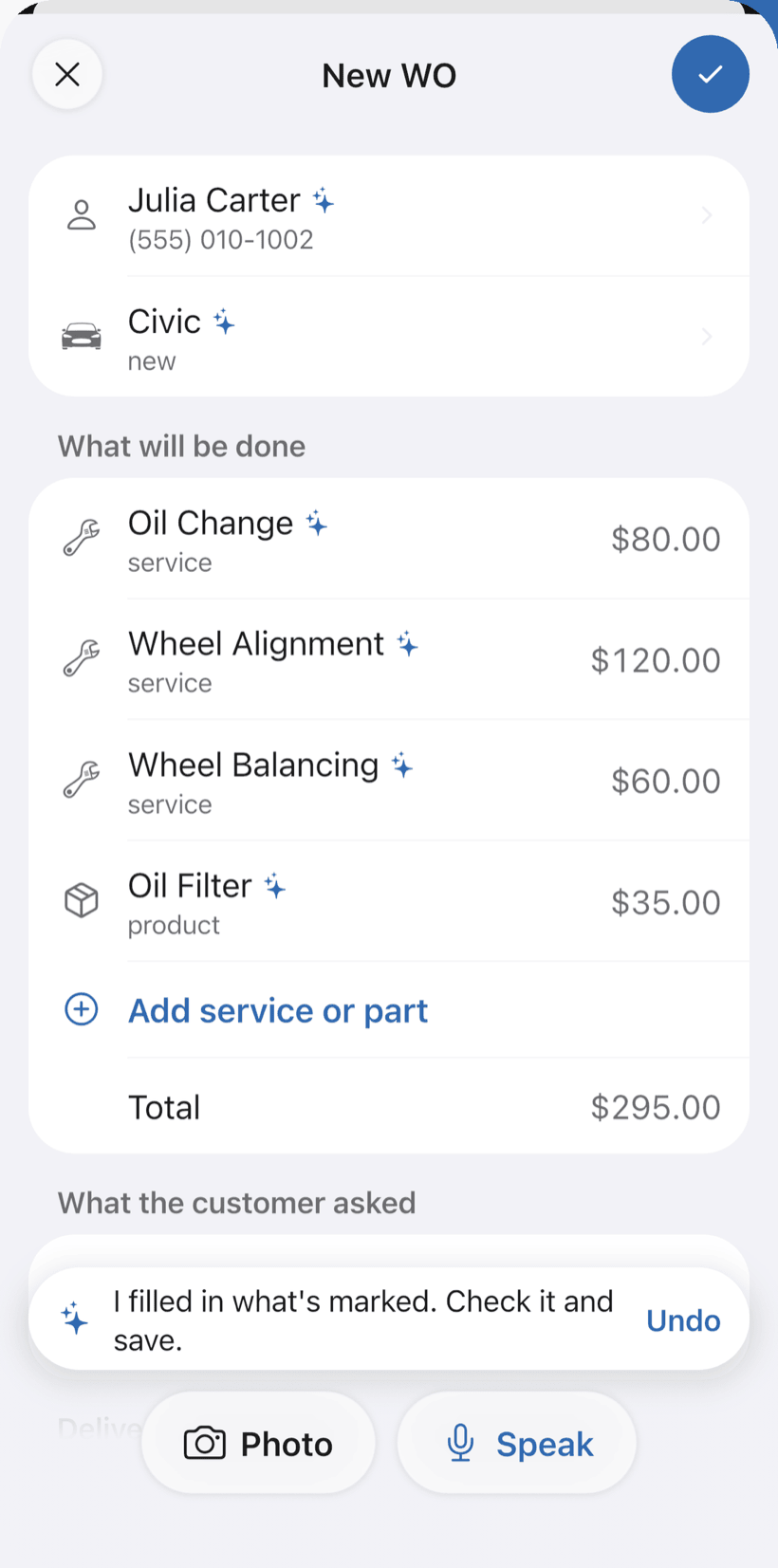
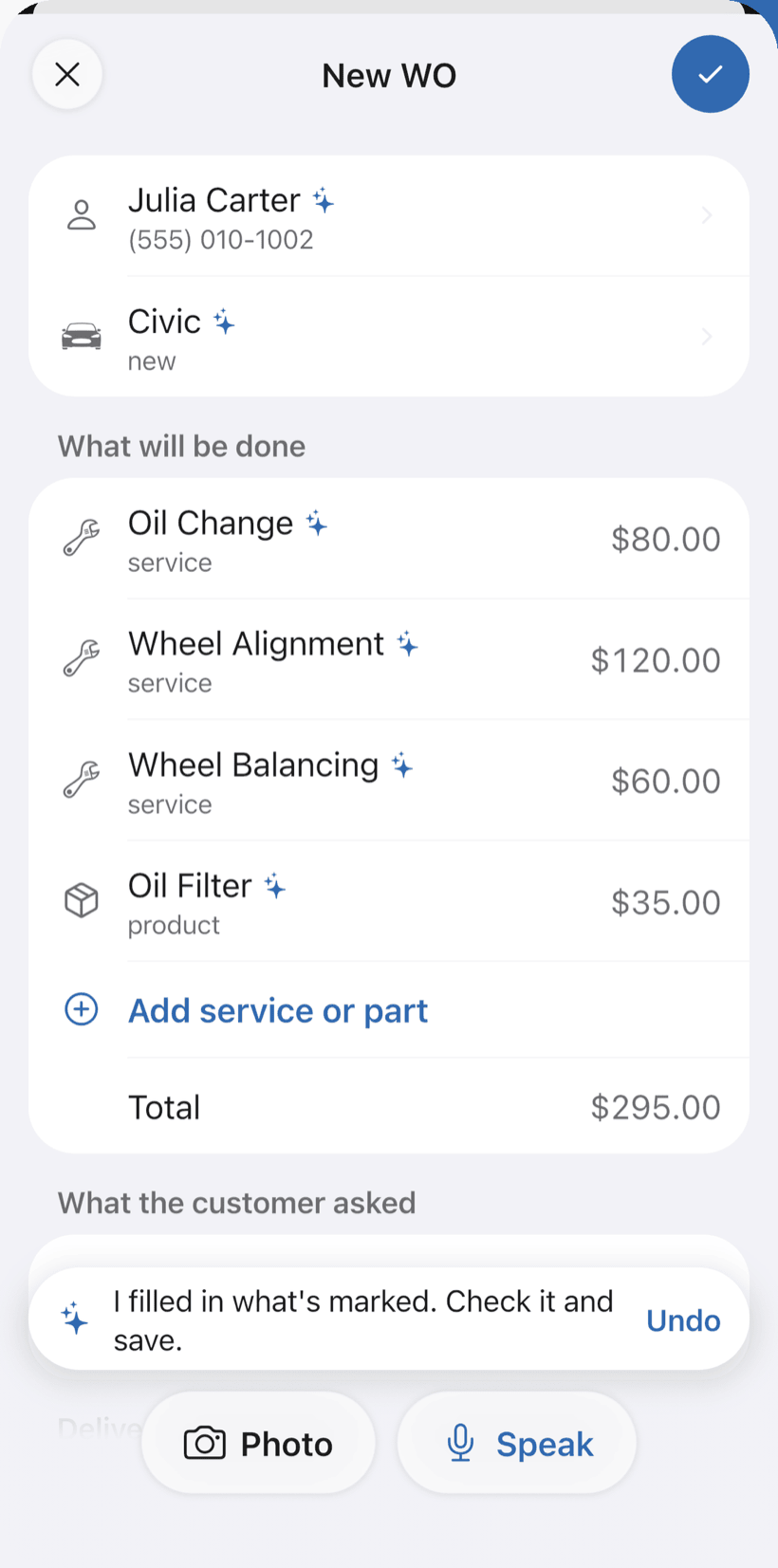
Say the job and the work order fills itself in
On New order, tap Speak and say “Marina's Caloi, full tune-up and new chain”, or take a photo of the written order. The AI fills in the customer, bike, services and parts with your catalog prices. You check it and save.
- Everything the AI filled in is marked with ✦, and you can undo it
- Fix it by speaking: “the chain is 120”
- Bike profile with type, wheel size, frame, groupset, brakes and serial number
-
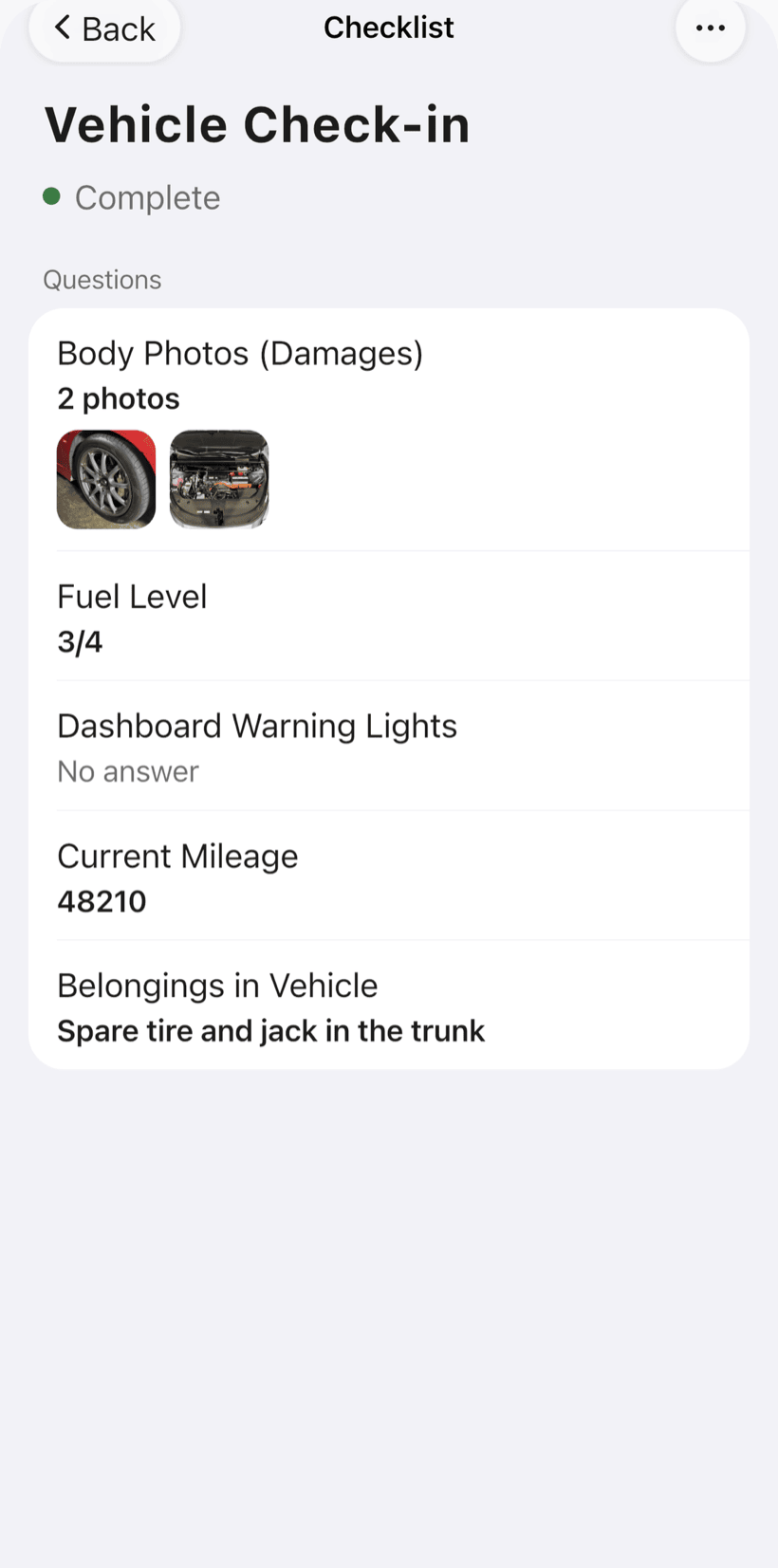
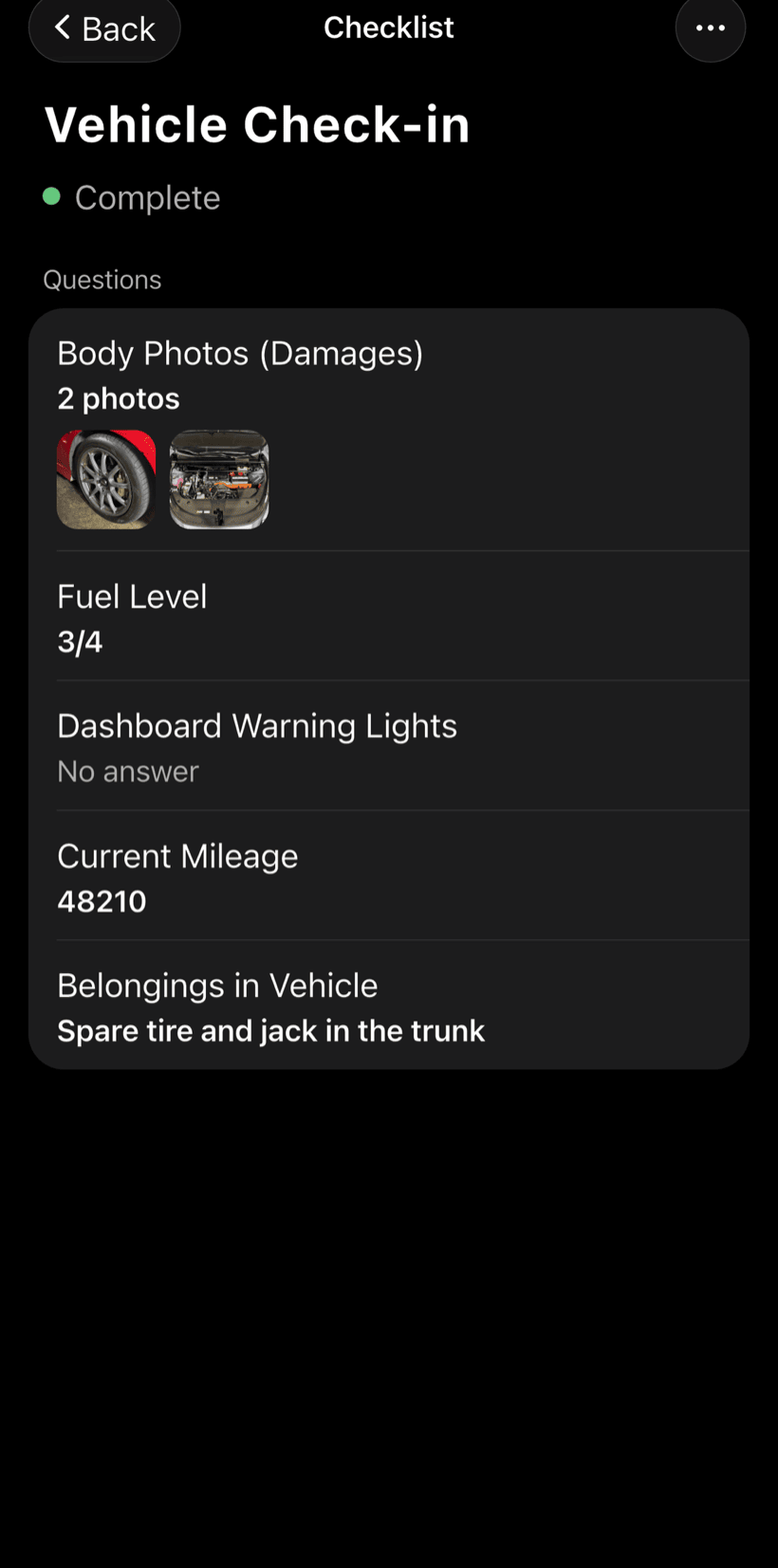
Record how it came in
Photograph the bike on the work order. To standardize check-in, build your own checklist with what the shop checks on every bike.
- Text, number, yes/no, list and photo fields
- Photos on every checklist item
- One template for every tune-up
-
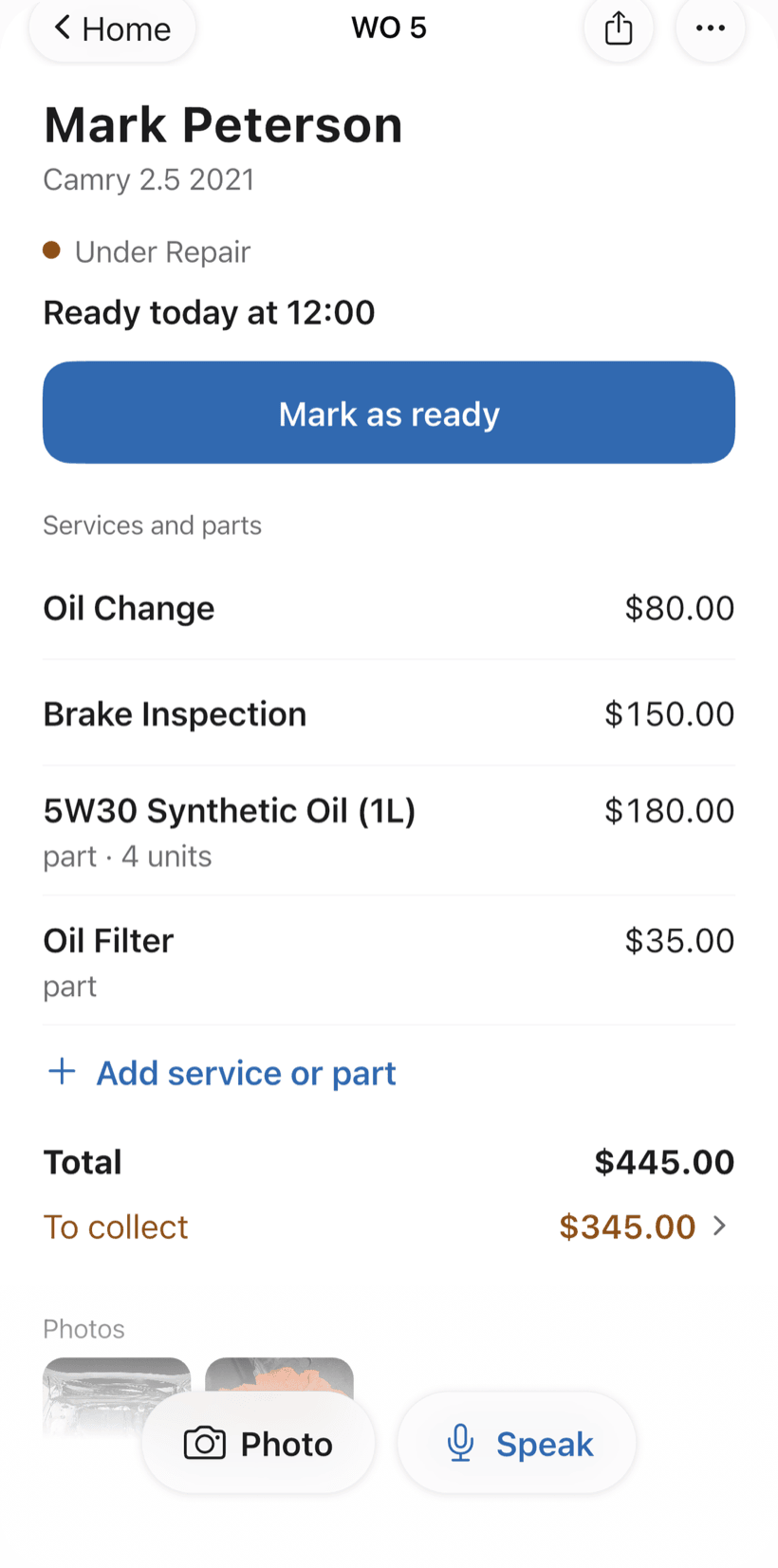
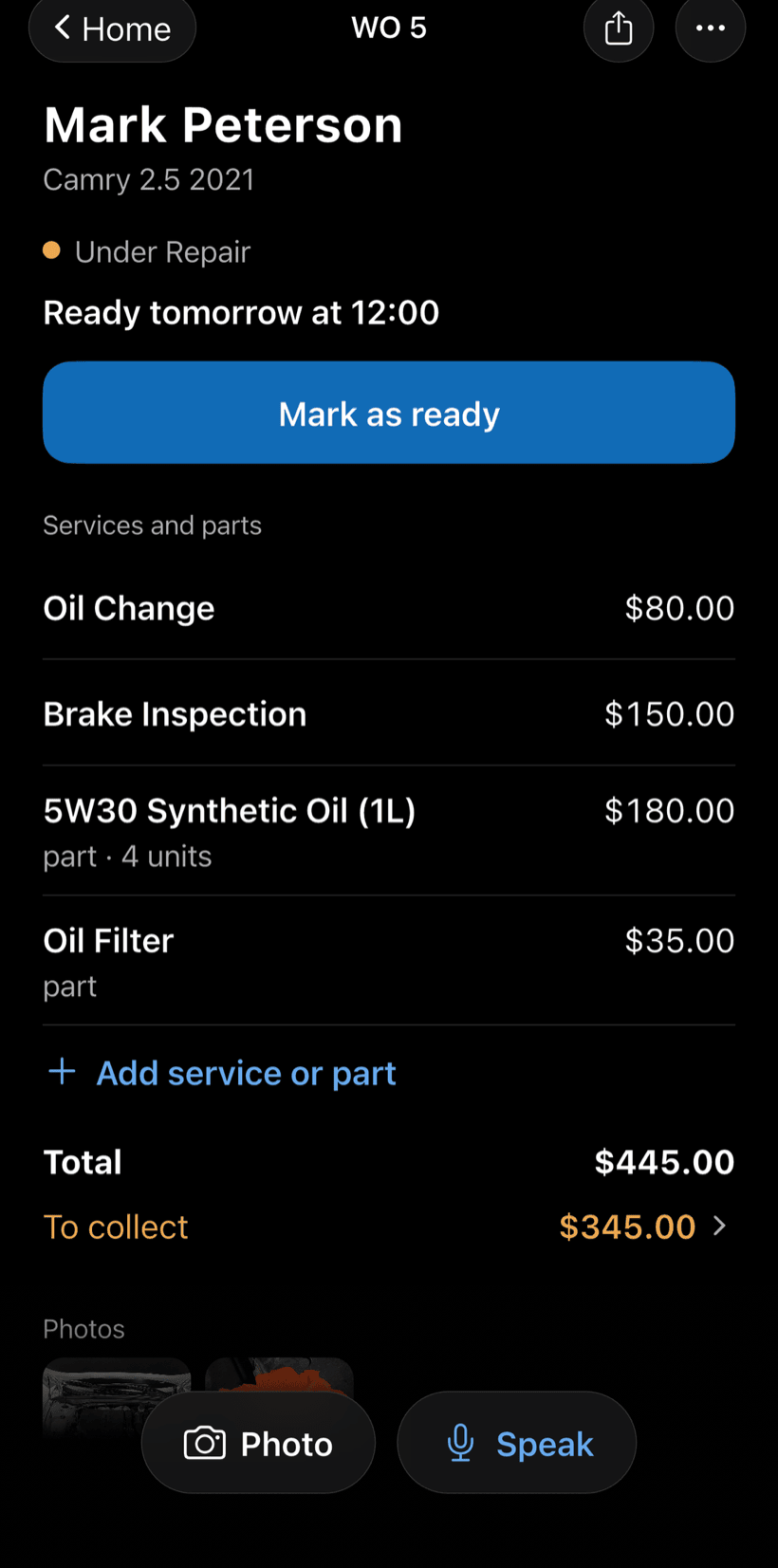
Send the quote as a link
Tune-ups, adjustments, brake bleeds and parts come from your catalog, already priced. The customer opens the work order in a browser, approves it and leaves comments.
- Approval recorded on the work order
- Customers see when the bike is ready
- Work order PDF to print or send
-
Hand over the bike and get paid
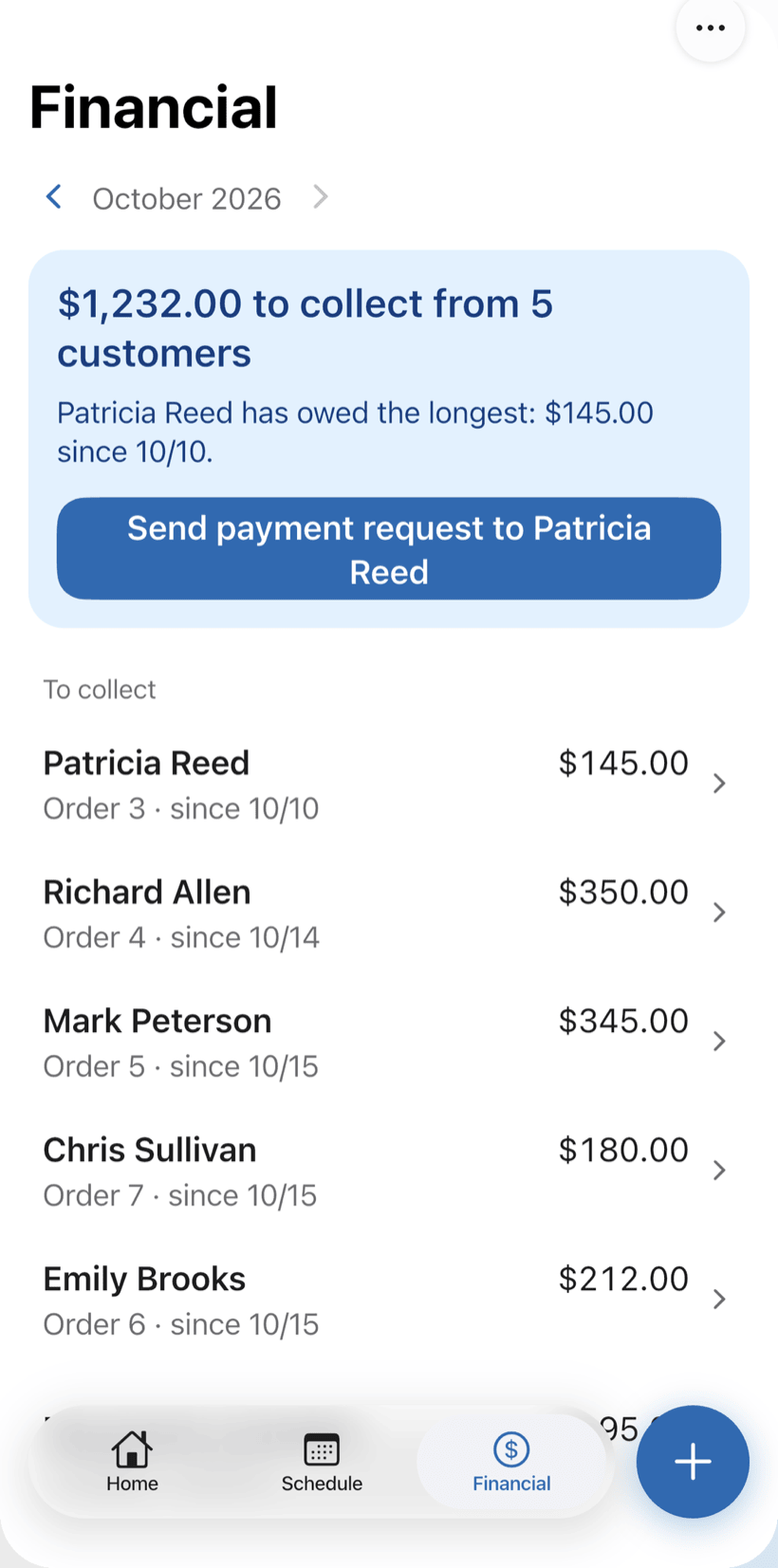
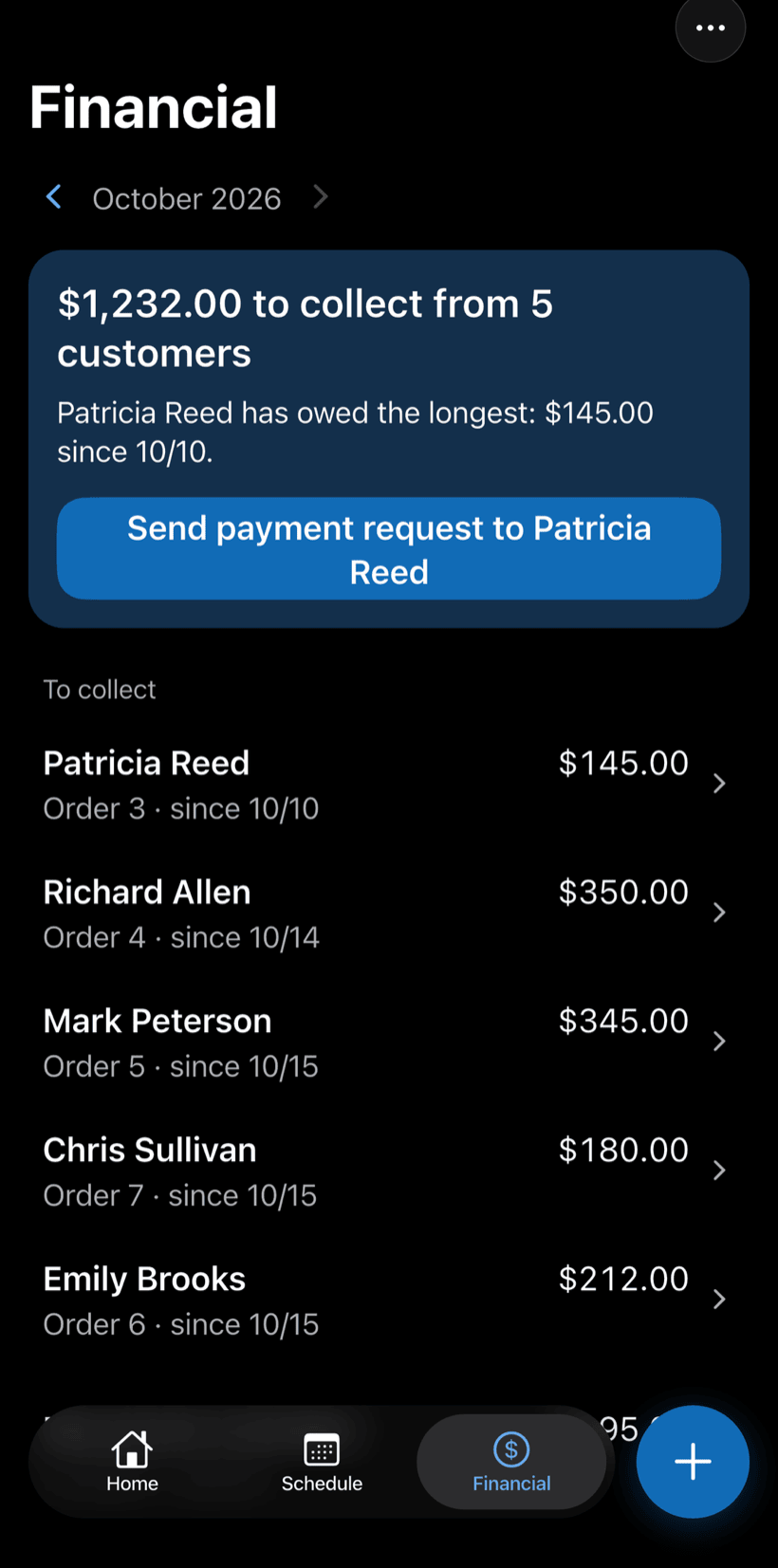
Record the payment in full or in parts, with a discount if needed. The Financial tab shows who still owes you, and you can send the customer a payment request.
- Payment in parts and discount on the same work order
- Monthly report of what came in
- Everyone who still owes you, in one list
Questions from bike shop owners
If yours isn't here, send us an email — the PraticOS team answers it.
Do I have to pay to use it?
Not to get started. You can use it free, with no limit on work orders or customers. The free plan has a monthly limit on photos and AI use, and one checklist template. Paid plans, with more of each and a team, are available in the app.
Does it work for mountain, road and e-bike shops?
Yes. When you pick the bike shop segment you choose a specialty — general workshop, MTB, road or e-bike — and the bike profile has type, wheel size, frame, gears, brakes and suspension.
Can I see what was already done on a bike?
Yes. Type the serial number or the customer's name in the work order search and every order for that bike shows up, with services, parts and photos.
Can my mechanics use it on their own phones?
If someone works with you, yes. Tap the profile button at the top of Home, go to Team and invite them with a code sent over WhatsApp, and they use the app on their own phone with a role, such as technician or manager. Inviting someone needs a paid plan, purchased inside the app.
Does the customer need to install an app?
No. They get a link, open it in their phone's browser and see the work order with photos and prices. They approve the quote and leave comments right there.
Download it and open your first order today.
Start free. Paid plans available in the app.
Questions? Talk to us on WhatsApp praticos@rafsoft.com.br FAQ