
Every assembly job with photos and price.
PraticOS is the work order app for furniture assemblers. Put jobs on the calendar, record the work for each store or homeowner, photograph the finished piece and know what's still owed — from your phone.
Start free · iOS and Android · paid plans in the app
- Customer
- Patricia Lane
- Item
- 6-door wardrobe
- Scheduled
- Friday, 2 PM
- Service
- Assembly and wall anchoring
- Photos
- 4 attached
- Total
- $180.00
- Quote
- Approved
- In progress
- Done
- Paid
Where an assembler loses money
There's no shortage of jobs. What slips away is the wrong address, the missing part with no photo and the store that pays at month's end without checking what you did.
-
Jobs forgotten or double-booked
The store sends the order by text, a homeowner calls, and the schedule lives in a notebook nobody reads.
In PraticOSEvery job is a work order with a day and time. The calendar shows the month and your phone reminds you before each visit.
-
Missing or damaged parts with no proof
The box arrives with a scratched door and, after the job, the customer says you did it.
In PraticOSPhotograph the boxes and any damage on arrival. The photos stay on the work order, dated, before you open the first package.
-
Complaints after you leave
A week later comes a complaint about a crooked door or a piece that wasn't anchored.
In PraticOSThe handover checklist records the piece checked with the customer, the instructions given, the warranty period and a photo of the finished piece.
-
Stores that pay without checking
You work for three stores plus homeowners. At month's end, nobody knows which jobs were paid.
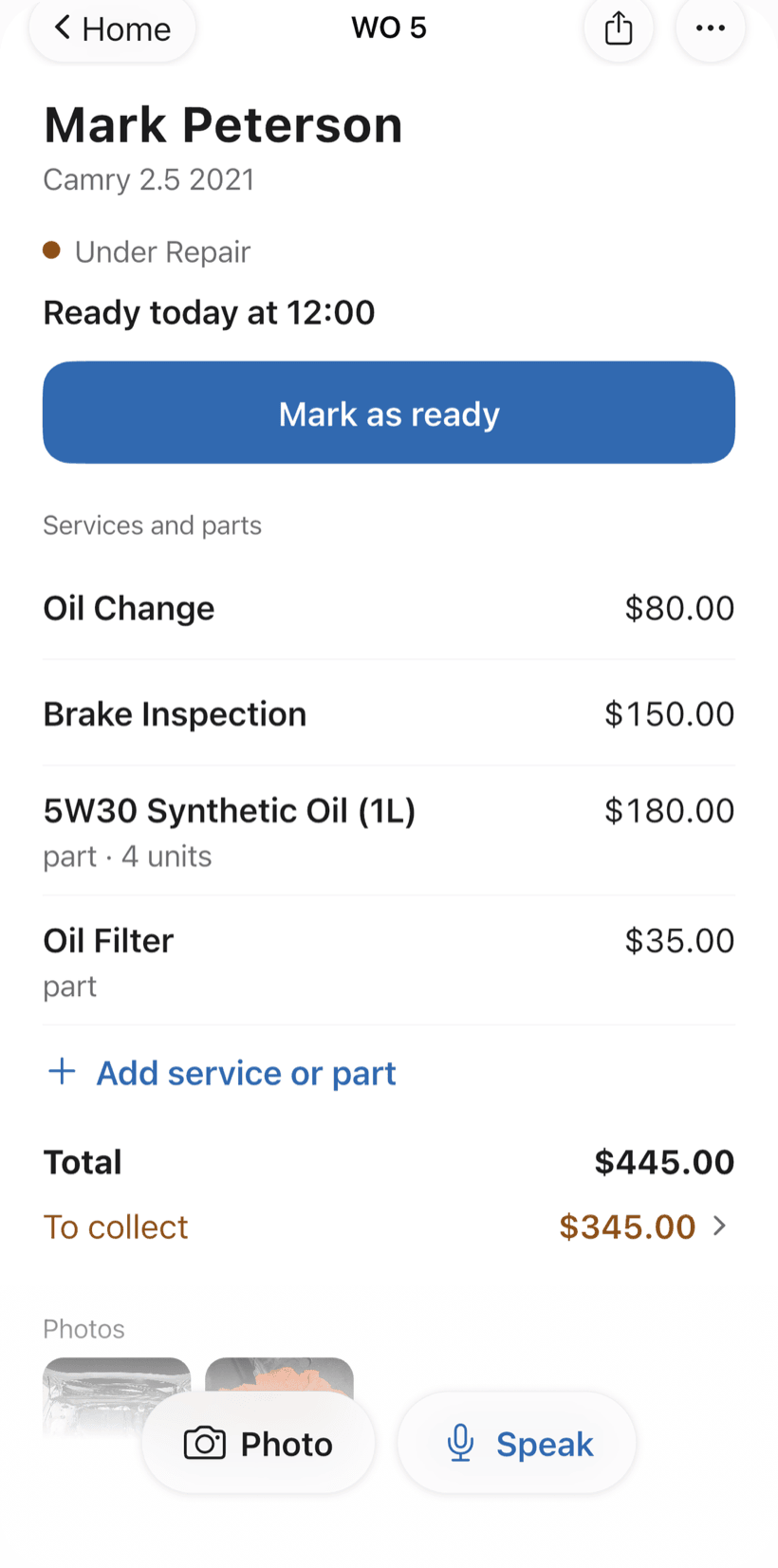
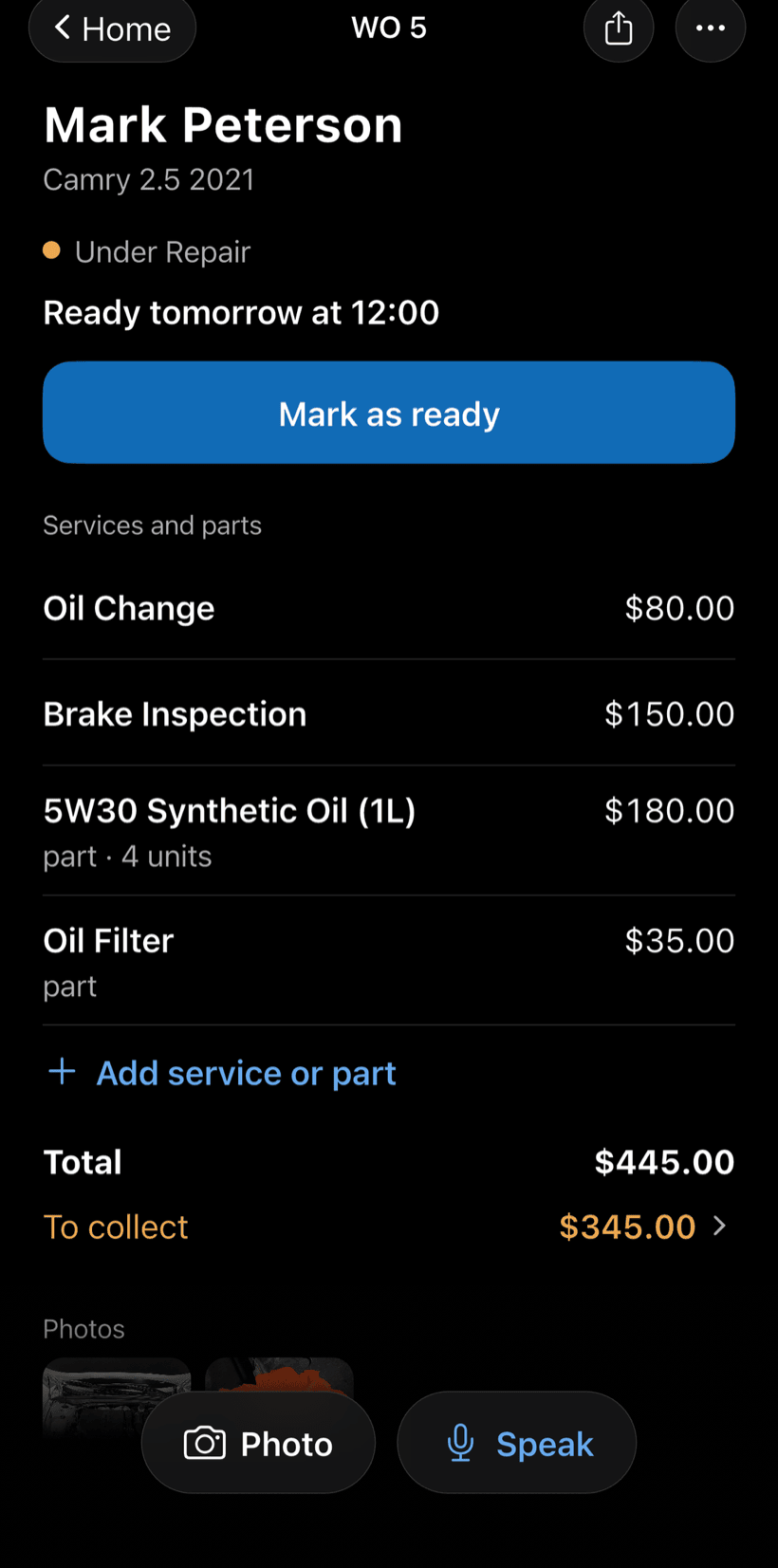
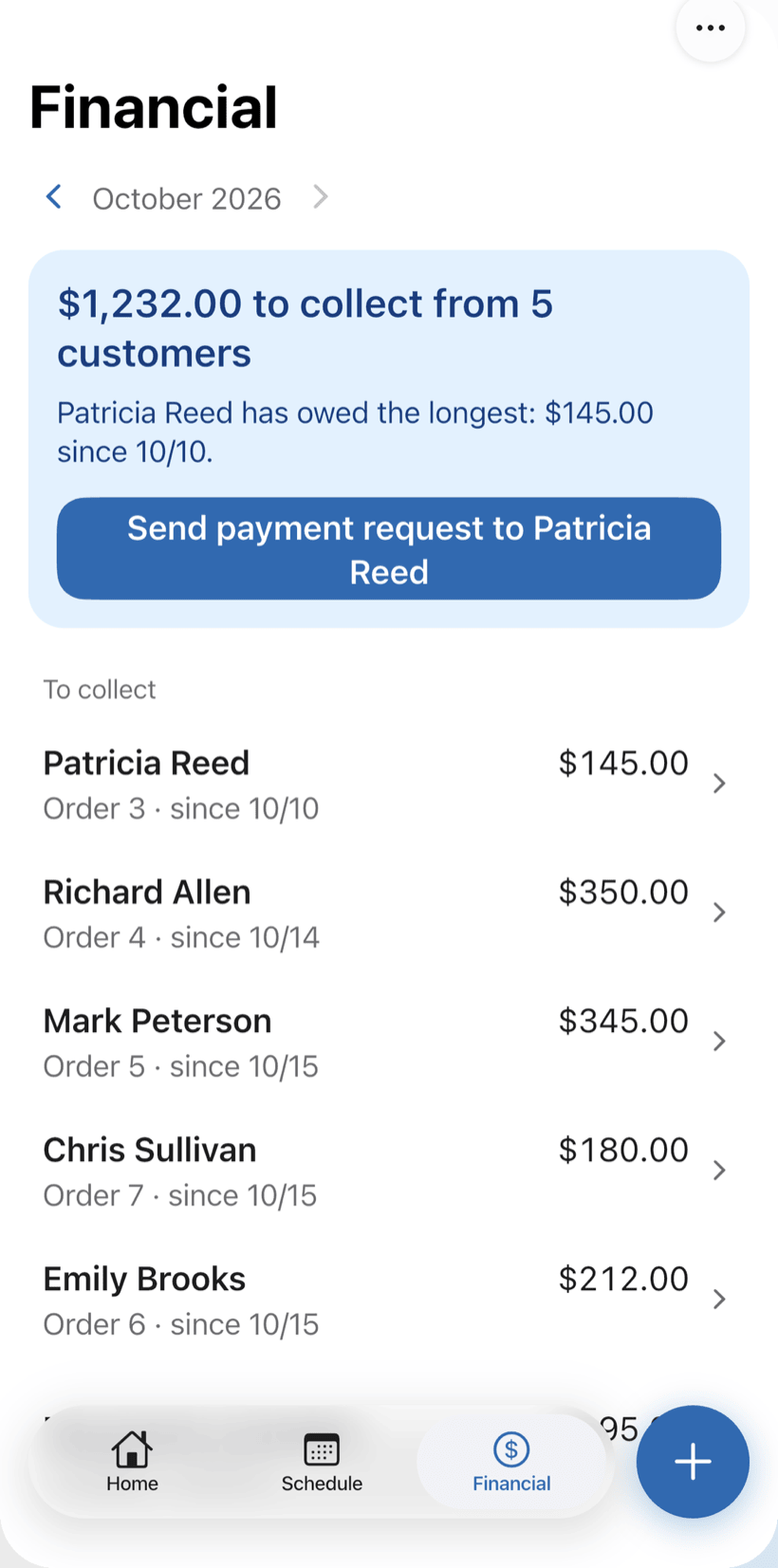
In PraticOSEach order shows the total and what is still due. Financial lists everyone who still owes you, oldest first, with a button to send them a payment reminder.
-
Prices agreed by word of mouth
Kitchen install, disassembly, wall anchoring. The price changes and the customer remembers another one.
In PraticOSThe quote lives on the work order with services from your catalog. The customer approves it by link and the approval is recorded.
How an assembly job moves through PraticOS
From the order to the handover, every step is recorded on the work order.
-
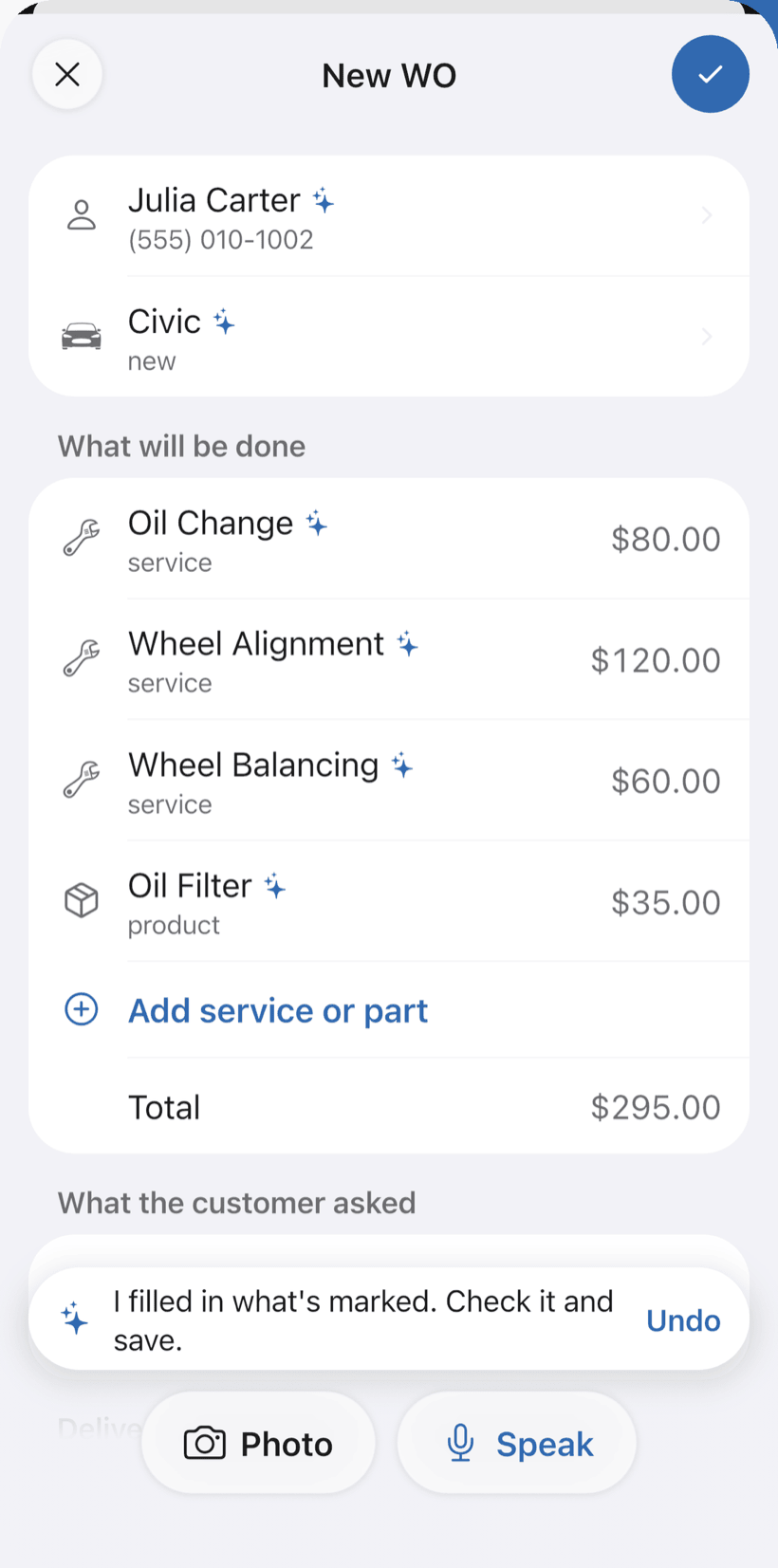
Say the job and the AI opens the order
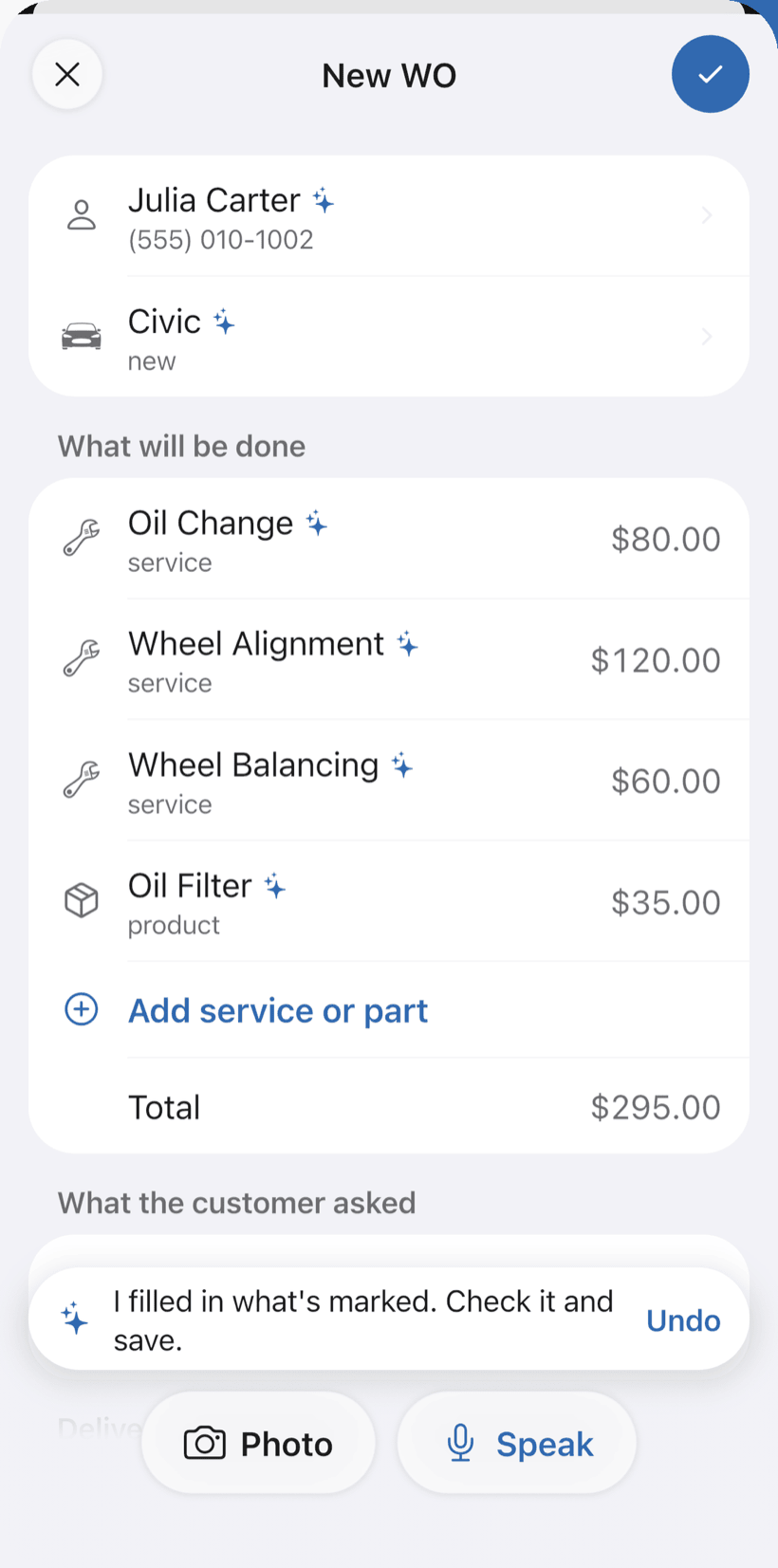
Tap Speak and say something like: “Casa Bela store, 6-door wardrobe at Ana's place, tomorrow at 9”. Or photograph the store's order. The AI fills in customer, piece and services with your catalog prices and marks what it filled with ✦.
- With a date and time, the job goes on the Schedule
- Fix it by voice: “assembly is 250”
- Nothing is saved until you check it
-
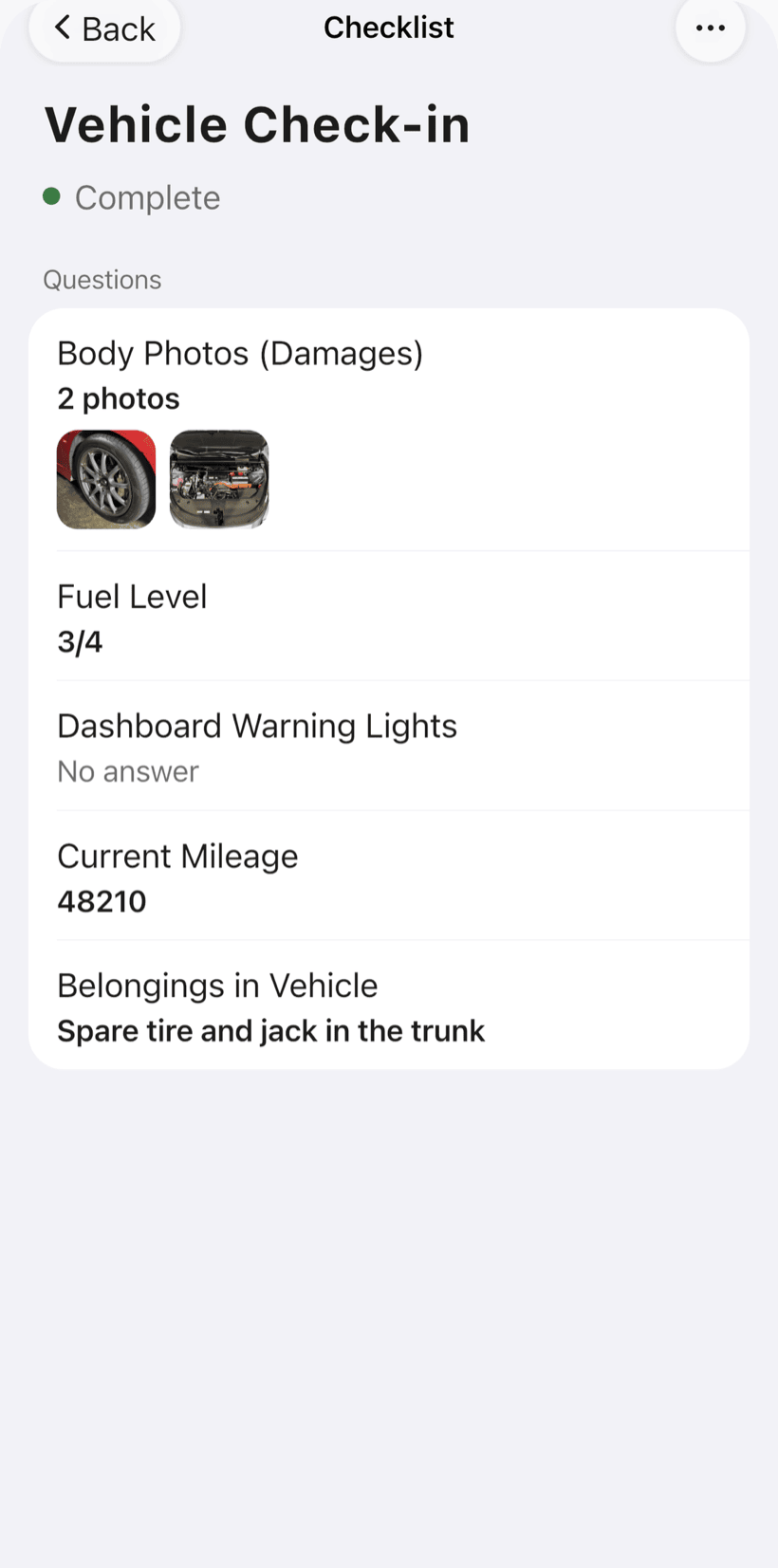
Record what you find on arrival
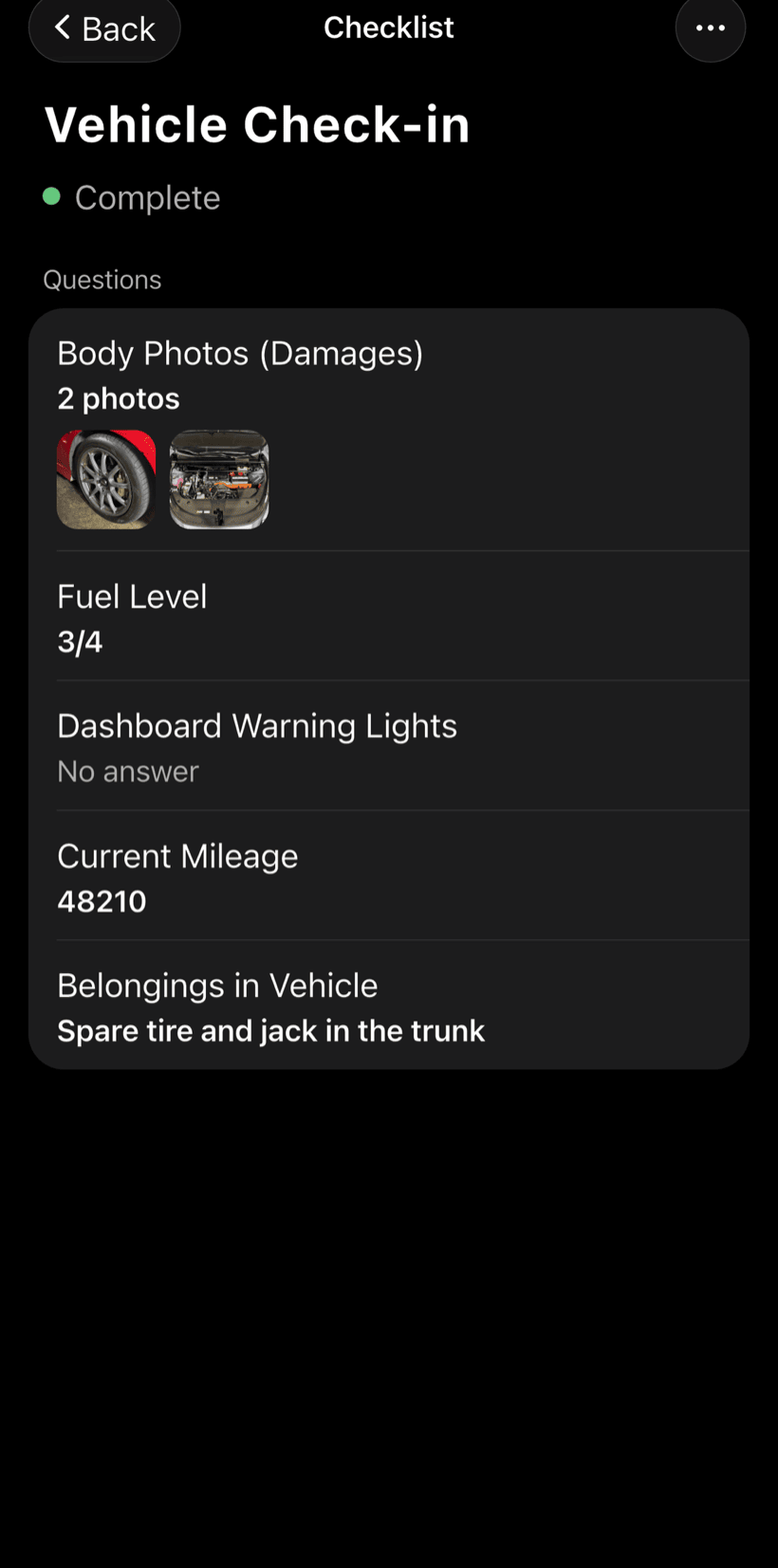
Before opening the boxes, photograph the packaging and any damage. Use the intake checklist and adjust the items to the way you work.
- Photos of the boxes and any damage
- Description of the piece and visible defects
- Notes about the installation spot
-
Hand over with a walkthrough
When you're done, go through the handover checklist with the customer and photograph the finished piece. They can follow it all through the work order link.
- Piece checked and operation demonstrated
- Warranty period recorded on the work order
- Work order PDF to send to the store or customer
-
Get paid and keep track
Record the payment in full or in parts. Financial shows how much is still due, from which customers, and what came in this month.
- Partial payment and discount on the same order
- Monthly report of what came in
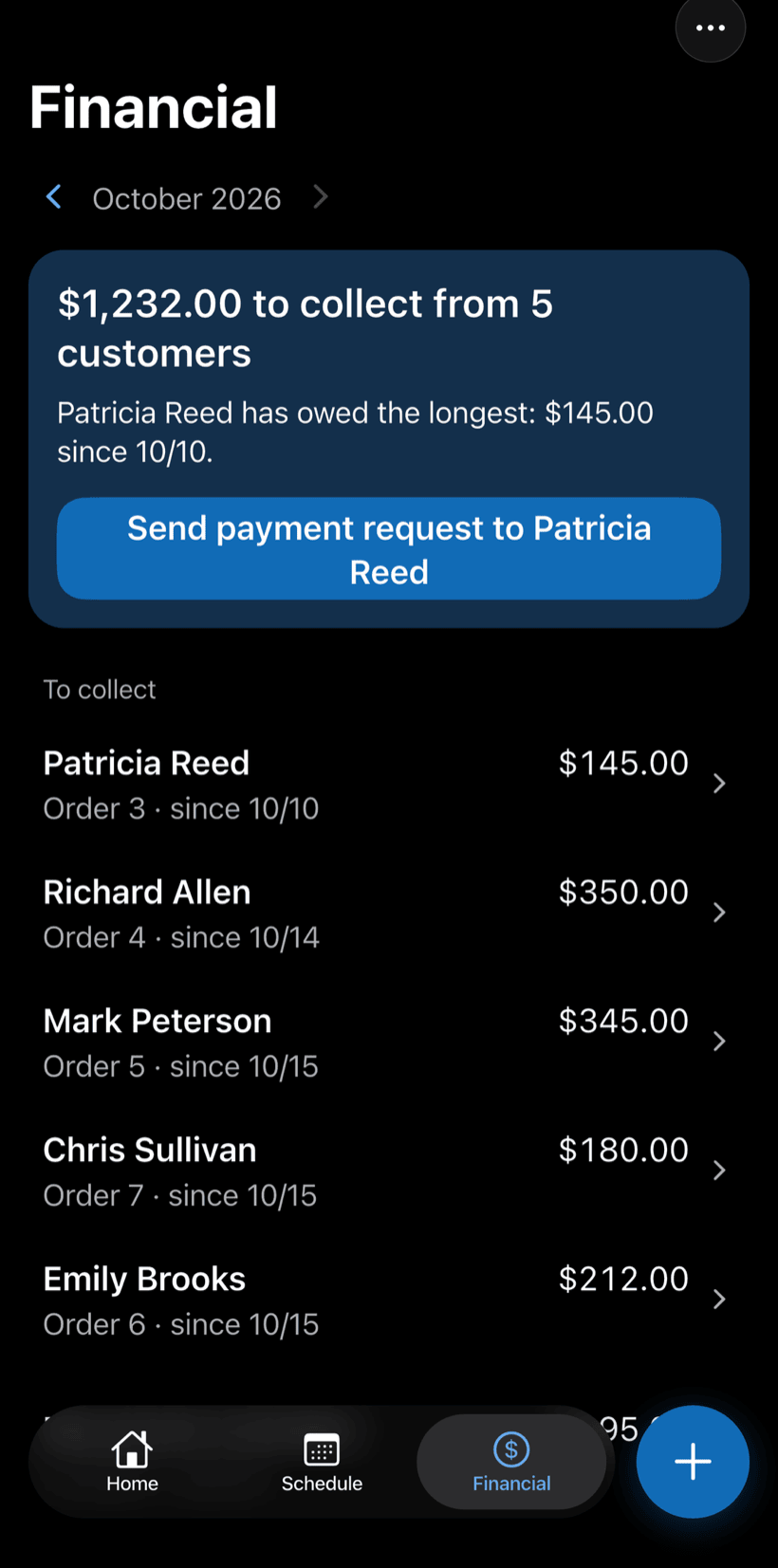
- Everyone who still owes you, in one list
Questions from furniture assemblers
If yours isn't here, send us an email — the PraticOS team answers it.
Do I have to pay to use it?
You can start free, with no limit on work orders or customers. The free plan has a monthly limit on photos and AI use, and one checklist template. Paid plans, subscribed in the app, raise those limits and unlock your team.
Which trade do I pick when I first sign in?
There's no trade specific to furniture assembly yet. Pick “Other”: it comes with intake, service record and customer handover checklists that you can adjust for each type of piece.
Can I keep store jobs separate from homeowner jobs?
Yes. Each store and each homeowner is a customer in the app. Search by name in the work order list to see all their jobs, with the payment status of each.
Can the people who work with me use it on their own phones?
Yes. If someone works with you, tap the profile button at the top of Home and go to Team: the invite goes out as a code over WhatsApp, and each person signs in on their own phone. The free plan is for one person; to add more people, subscribe to a paid plan inside the app.
Does the customer need to install an app?
No. They get a link, open it in their phone's browser and see the work order with photos and prices. They approve the quote and leave comments right there.
Download it and open your first order today.
Start free. Paid plans available in the app.
Questions? Talk to us on WhatsApp praticos@rafsoft.com.br FAQ