
Quote, readings and panel photos on one work order.
PraticOS is the work order app for electricians. Build the quote from your catalog, send it as a link for the customer to approve, record voltage, GFCI and grounding with panel photos and get paid — all from your phone.
Start free · iOS and Android · paid plans in the app
- Customer
- Patricia Gomez
- Installation
- House · 200 A main breaker
- Service
- Panel replacement and GFCI circuits
- Readings
- 241 V · GFCI tested OK
- Photos
- 6 attached · before and after
- Total
- $2,150.00
- Quote
- Approved
- In progress
- Completed
Where an electrician loses money
It's rarely a lack of calls. It's the quote given off the top of your head, the materials left off the bill and the “ever since you worked on it, the breaker trips” with nothing on record.
-
Prices off the top of your head
Wire, breakers, GFCIs and labor added up by eye. In the end, the job paid less than it cost.
In PraticOSAdd materials and services with prices once. On the work order you pick items, set quantities and the total adds up as you go.
-
Quotes given over the phone
The price was said on a call and, when it's time to bill, the customer remembers a different number.
In PraticOSThe customer approves the quote by link, and the approval is recorded on the work order.
-
“Ever since you worked on it, the breaker trips”
The customer calls weeks later blaming your work, and you can't show how you left the installation.
In PraticOSThe electrical service record checklist keeps measured voltage and current, GFCI test, grounding and a photo of the panel after the job.
-
Safety steps with no record
The circuit was shut off and tested, but nothing was written down. If something goes wrong, there's nothing to show.
In PraticOSThe safety checklist records circuit de-energized and locked out, absence-of-voltage test, PPE used, area marked off and a photo of the panel before.
-
Jobs booked on top of each other
Two visits at the same time and a customer waiting at home with no word.
In PraticOSThe work order date puts the job on the Schedule, and the phone sends a reminder before each visit.
-
Closing the month without knowing what came in
A deposit to buy materials, the balance at the end and a customer who asks to pay later.
In PraticOSRecord full or partial payments. Financial shows what is still owed and by whom, and the monthly report shows what came in.
How an electrical job moves through PraticOS
From the site visit to sign-off, every step is recorded on the installation's work order.
-
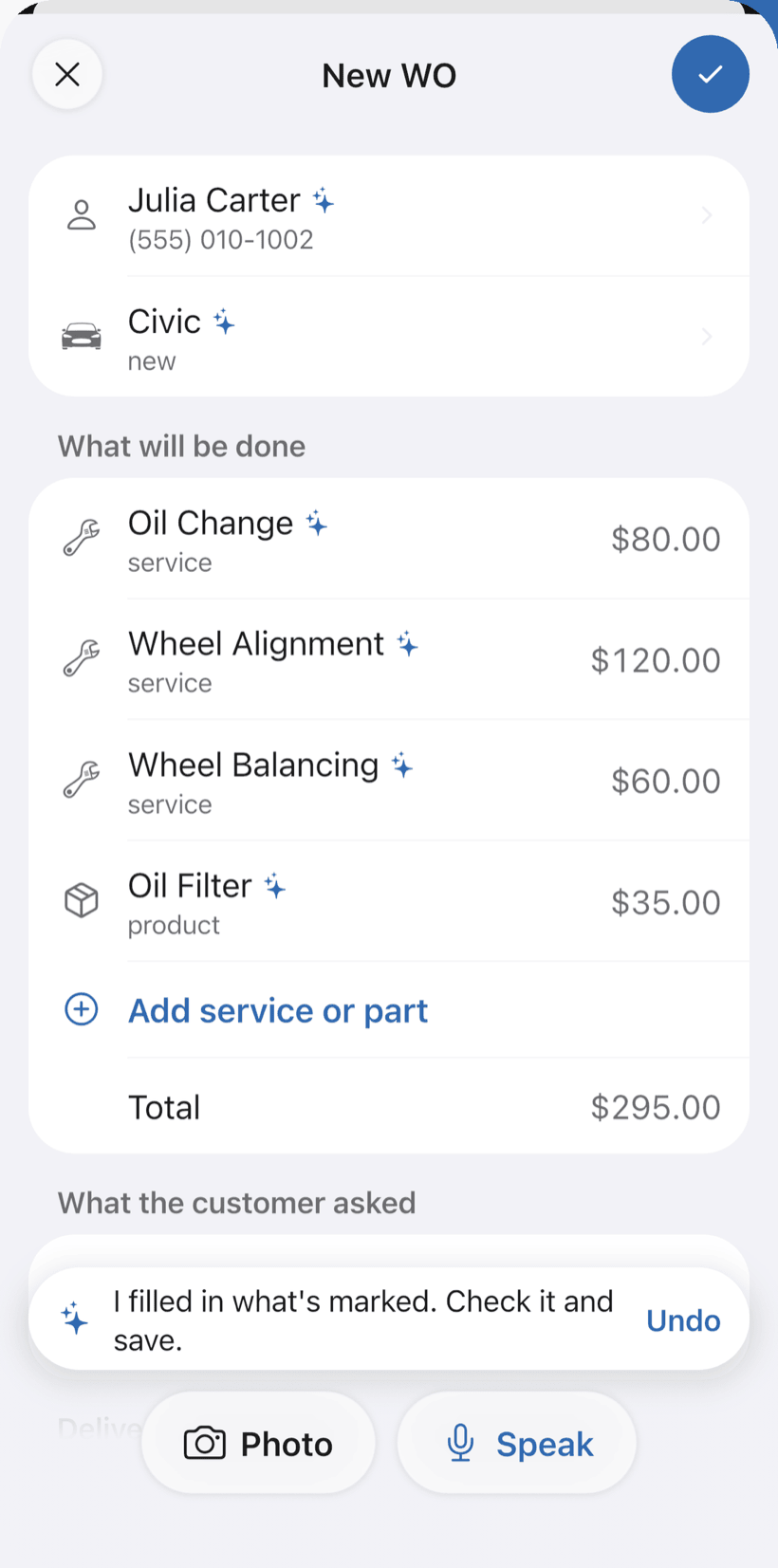
Say the job and the quote fills itself in
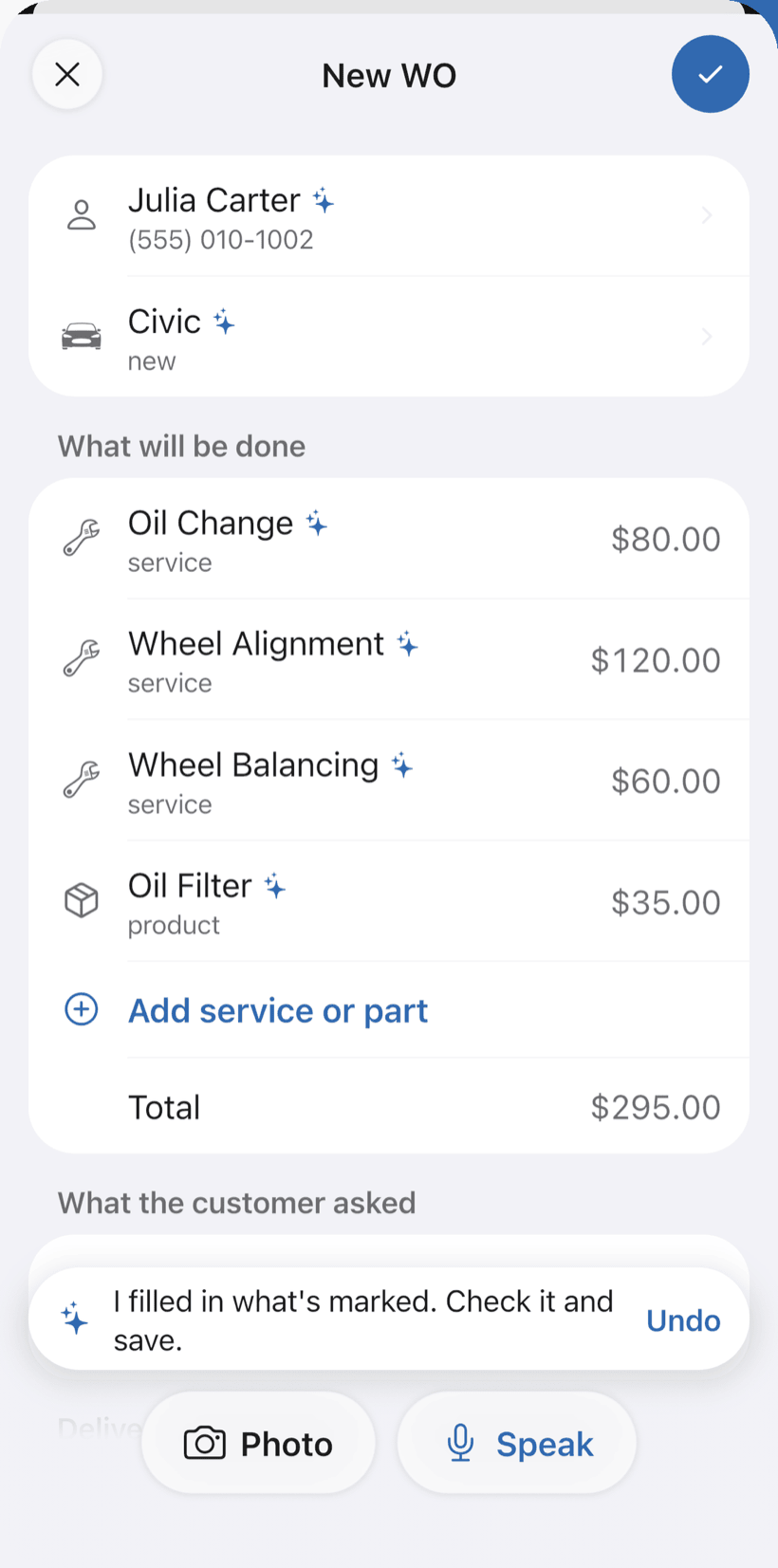
At the visit, tap Speak on New order and say “Rogério's house, panel replacement and three new outlets”, or take a photo of your notes. The AI fills in the customer, services and materials with your catalog prices. You check it and save.
- Everything the AI filled in is marked with ✦, and you can undo it
- Fix it by speaking: “each outlet is 60”
- Site voltage (110V, 220V, dual or three-phase) and main breaker in amps
-
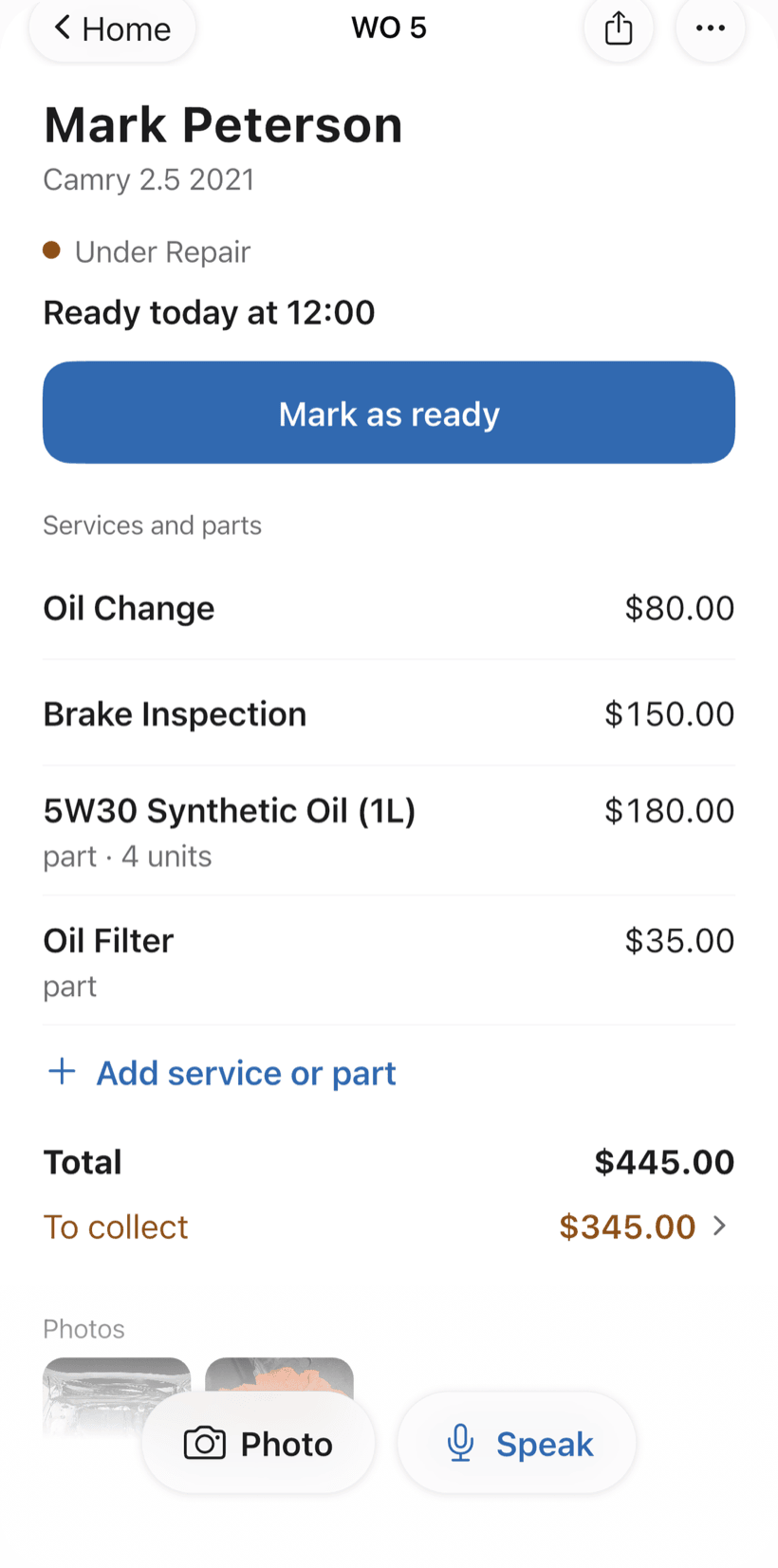
Send the quote as a link
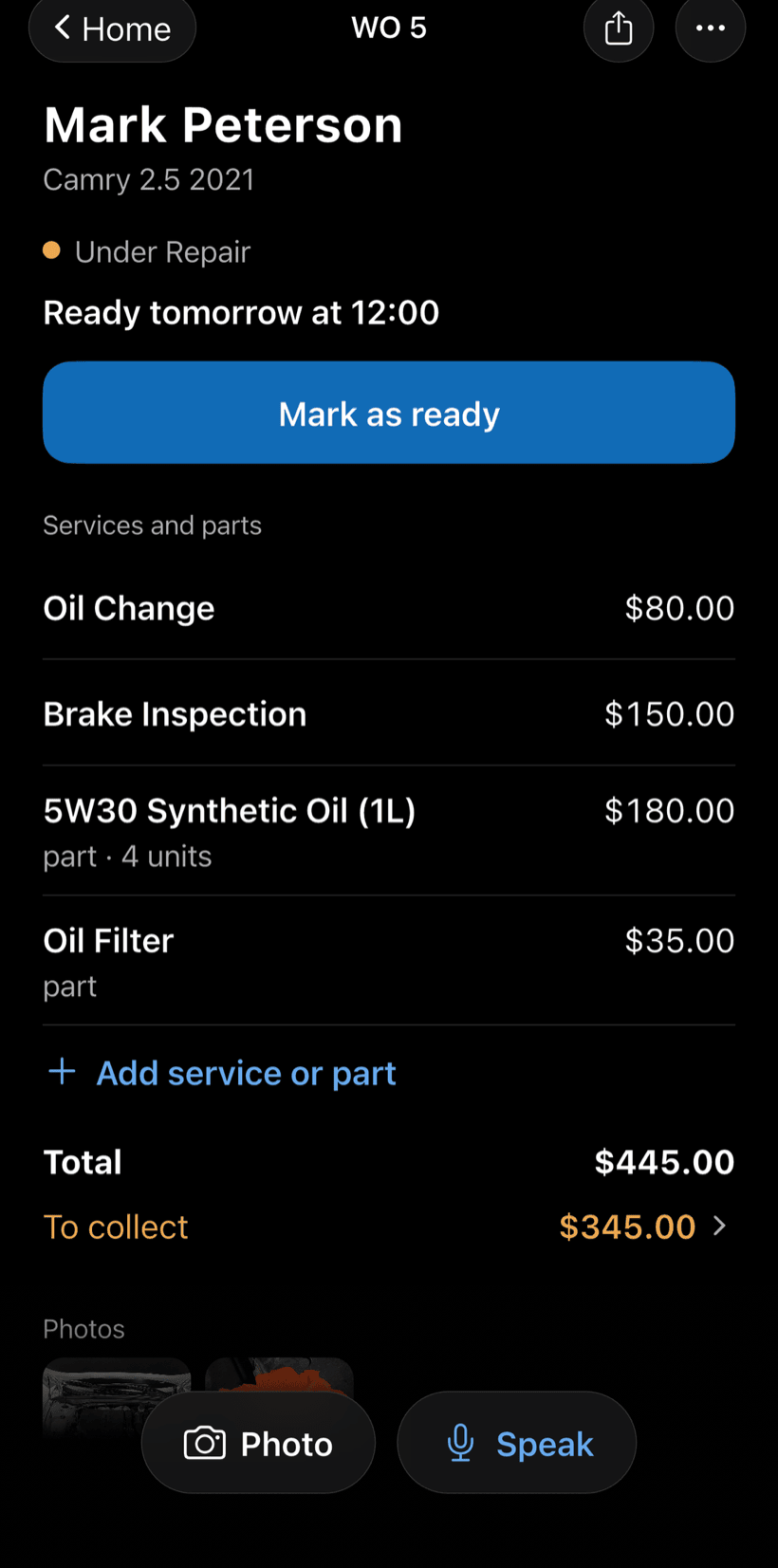
The customer opens the work order in a browser, nothing to install. They see materials and labor, approve it and leave comments.
- Approval recorded on the work order
- Customers follow progress without calling
- Work order PDF to print or send
-
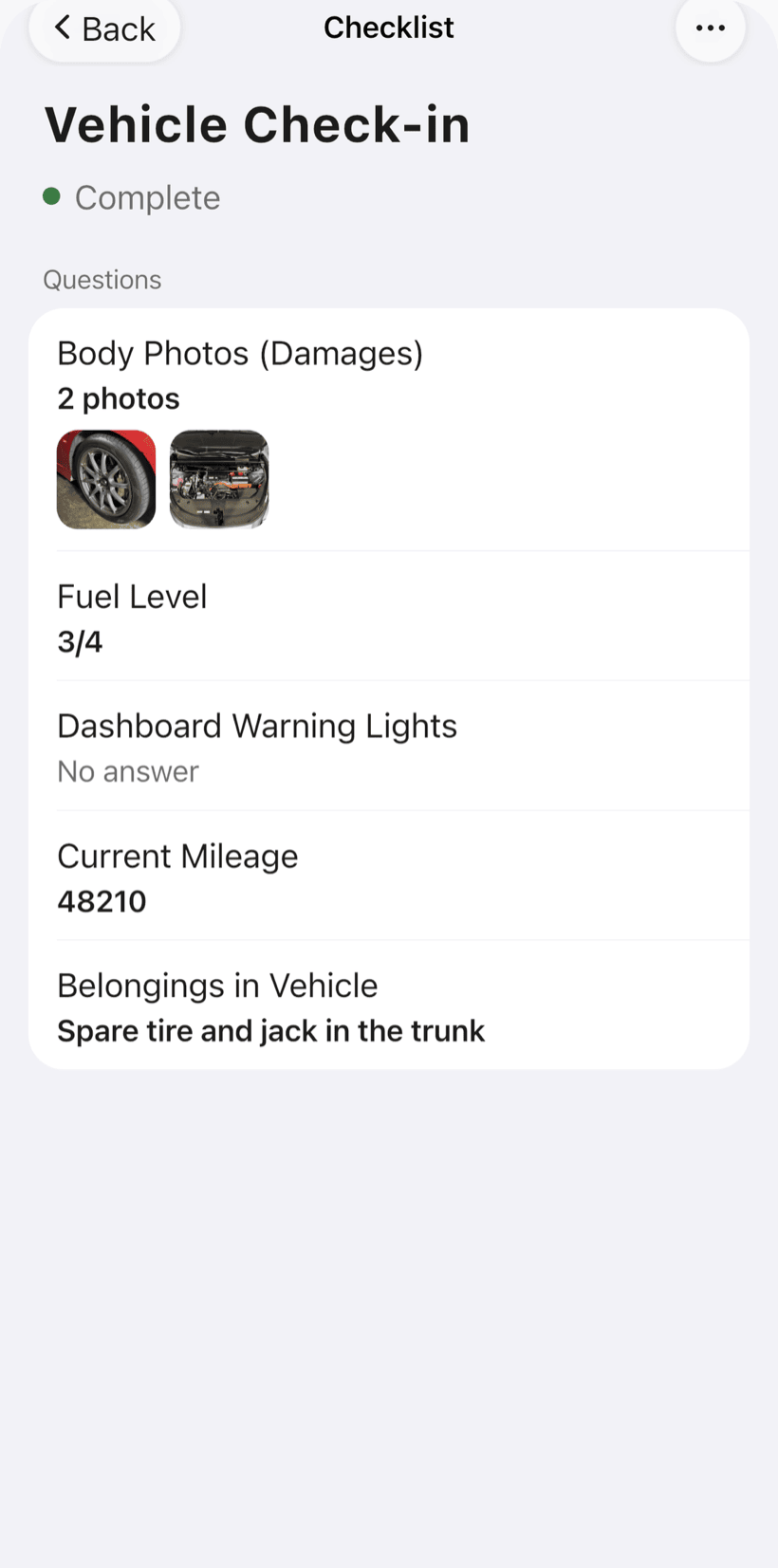
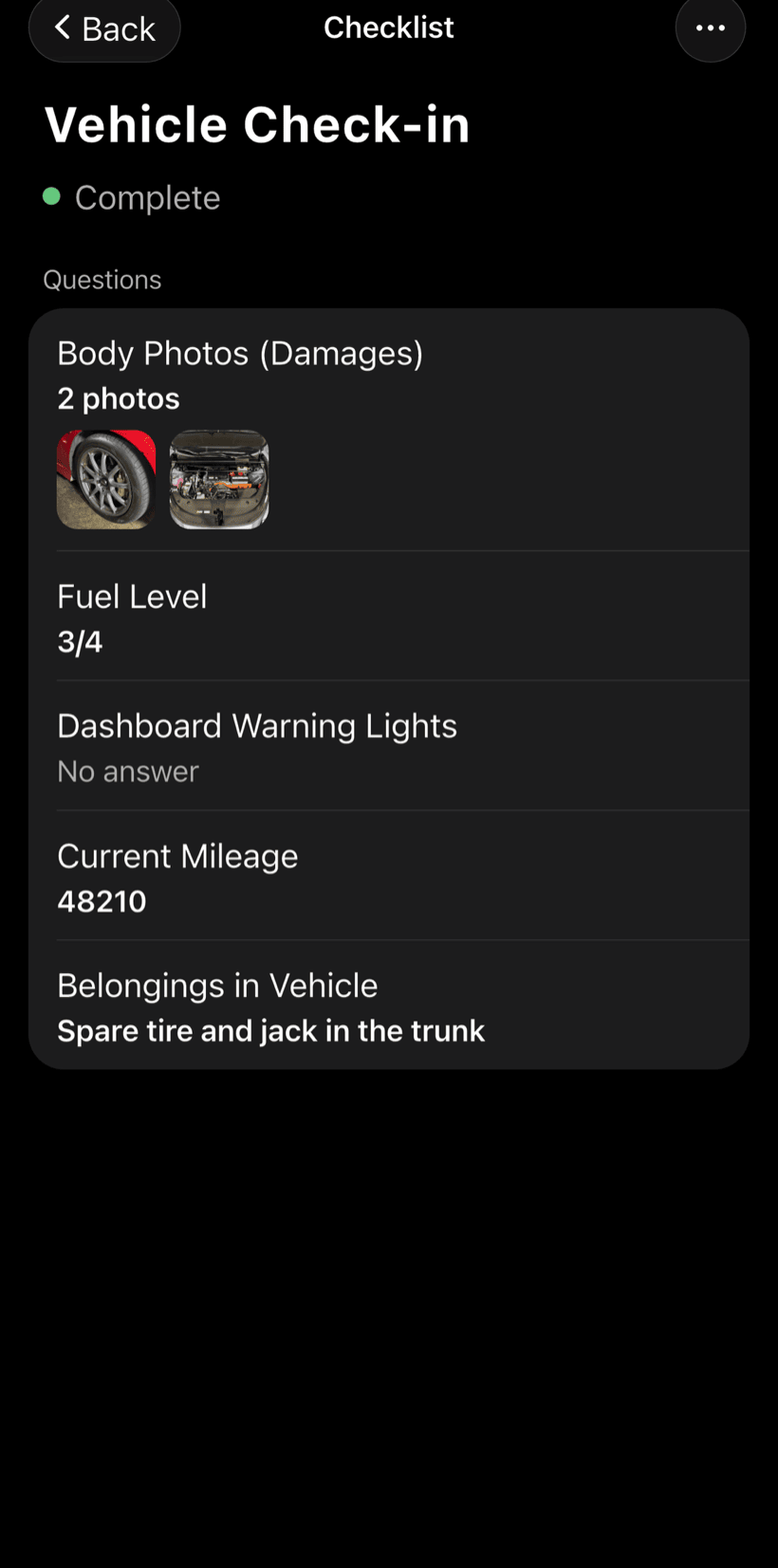
Do the work with a checklist
Electrical checklists come ready to use and you can adjust the items: safety before you start, service record and handover quality.
- Panel photo before and after
- Measured voltage and current, GFCI and grounding
- Circuits labeled and outlets tested
-
Sign off and get paid
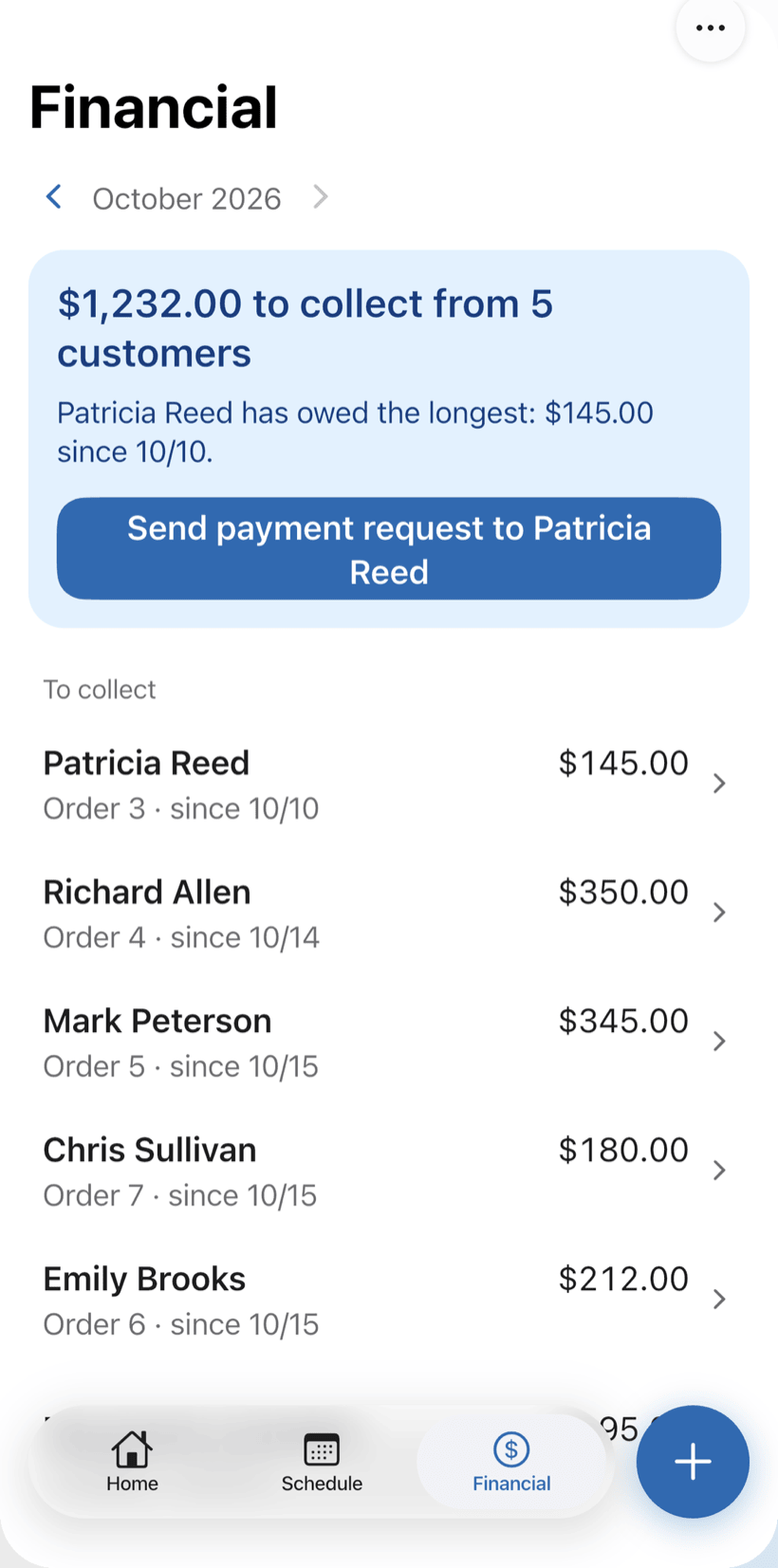
Record the payment in full or in parts, with a discount if needed. The Financial tab shows who still owes you, and you can send the customer a payment request.
- Payment in parts and discount on the same work order
- Monthly report of what came in
- Everyone who still owes you, in one list
Questions from electricians
If yours isn't here, send us an email — the PraticOS team answers it.
Do I have to pay to use it?
Not to get started. You can use it free, with no limit on work orders or customers. The free plan has a monthly limit on photos and AI use, and one checklist template. Paid plans, with more of each and a team, are available in the app.
Does it work for electricians who work alone?
Yes. The app is made for people who work on their own: you open the work order, run the checklist and get paid from your phone. If someone works with you, you can invite them: tap the profile button at the top of Home and go to Team, with a paid plan purchased inside the app.
Does the safety checklist replace required safety paperwork?
No. It records each job's safety steps on the work order, with photos. Training and the documents your local electrical safety rules require are still your responsibility.
Can I organize my schedule?
Yes. The work order goes on the Schedule by its service date and time, and the phone reminds you shortly before each visit. For a daily summary at 9 a.m., tap the profile button at the top of Home and go to Reminders.
Does the customer need to install an app?
No. They get a link, open it in their phone's browser and see the work order with photos and prices. They approve the quote and leave comments right there.
Download it and open your first order today.
Start free. Paid plans available in the app.
Questions? Talk to us on WhatsApp praticos@rafsoft.com.br FAQ