
Laptop, password and diagnosis on one work order.
PraticOS is the work order app for computer repair shops. Log the computer with processor, memory and storage, run the check-in with photos and the hardware diagnosis, send the quote as a link and record the payment — all from your phone.
Start free · iOS and Android · paid plans in the app
- Customer
- Jennifer Collins
- Computer
- Dell Inspiron 15 laptop · SN 7HQ2K93
- Check-in
- Powers on, no display · charger left
- Service
- 512 GB SSD and OS reinstall
- Photos
- 5 attached
- Total
- $185.00
- Quote
- Approved
- In progress
- Completed
Where a computer repair shop loses money
There's no shortage of computers on the bench. What's missing is knowing whose each one is, what's been tested and whether the backup happened before the wipe.
-
A backup nobody confirmed
The customer says there were photos on the drive and your shop erased them.
In PraticOSThe privacy and backup checklist records whether the backup was done and that the customer was informed, before any reinstall.
-
Passwords on sticky notes
The login password is taped to the laptop lid for anyone to see.
In PraticOSThe password goes on the check-in checklist inside the work order, along with photos, damage and accessories left.
-
Diagnosing from scratch, again
The laptop comes back and nobody knows what was already tested.
In PraticOSThe hardware diagnosis keeps RAM, drive health in %, power supply, motherboard and CPU temperature. Search by serial number and see past work orders.
-
Upgrades with no record
You swapped the RAM or SSD, and the customer doesn't know what changed or what they paid for.
In PraticOSThe upgrade checklist records the part replaced, the old and new specs, and whether the system recognized the hardware.
-
The phone ringing all day
“Is it ready yet?” Every call pulls someone off the bench.
In PraticOSThe customer opens the work order from a link and sees the status, photos and prices without calling.
-
Closing the month without knowing what came in
Card, cash and transfers noted in different places. Nobody knows who still owes you.
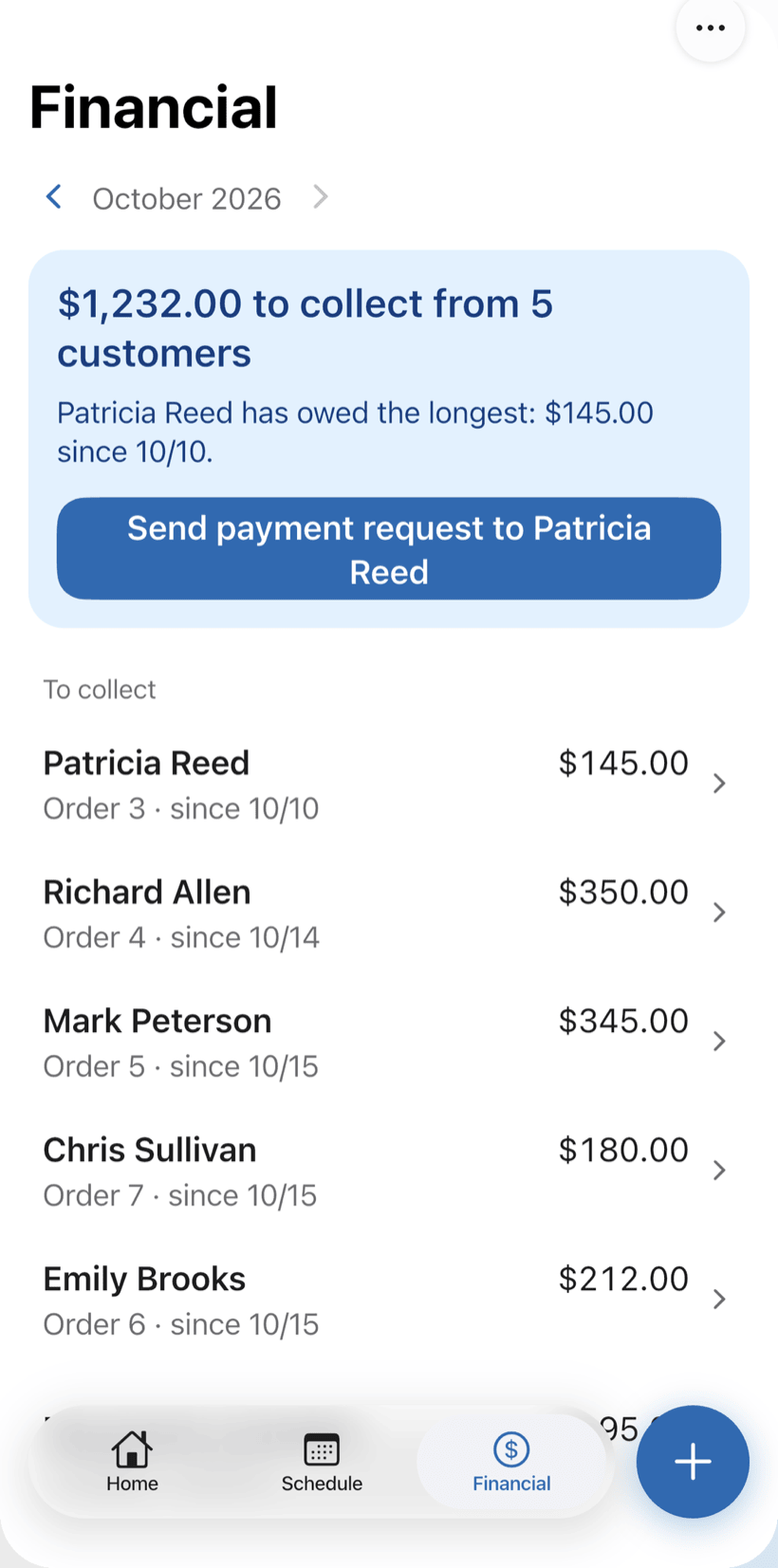
In PraticOSReceive the full amount or in parts on the work order. Financial shows how much is left to collect and from whom, and the monthly report shows what came in.
How a computer moves across the bench in PraticOS
From check-in to pickup, every step is recorded on the computer's work order.
-
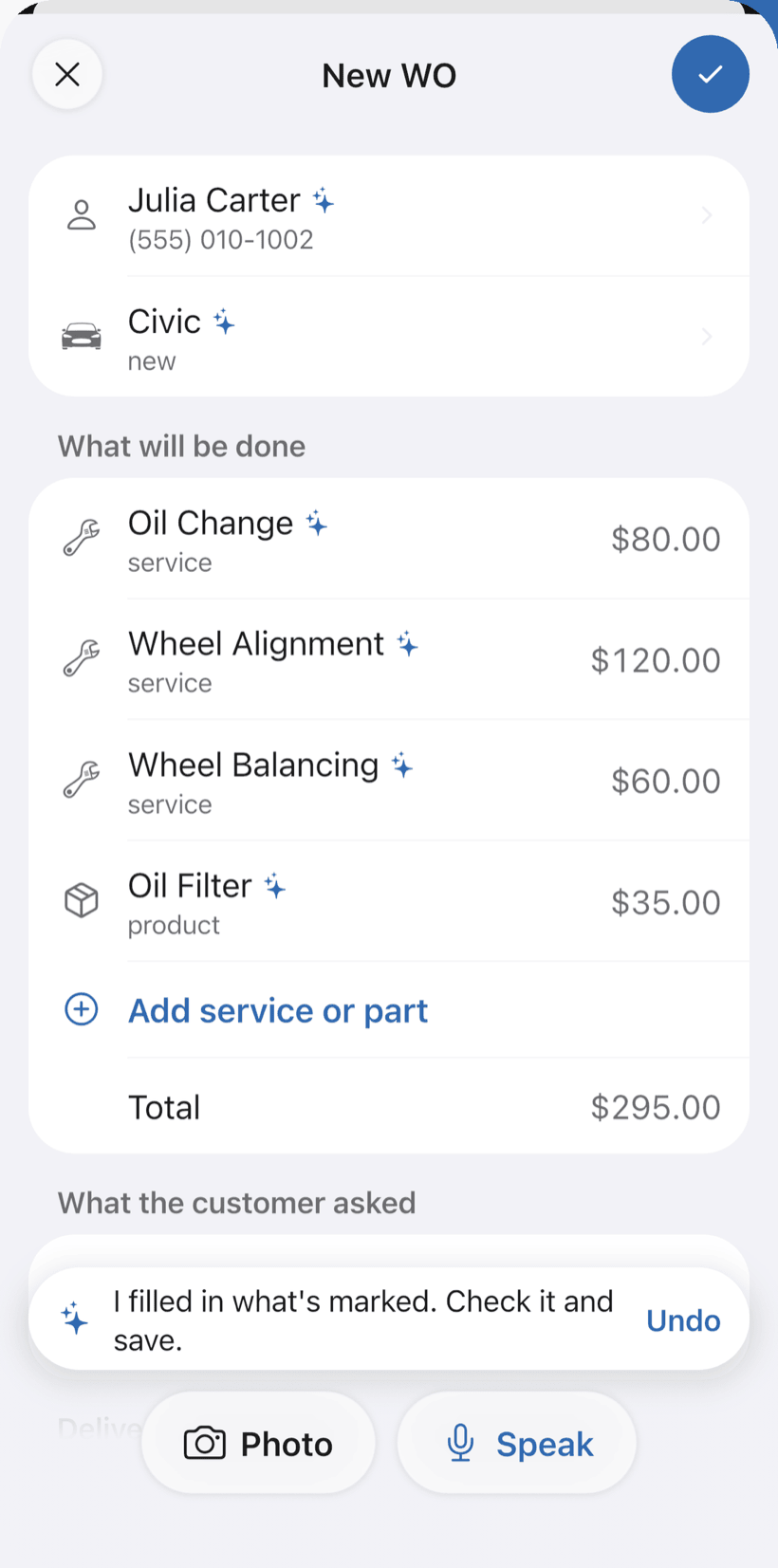
Say the machine and AI opens the order
At the counter, tap Speak: “Ricardo’s Dell laptop, slow and overheating, internal cleaning and thermal paste.” AI fills in the customer, machine, services and prices from your catalog. You check it and save.
- What AI filled in is marked with ✦
- Fix it by speaking: “the cleaning is 150”
- Or take a photo of the label or the written request
-
Log the check-in
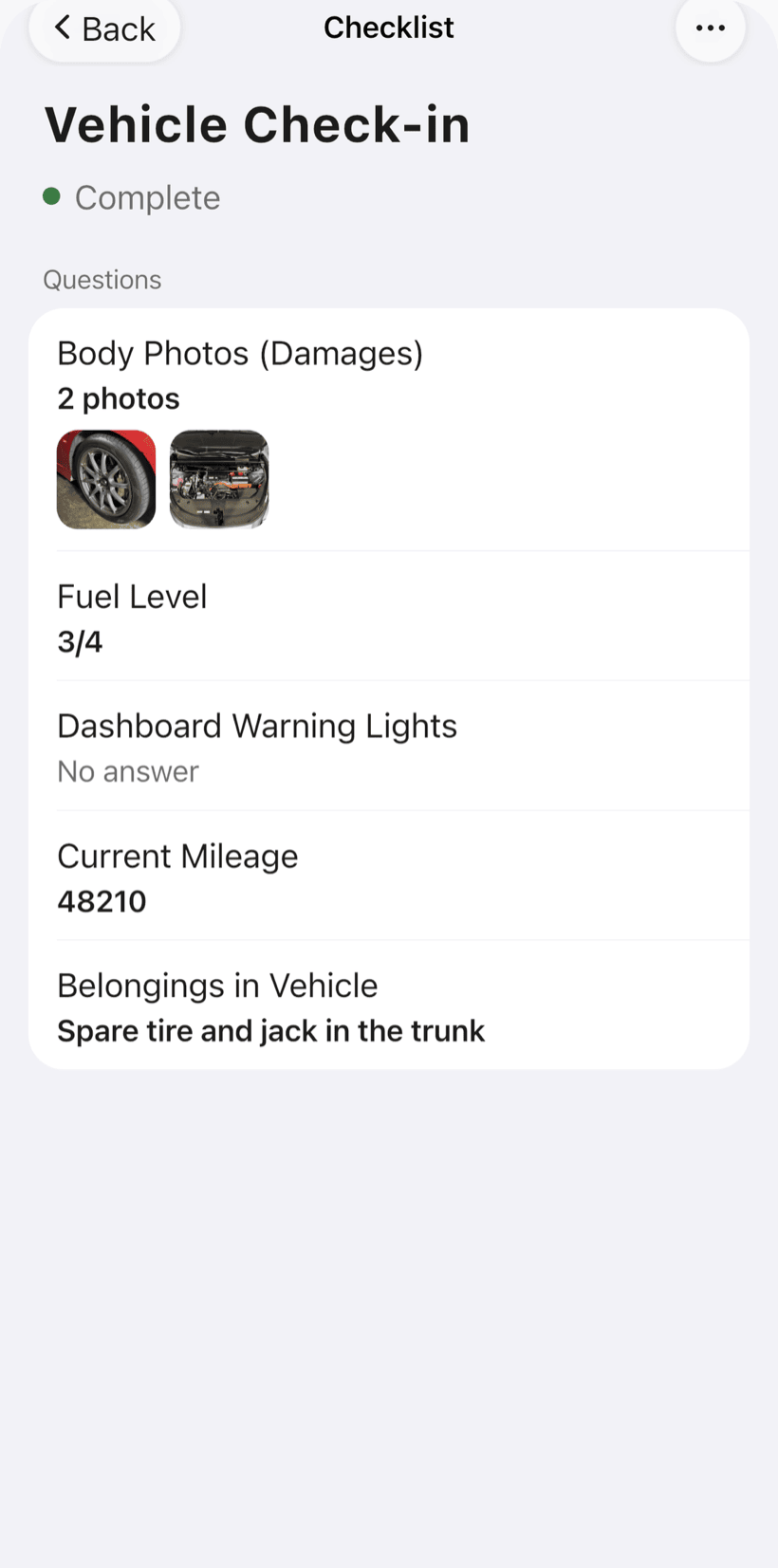
The check-in checklist comes ready and you adjust the items: powers on, screen, damage, accessories left and the login password, with photos.
- Powers on? Screen works? Damage and accessories
- Login password recorded on the order
- Processor, memory and storage on the machine
-
Diagnose and quote by link
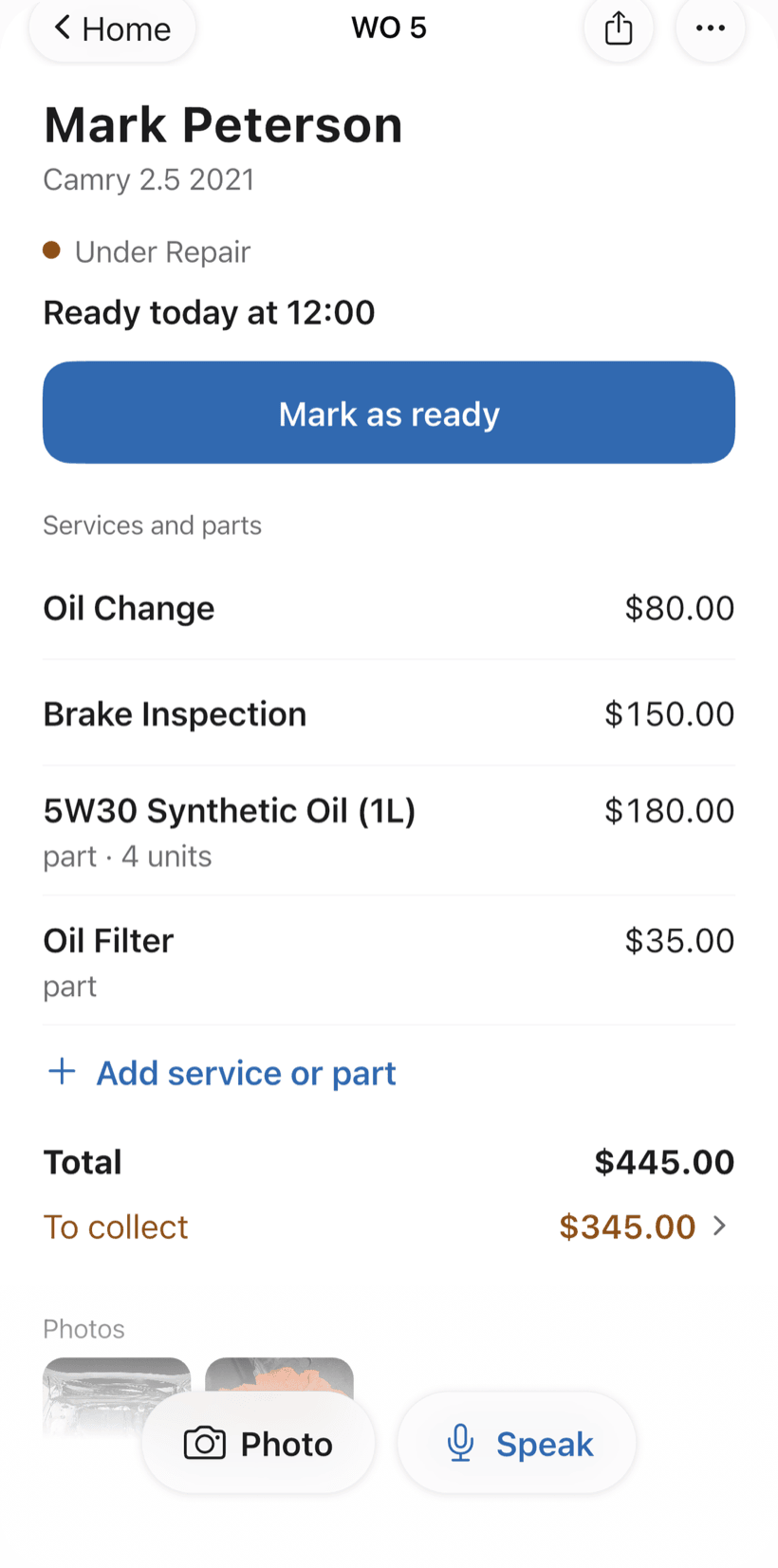
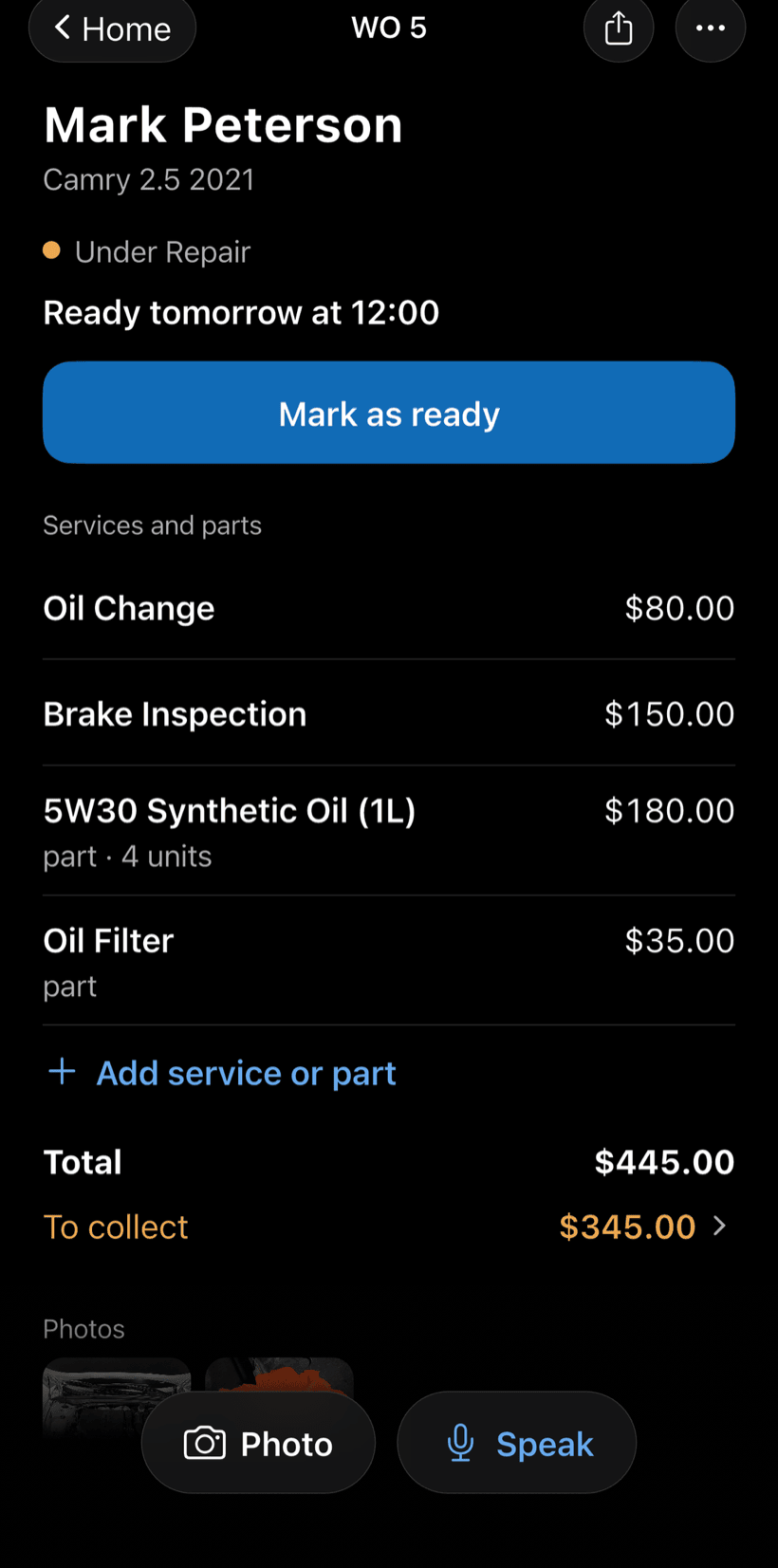
Run the hardware diagnosis and build the quote with services and parts from your catalog. The customer opens the work order in the browser, sees everything, reads your terms and approves.
- Approval recorded on the work order
- Your warranty and pickup terms before approval
- Work order PDF to print or send
-
Do the job with a checklist
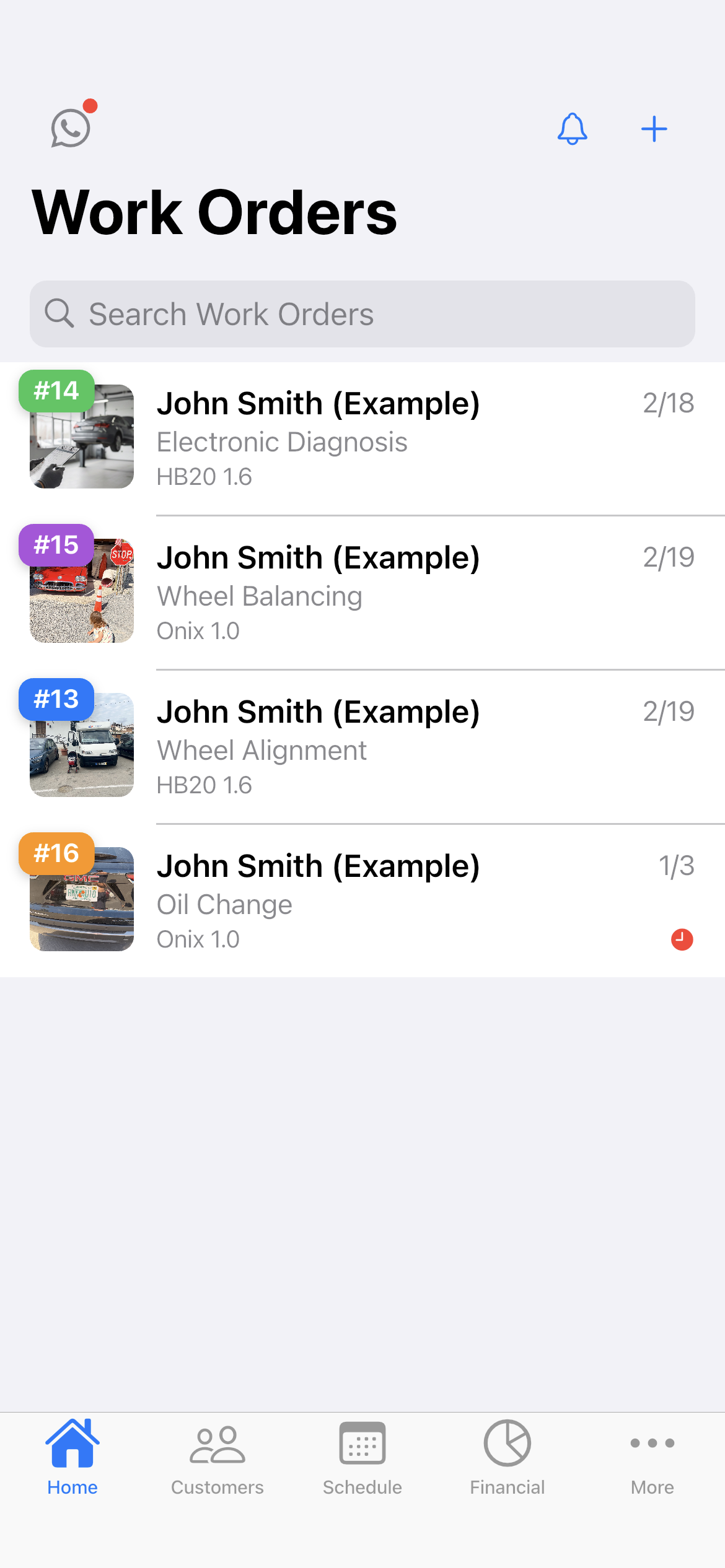
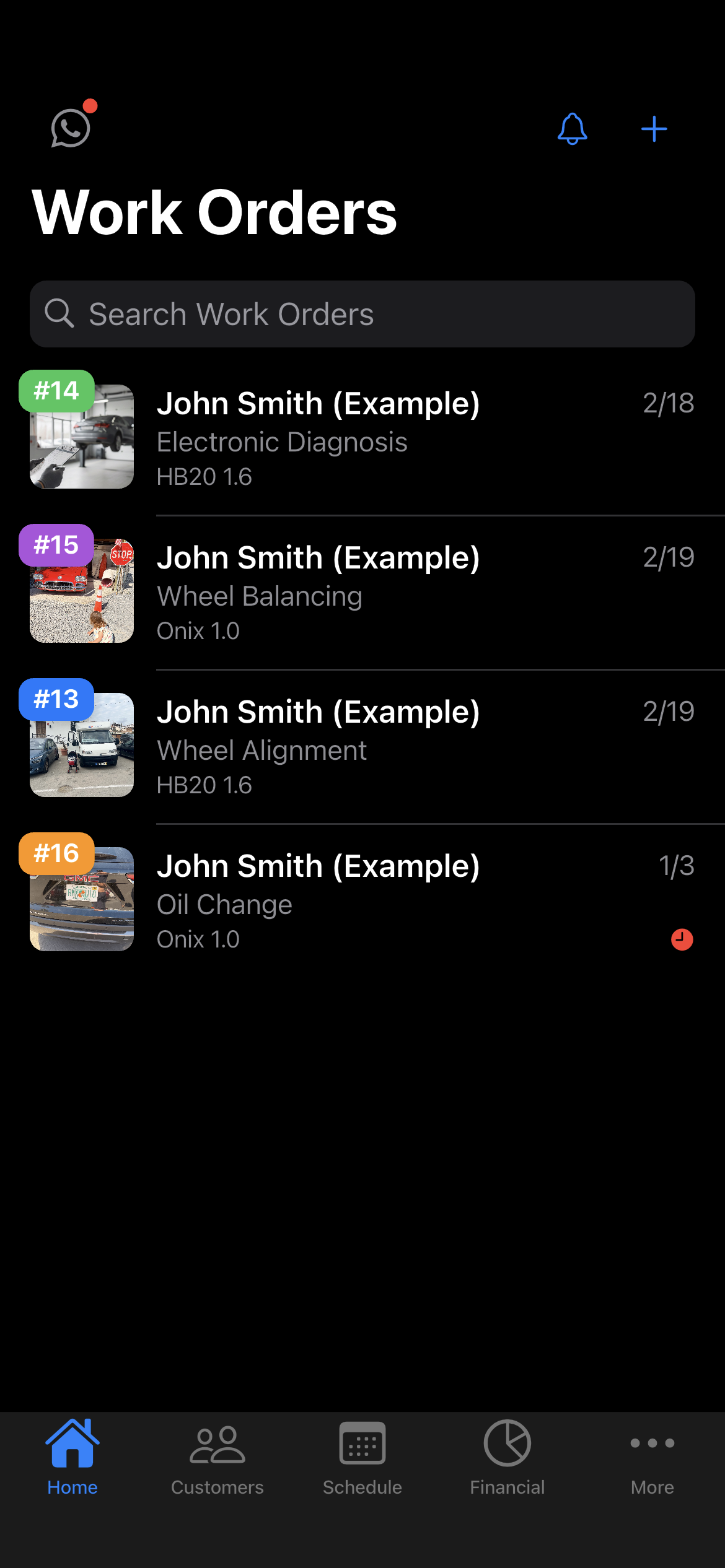
Reinstalls, internal cleaning and upgrades have ready-made checklists. Home shows what is in quote, approved, in progress or completed.
- Backup, OS, drivers and data restored
- Temperature before and after cleaning
- Search by serial number on Home
-
Deliver and get paid
Receive the full amount or in parts, with a discount if needed. Financial shows how much is left to collect and from whom, with a button to send the payment request.
- Partial payments and discounts in the same order
- Whoever has owed the longest shows up first
- Monthly report of what came in
Questions from computer repair shops
If yours isn't here, send us an email — the PraticOS team answers it.
Do I have to pay to use it?
You can start free, with no limit on work orders or customers. The free plan has a monthly limit on photos and AI use, and one checklist template. Paid plans, subscribed in the app, raise those limits and unlock your team.
Does it work for networks and servers?
Yes. The computer trade covers desktops, laptops, networks and servers. To work at the customer’s site, set a date and time on the work order and the appointment goes on the Schedule.
Can I add my own warranty and pickup rules?
Yes. In Terms for the customer (from the profile button at the top of Home) there is a default text for computer repair (pickup, backup, passwords, warranty) that you edit. The customer sees the terms before approving the quote, and they print on the work order PDF.
Can my technicians use it on their own phones?
Yes, if someone works with you. Tap the profile button at the top of Home, go to Team and invite them with an invite code, which you can send over WhatsApp, and they sign in with their own account on their own phone, with a role such as Technician or Manager. Inviting someone requires a paid plan, subscribed inside the app.
Does the customer need to install an app?
No. They get a link, open it in their phone's browser and see the work order with photos and prices. They approve the quote and leave comments right there.
Download it and open your first order today.
Start free. Paid plans available in the app.
Questions? Talk to us on WhatsApp praticos@rafsoft.com.br FAQ