
Proposal, install and follow-up on one work order.
PraticOS is the work order app for home automation installers. Build the proposal from your catalog, send it as a link for the customer to approve, record the install with photos and track what's still owed — all from your phone.
Start free · iOS and Android · paid plans in the app
- Customer
- Mark Lindsay
- Site
- Unit 1204 · living room, primary suite, balcony
- Scope
- Lighting, shades and scenes
- Items
- 1 hub, 8 modules, 2 shade motors
- Photos
- 14 attached
- Total
- $4,850.00
- Quote
- Approved
- In progress
- Completed
Where an installer loses money
It's rarely the install itself. It's the proposal rebuilt from scratch, the programming hours nobody billed and the service call with no record of what was done.
-
Every proposal starts from zero
Each quote becomes a new spreadsheet, with module, cable and labor prices typed by hand.
In PraticOSAdd products and services with prices once. On the work order you pick items, set quantities and the total adds up as you go.
-
Programming nobody sees
The customer compares module prices online and doesn't see the hours spent on setup and scenes.
In PraticOSProgramming labor is its own line on the work order, separate from equipment. The customer sees it itemized in the link and the PDF.
-
The job scattered across group chats
Floor plans, rack photos and agreements get lost between messages from three different people.
In PraticOSThe work order keeps the customer, address, items, photos and the comments the customer leaves on the link in one place.
-
Service calls with no record
Two years later the customer calls and nobody remembers which device went into which room.
In PraticOSBuild an install record checklist with the fields you use — room, device, notes and photos — and it stays on the customer's work order.
-
Deposit paid, balance forgotten
The customer pays part up front for materials and the rest comes later. Later, nobody knows how much is left.
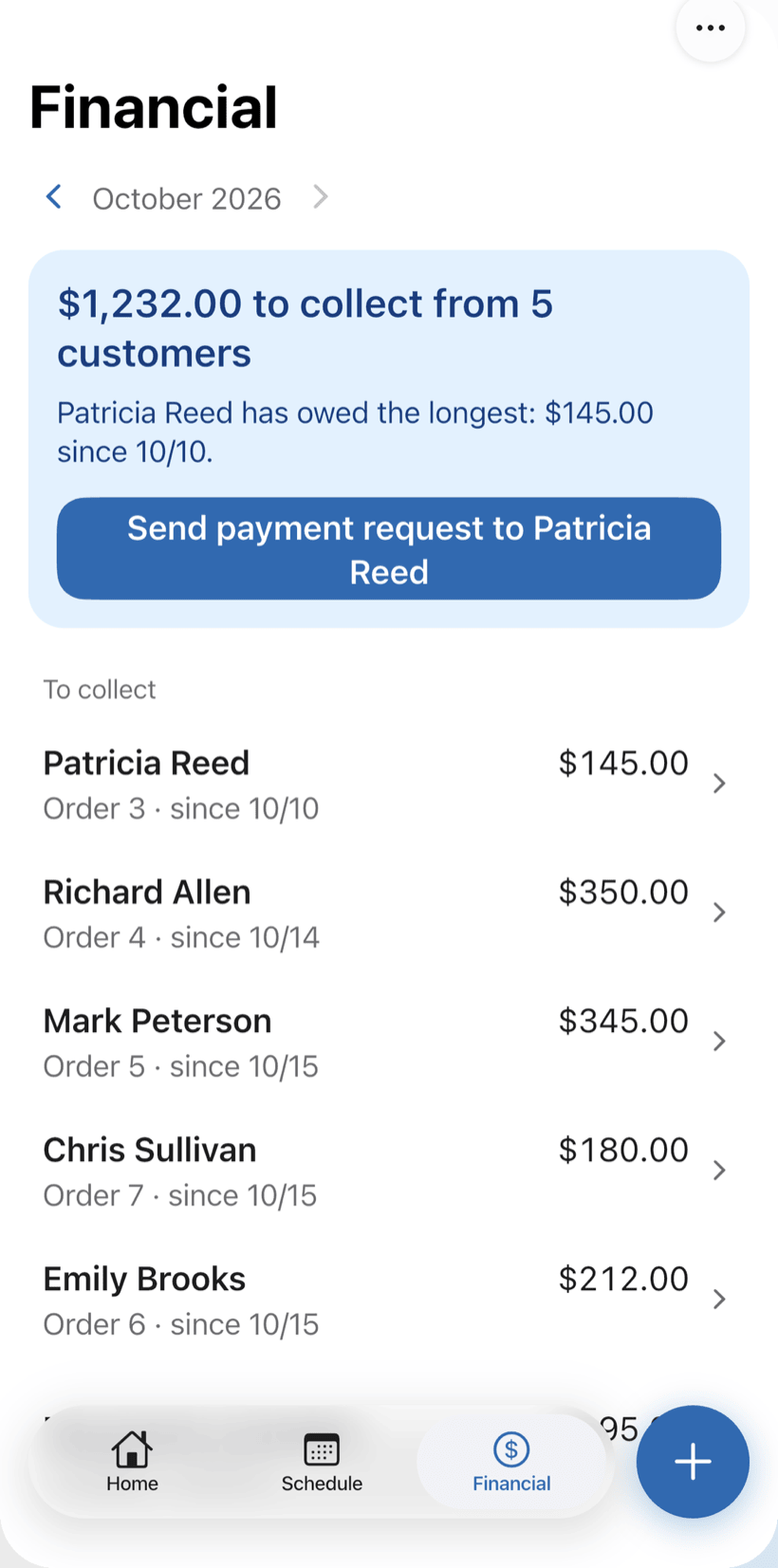
In PraticOSRecord full or partial payments. Financial shows what is still owed and by whom, and the monthly report shows what came in.
-
Several jobs in the same week
Two techs booked on the same day, a customer waiting and nobody told.
In PraticOSThe work order date puts the install on the Schedule, with the week on top and the time of each visit. The phone sends a reminder before each one.
How a smart home job moves through PraticOS
From site survey to handover, every step is recorded on the customer's work order.
-
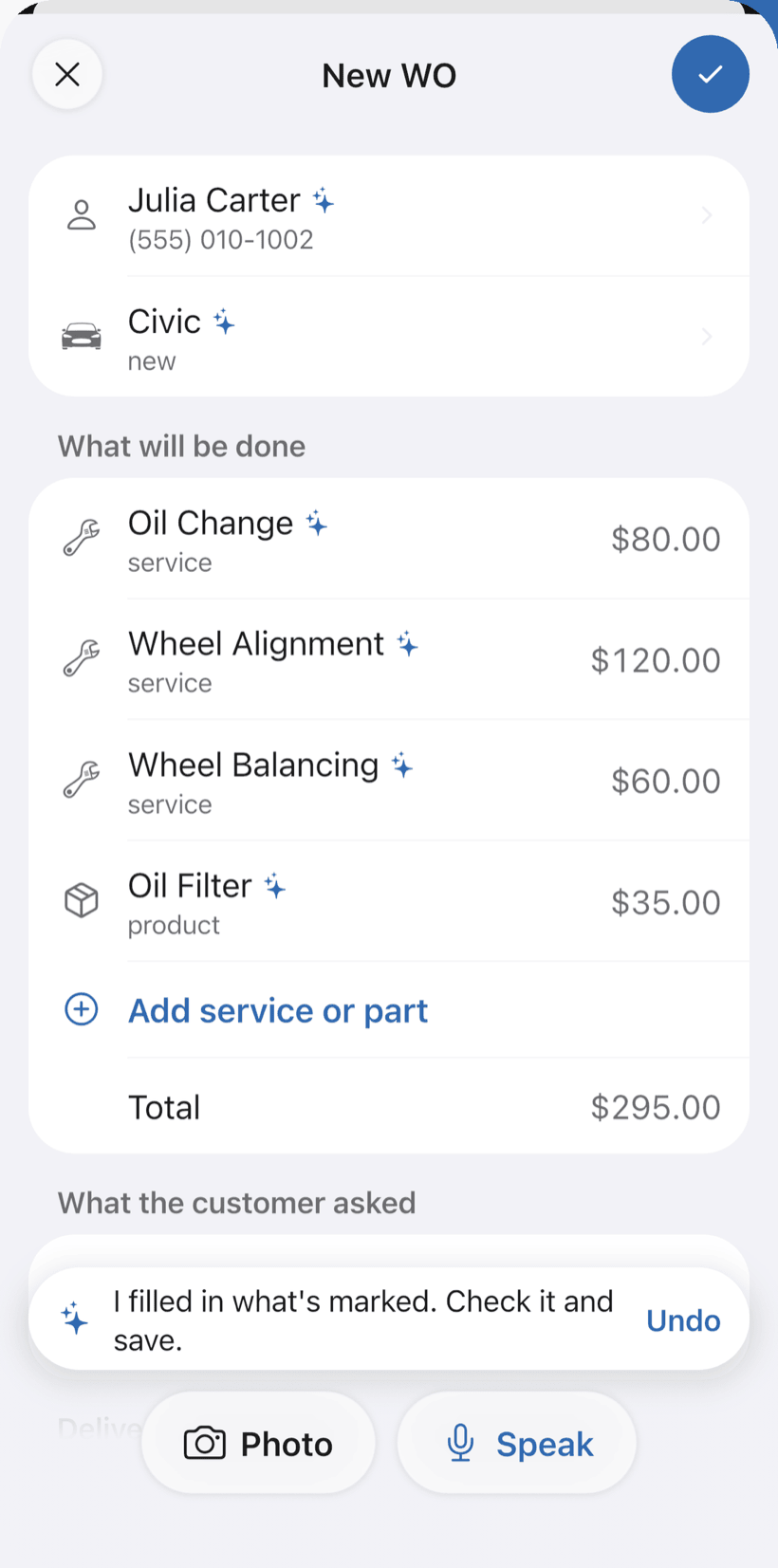
Say the job and the proposal fills itself in
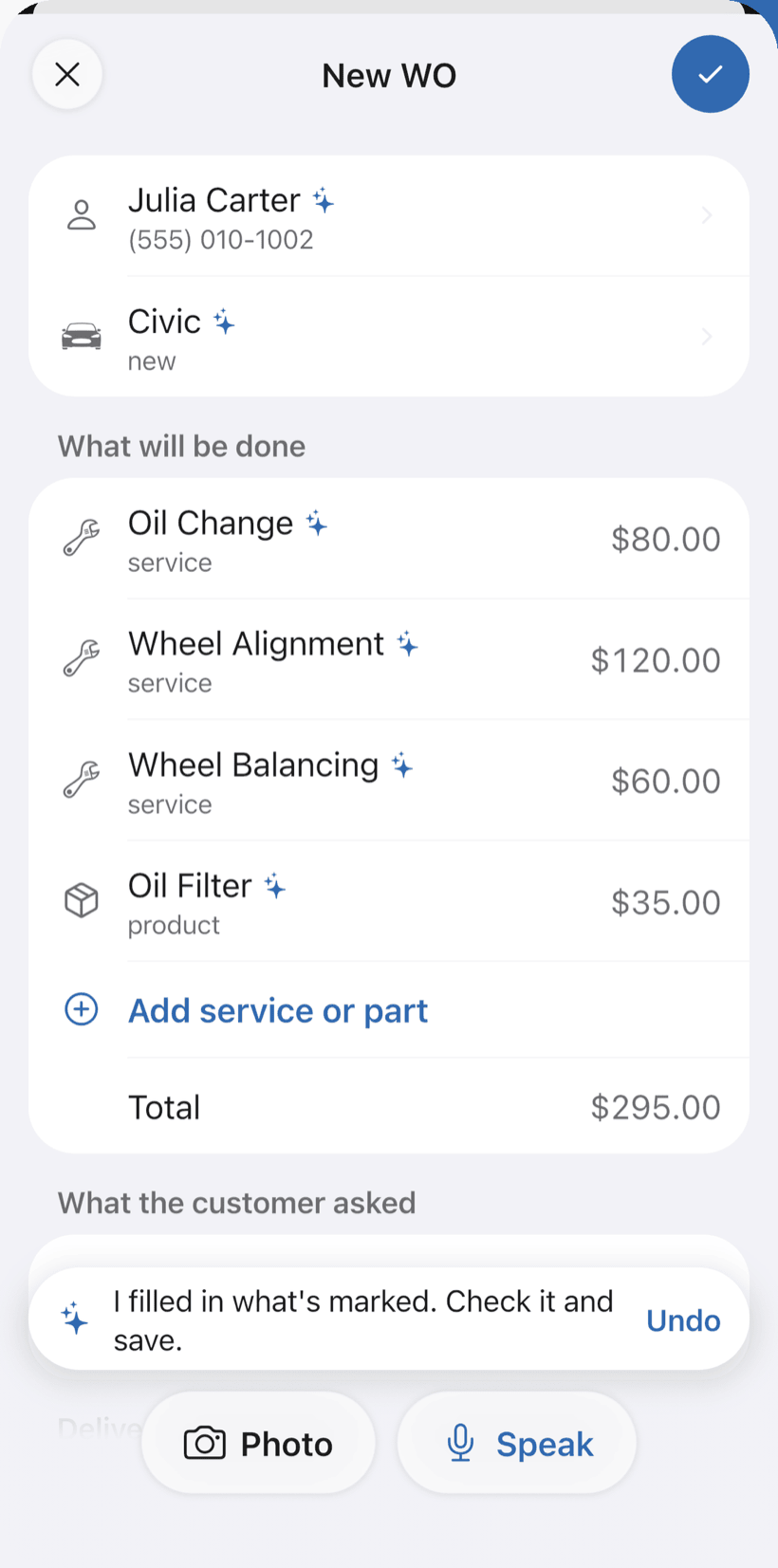
On New order, tap Speak and say “Ricardo's apartment, six smart switches and programming”, or take a photo of your notes. The AI fills in the customer, equipment and services with your catalog prices. You check it and save.
- Everything the AI filled in is marked with ✦, and you can undo it
- Fix it by speaking: “programming is 800”
- Equipment and programming as separate items
-
Do the site survey
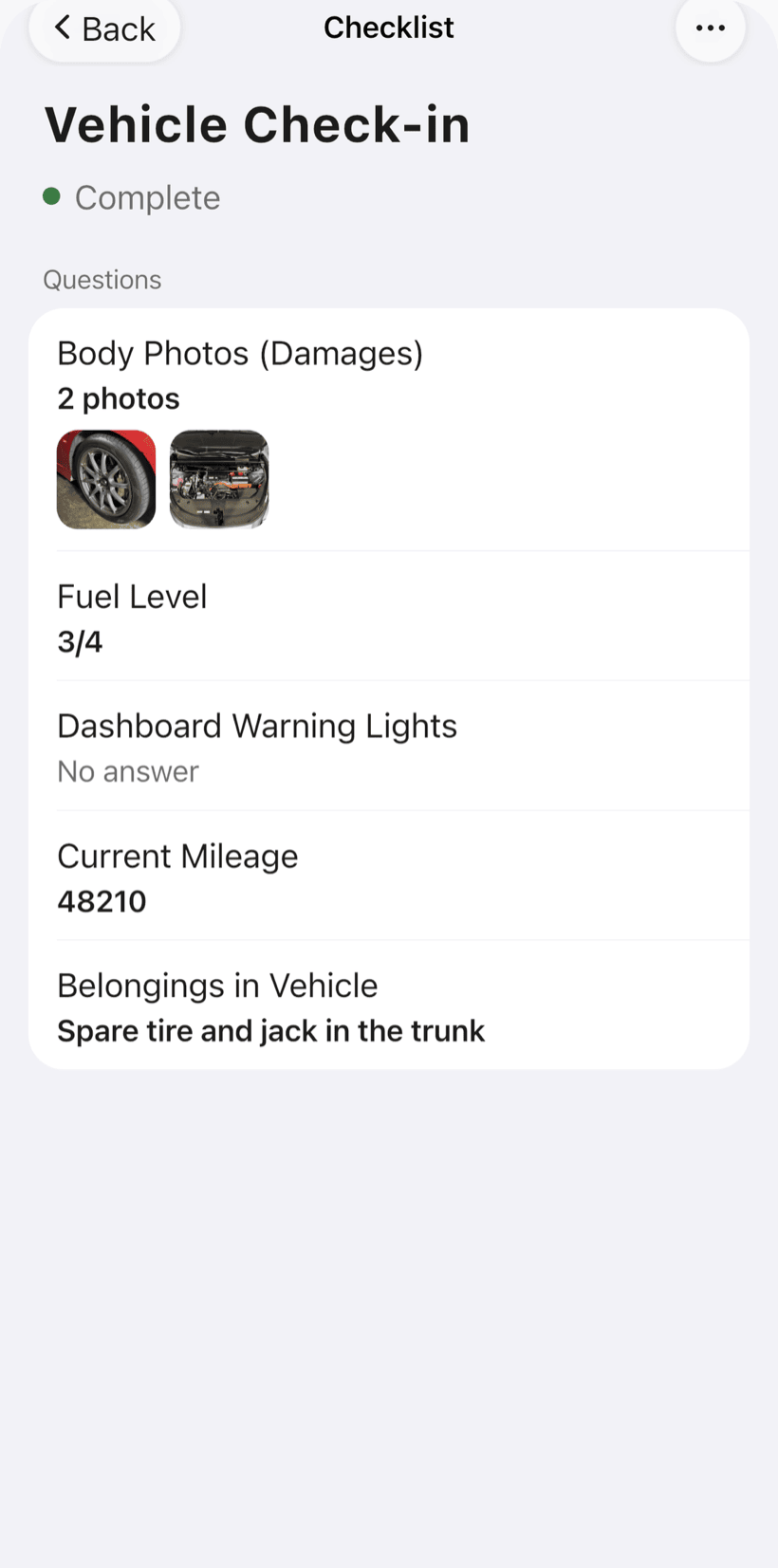
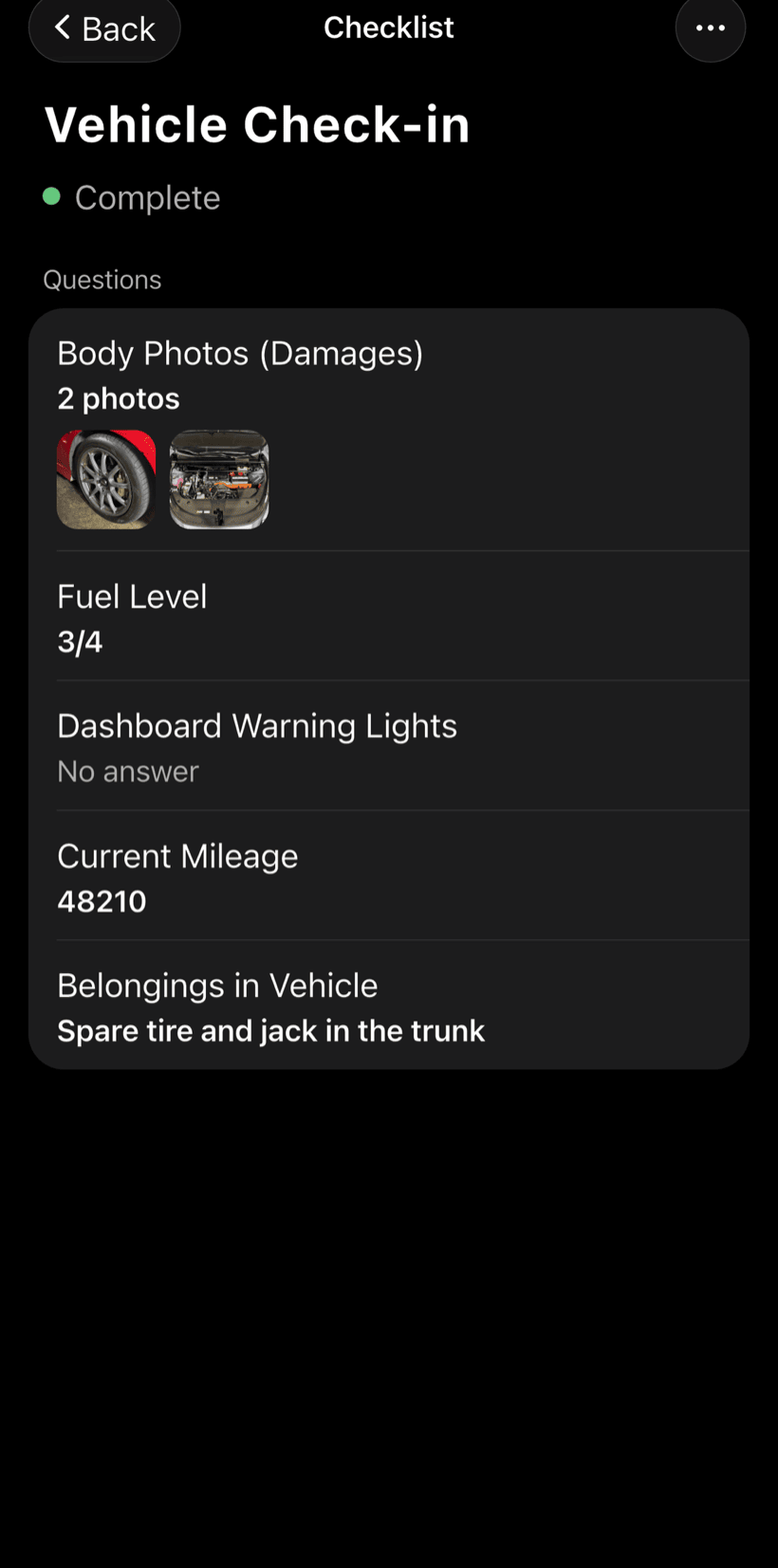
Build a survey checklist with what you check on every job — network, power outlets, electrical panel, rooms — and reuse it on every visit.
- Text, number, yes/no, list and photo fields
- Photos on every checklist item
- One template for every job
-
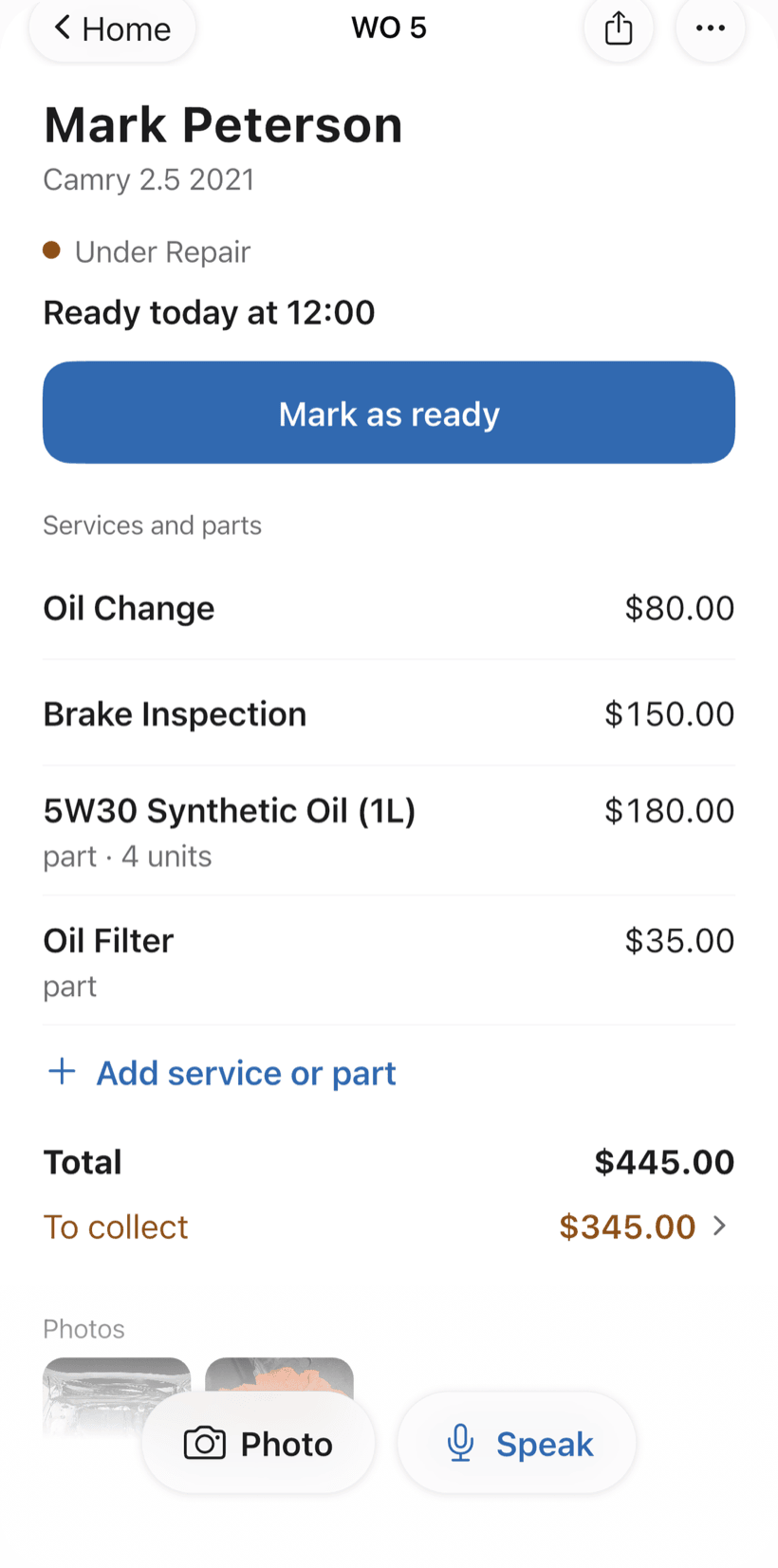
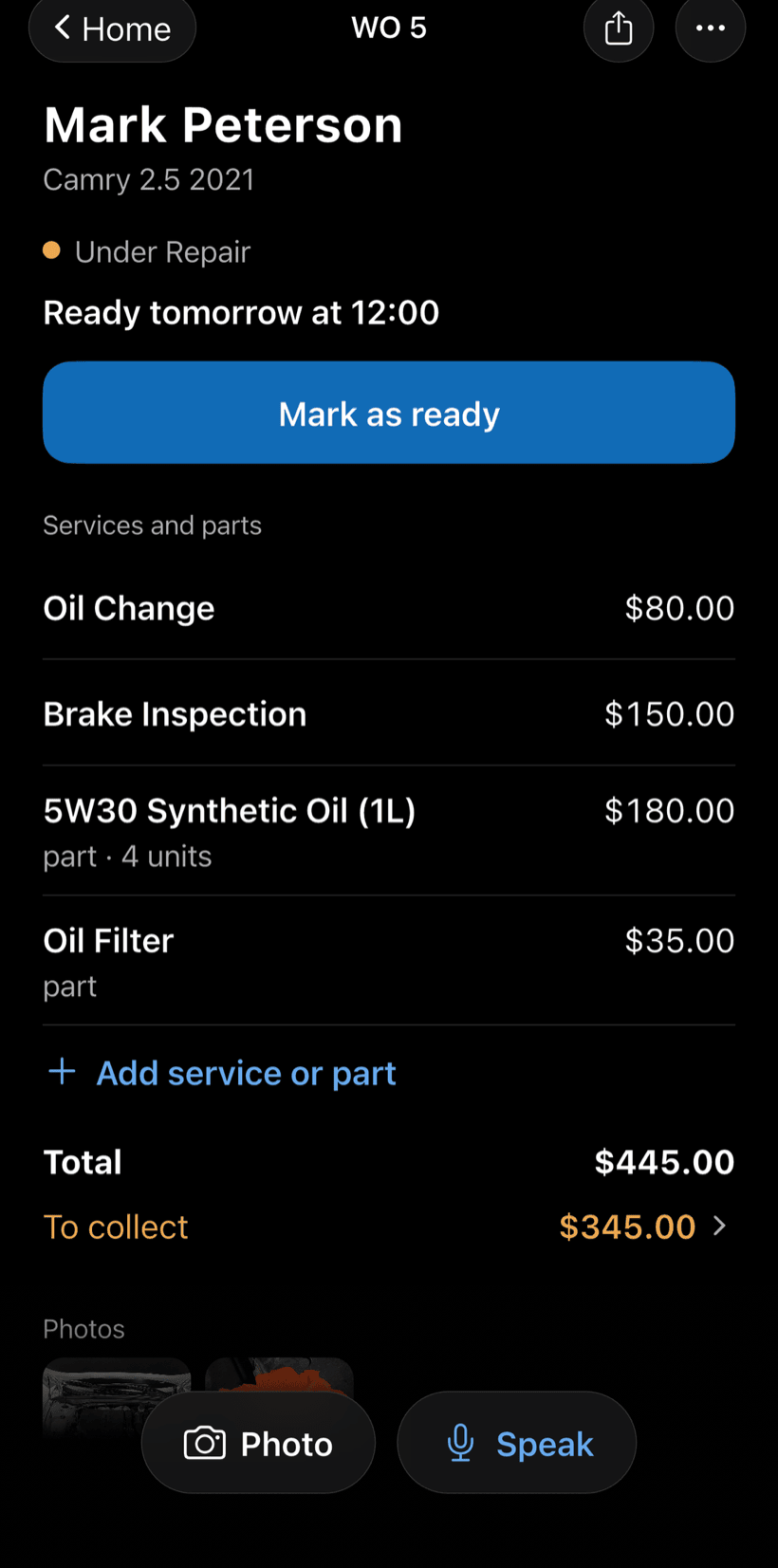
Send the proposal as a link
Equipment and services come from your catalog, already priced. The customer opens the work order in a browser, sees items and photos, approves it and leaves comments.
- Approval recorded on the work order
- Equipment and programming itemized
- Work order PDF to send or print
-
Schedule the install
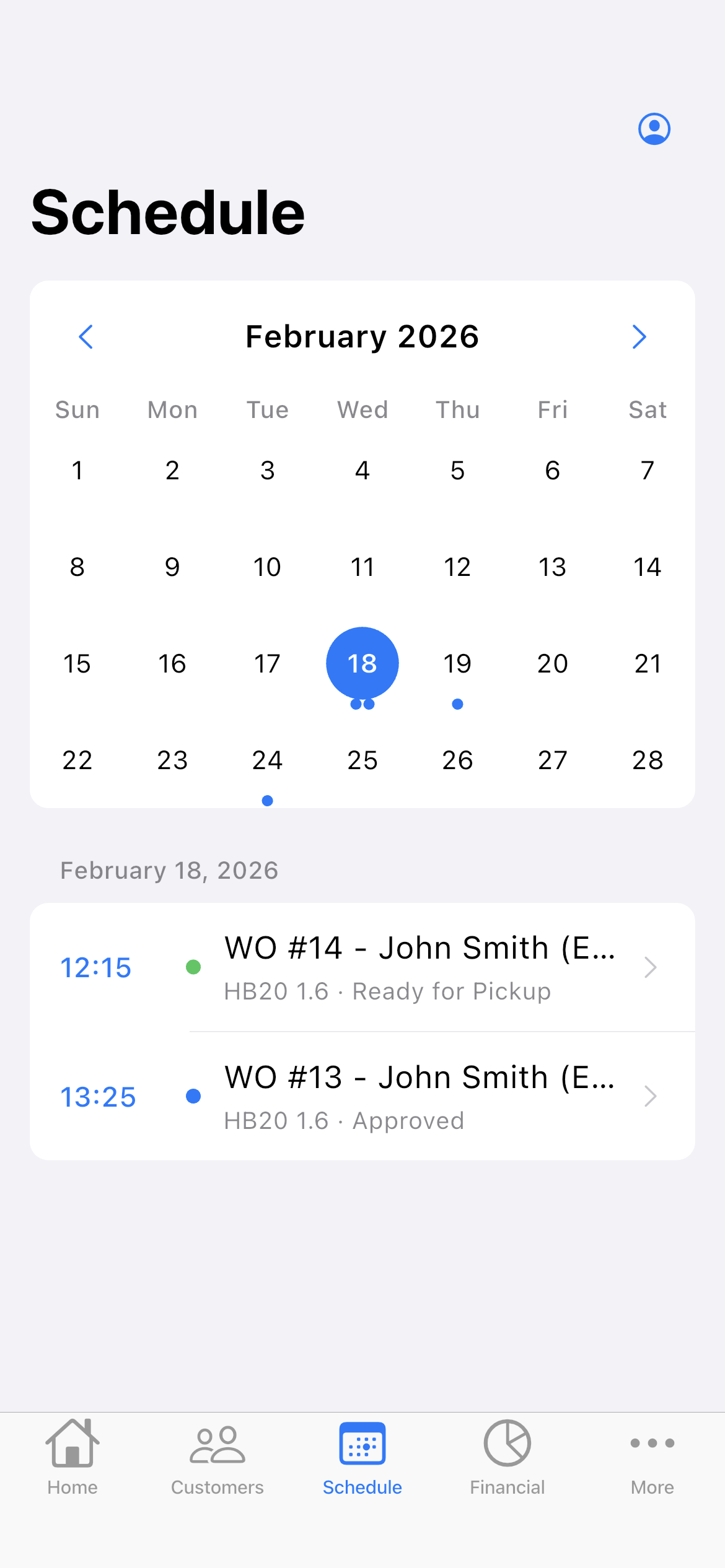
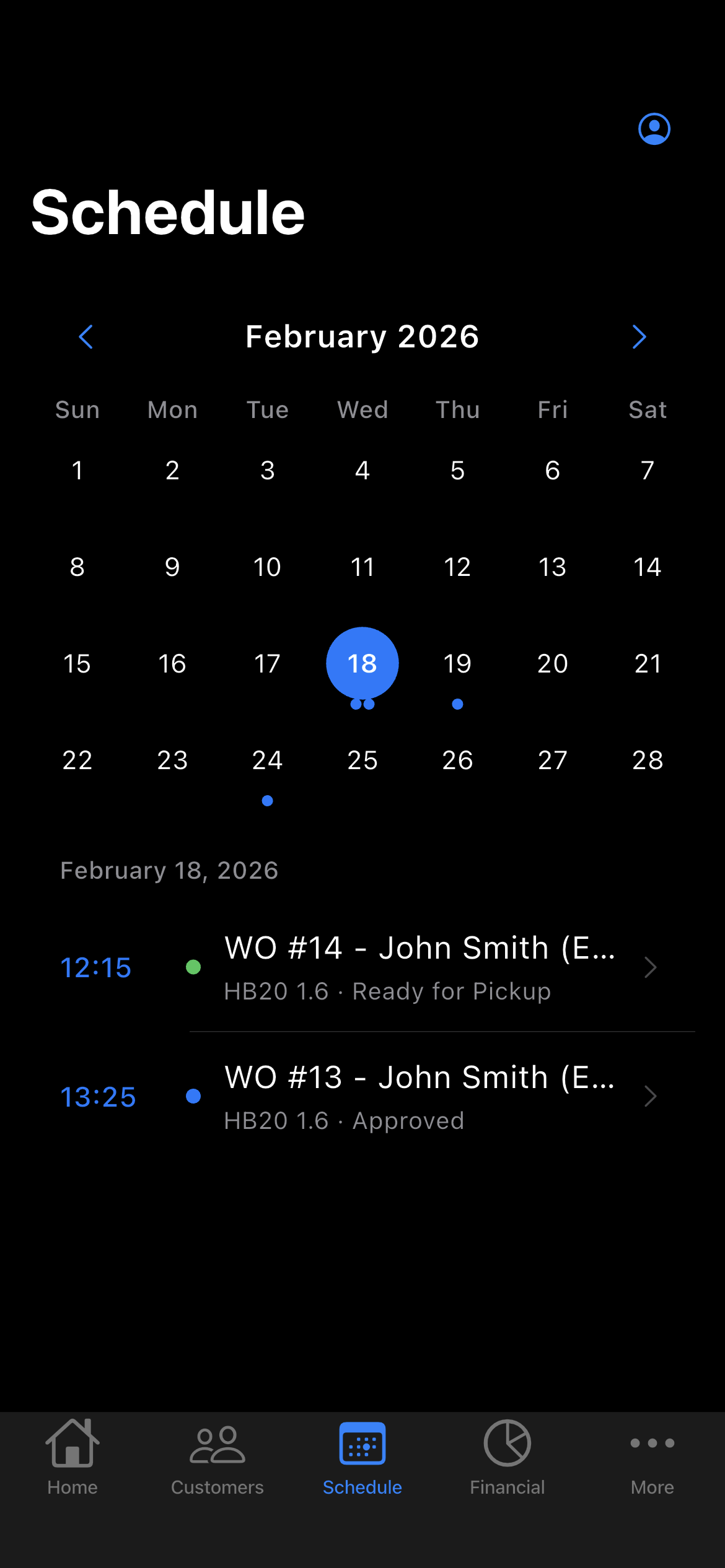
The work order date puts the job on the Schedule. You see the week on top and what is booked each day, with times.
- The week on top and each day's appointments, with times
- Daily summary at 9 a.m., if you turn it on
- Phone reminder before each visit
-
Hand over the job and get paid
Record what was installed with photos and get paid in stages: deposit, installments and balance, with a discount if needed.
- Payment in parts and discount on the same work order
- Monthly report of what came in
- Everyone who still owes you, in one list
Questions from automation installers
If yours isn't here, send us an email — the PraticOS team answers it.
Do I have to pay to use it?
Not to get started. You can use it free, with no limit on work orders or customers. The free plan has a monthly limit on photos and AI use, and one checklist template. Paid plans, with more of each and a team, are available in the app.
Is there a home automation segment in the app?
Not yet. You pick the “Other” segment, which comes with general checklists for intake, service record and customer handover, and build your own survey and install checklists.
Does it work for AV, networking and lighting?
Yes. A work order can hold any kind of service and equipment. What changes from job to job are your catalog items and the checklists you build.
Can my techs use it on their own phones?
If someone works with you, yes. Tap the profile button at the top of Home, go to Team and invite them with a code sent over WhatsApp, and they use the app on their own phone with a role, such as technician or manager. Inviting someone needs a paid plan, purchased inside the app.
Does the customer need to install an app?
No. They get a link, open it in their phone's browser and see the work order with photos and prices. They approve the proposal and leave comments right there.
Download it and open your first order today.
Start free. Paid plans available in the app.
Questions? Talk to us on WhatsApp praticos@rafsoft.com.br FAQ