
Visit, diagnosis and warranty on one work order.
PraticOS is the work order app for appliance repair. Schedule the visit, run the diagnosis with a checklist and photos, send the quote as a link for the customer to approve and record the warranty and payment — all from your phone.
Start free · iOS and Android · paid plans in the app
- Customer
- Sandra Reed
- Appliance
- Front-load washer · 110V
- Issue
- Won't spin, noise from the drum
- Diagnosis
- Drum bearings and seal
- Warranty
- 90 days
- Total
- $385.00
- Quote
- Approved
- In progress
- Completed
Where an appliance repair business loses money
It's rarely a lack of calls. It's the visit booked without knowing the problem, the part swapped but never billed and the warranty argued over with nothing in writing.
-
Visits without knowing what to bring
The tech shows up without knowing the model, voltage or problem, and has to come back another day.
In PraticOSSay what the customer told you on the phone and AI opens the work order with the customer, address, appliance, voltage and reported fault.
-
Diagnosis from memory
Each tech checks something different, and what was tested isn't written anywhere.
In PraticOSReady-made diagnostic checklists for fridge and freezer, washer and microwave, with photos, filled in at the customer's home.
-
“It's broken again”
The customer calls two months later and nobody knows which part was replaced or what warranty was given.
In PraticOSThe handover checklist records work done, parts replaced, final test, instructions and warranty period: 30, 60 or 90 days.
-
Visits booked from memory
Two customers at the same time, a neighborhood apart, and someone waiting all morning.
In PraticOSThe date on the work order puts the visit on the Schedule, and your phone reminds you before each appointment. If someone works with you, you can see each person’s schedule.
-
Techs coming back unpaid
The customer asks to pay later and, by month-end, nobody remembers who still owes.
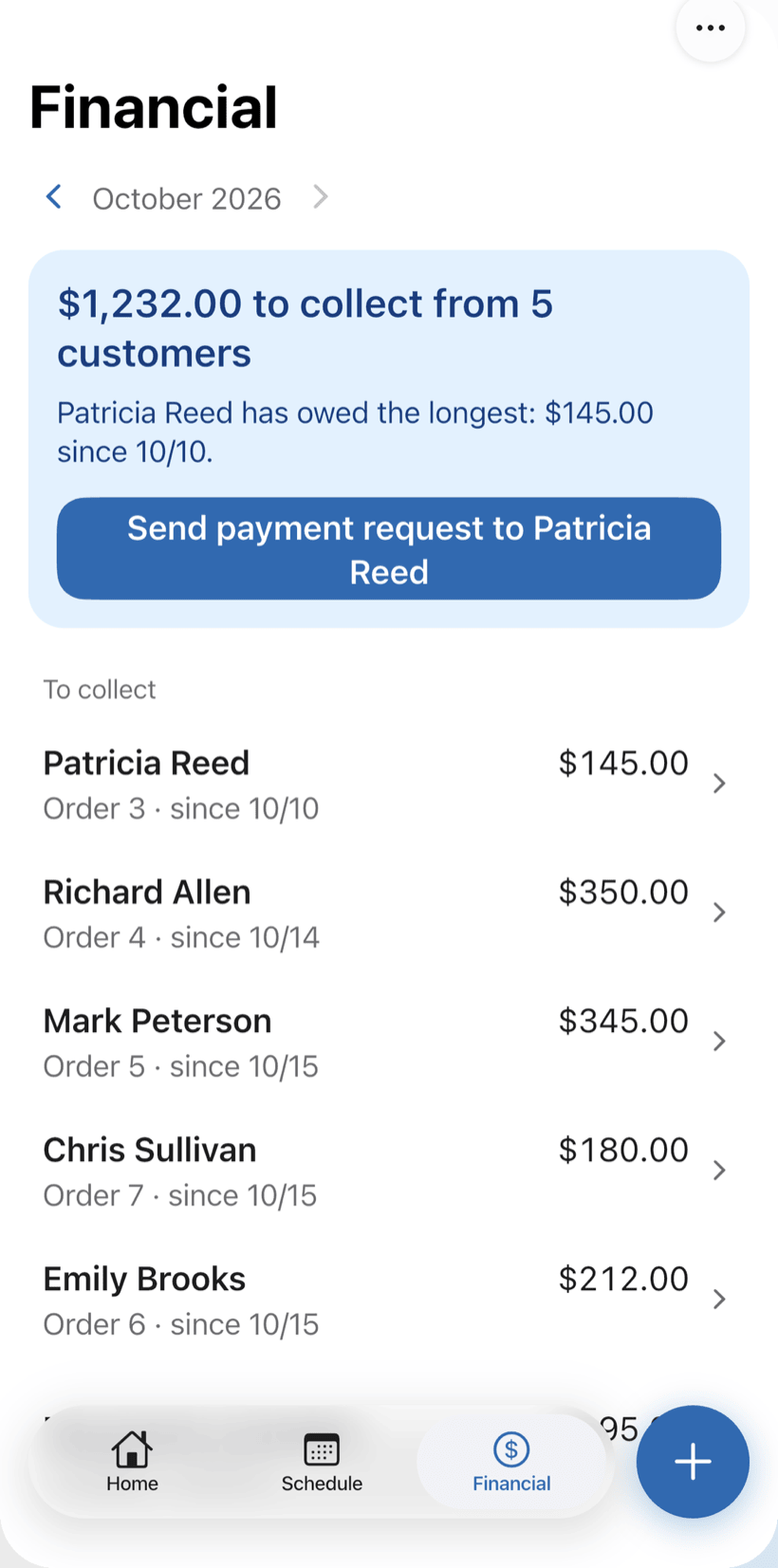
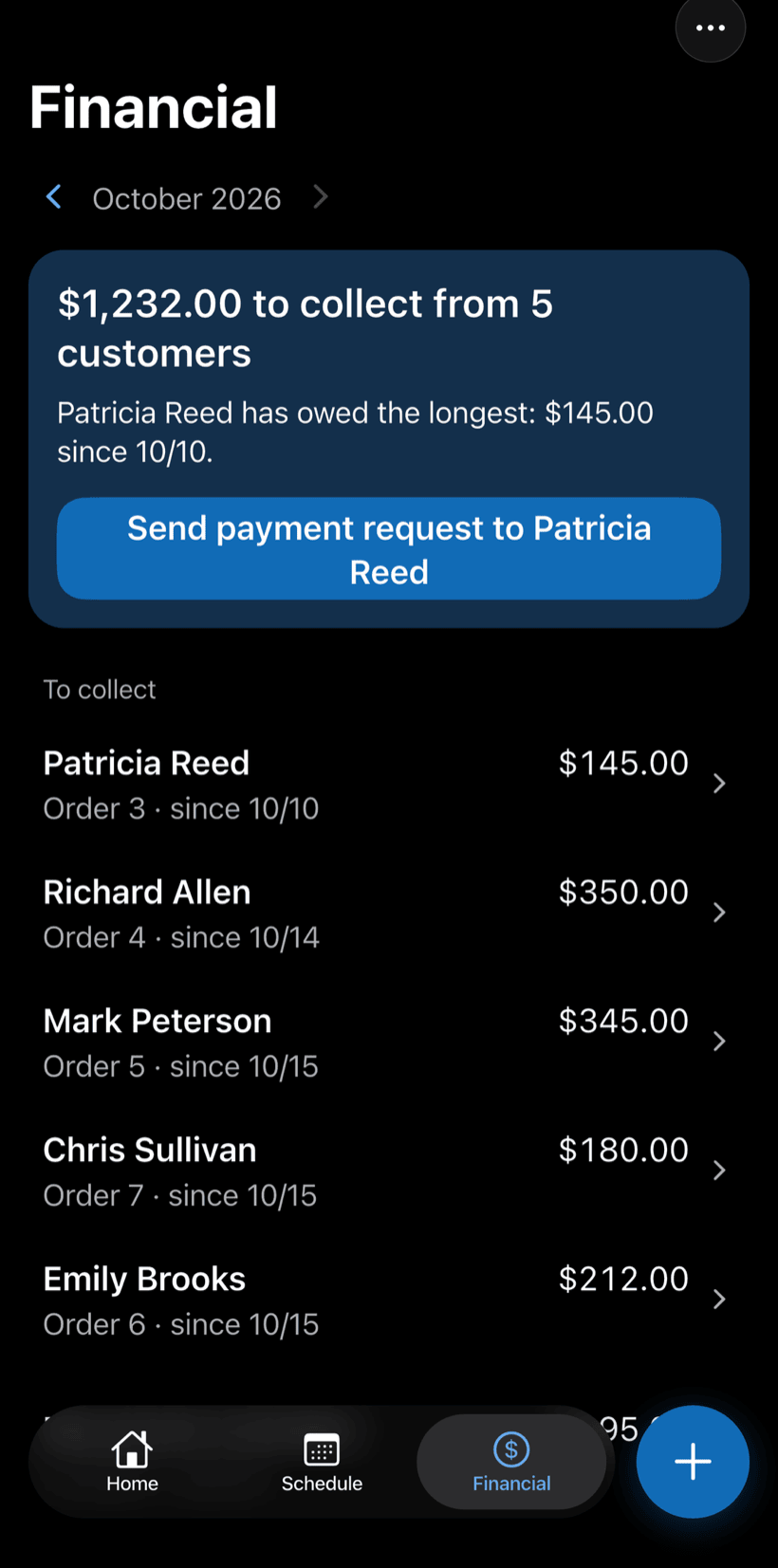
In PraticOSReceive the full amount or in parts on the work order. Financial shows how much is left to collect and from whom, with a button to send the payment request.
-
“Is the tech on the way?”
The customer calls to ask about the quote and the repair, and the call lands at the front desk.
In PraticOSThe customer opens the work order from a link and sees the status, photos and prices without calling.
How a service call moves through PraticOS
From the customer's call to the warranty, every step is recorded on the appliance's work order.
-
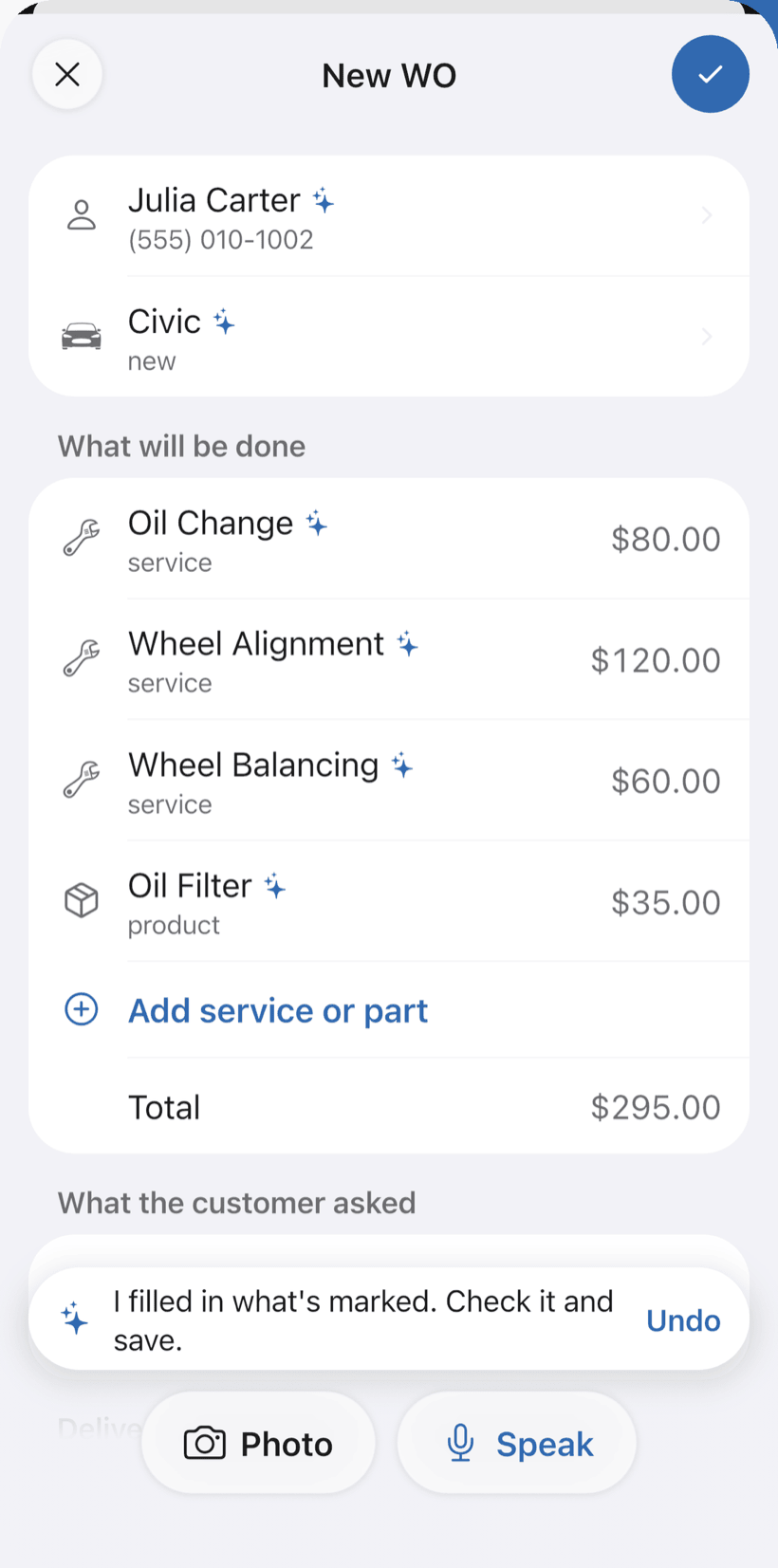
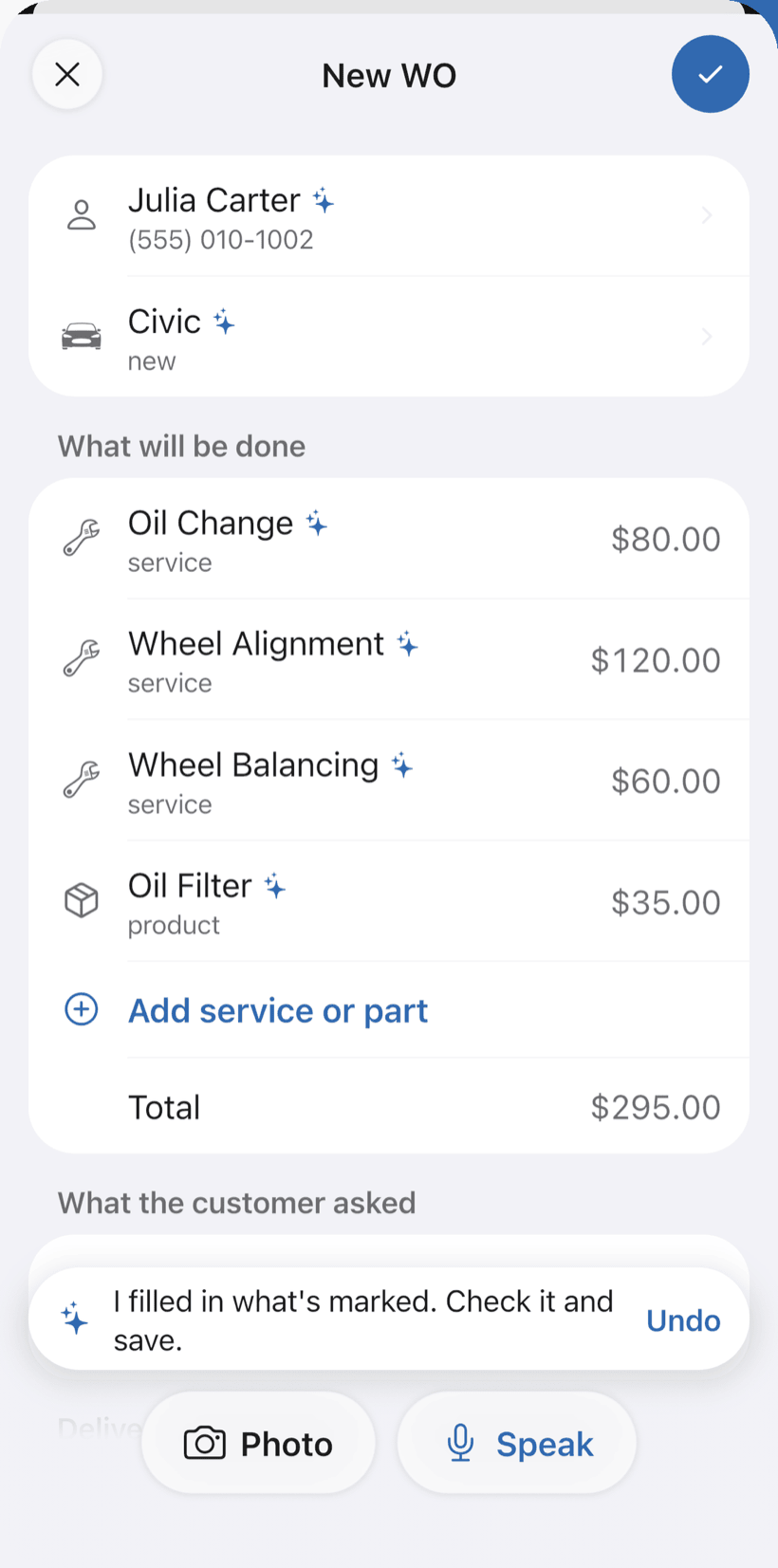
Say the call and AI opens the order
Tap Speak and say the call: “Sandra’s fridge, not cooling, visit tomorrow at 9.” AI fills in the customer, appliance, service and the price from your catalog. You check it and save.
- What AI filled in is marked with ✦
- Fix it by speaking: “the visit is 120”
- Or take a photo of the written request
-
The visit on the schedule
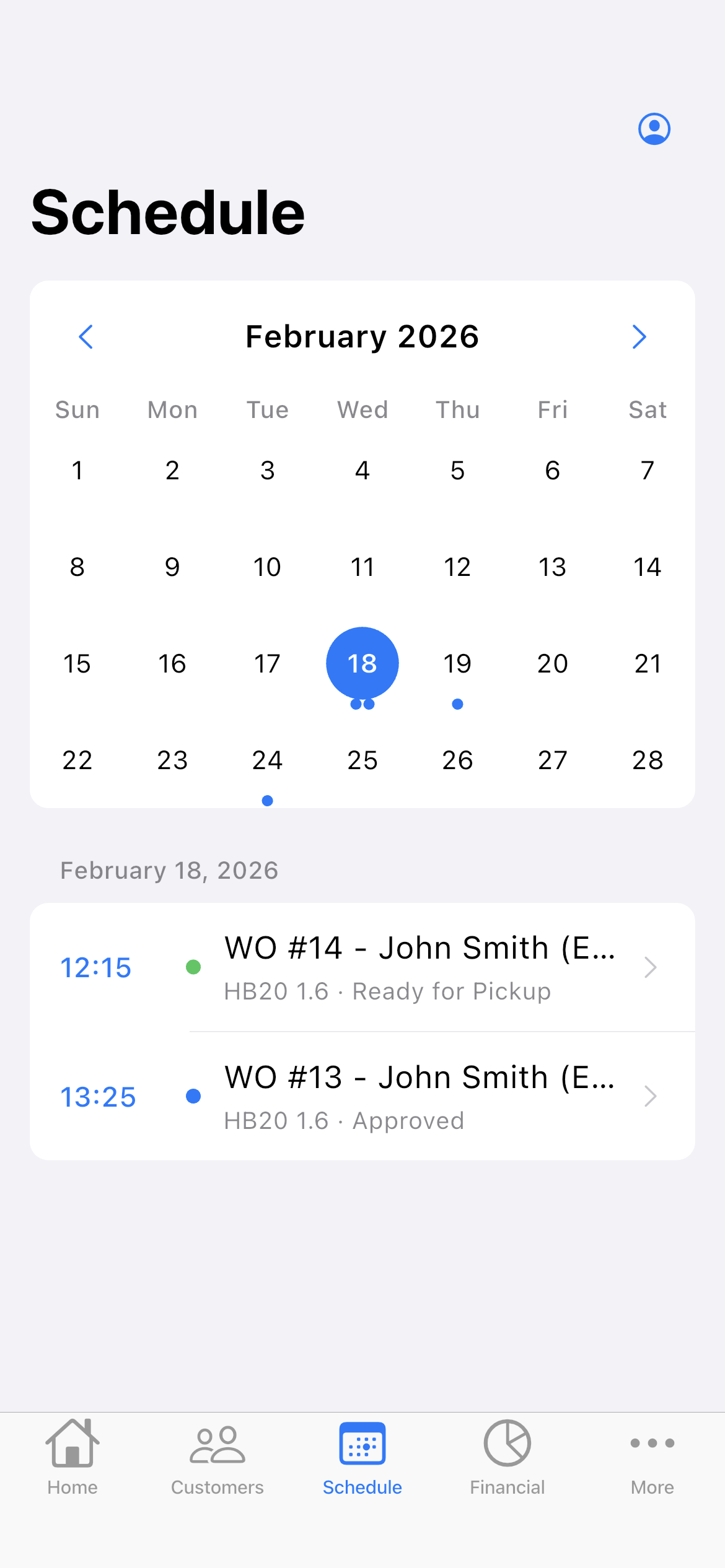
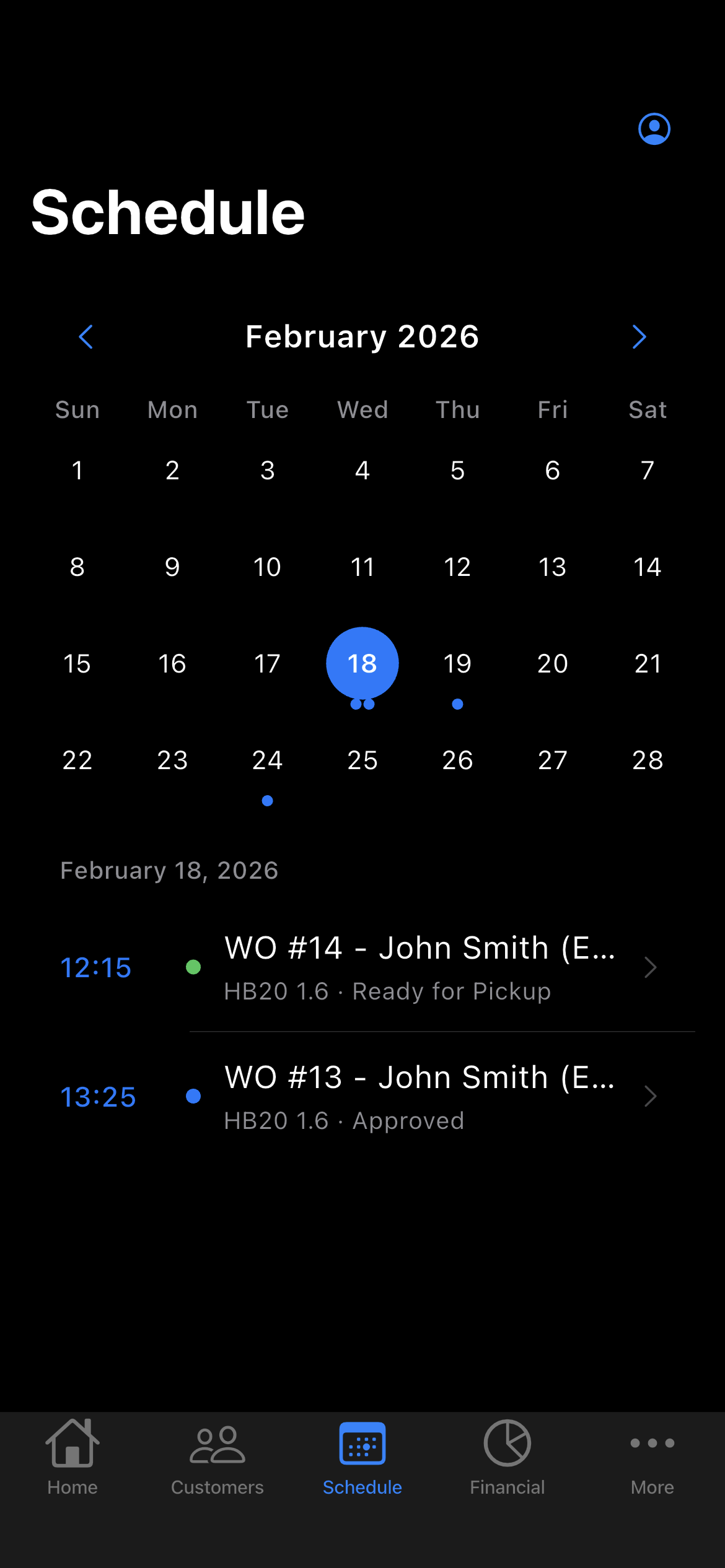
With a date and time on the work order, the visit goes on the Schedule. You see the week, the day and what is booked at each hour, so two customers never land on the same slot.
- The week on top, the day’s appointments below
- Phone reminder before the appointment
- Daily summary at 9 a.m., if you want it
-
Diagnose on site
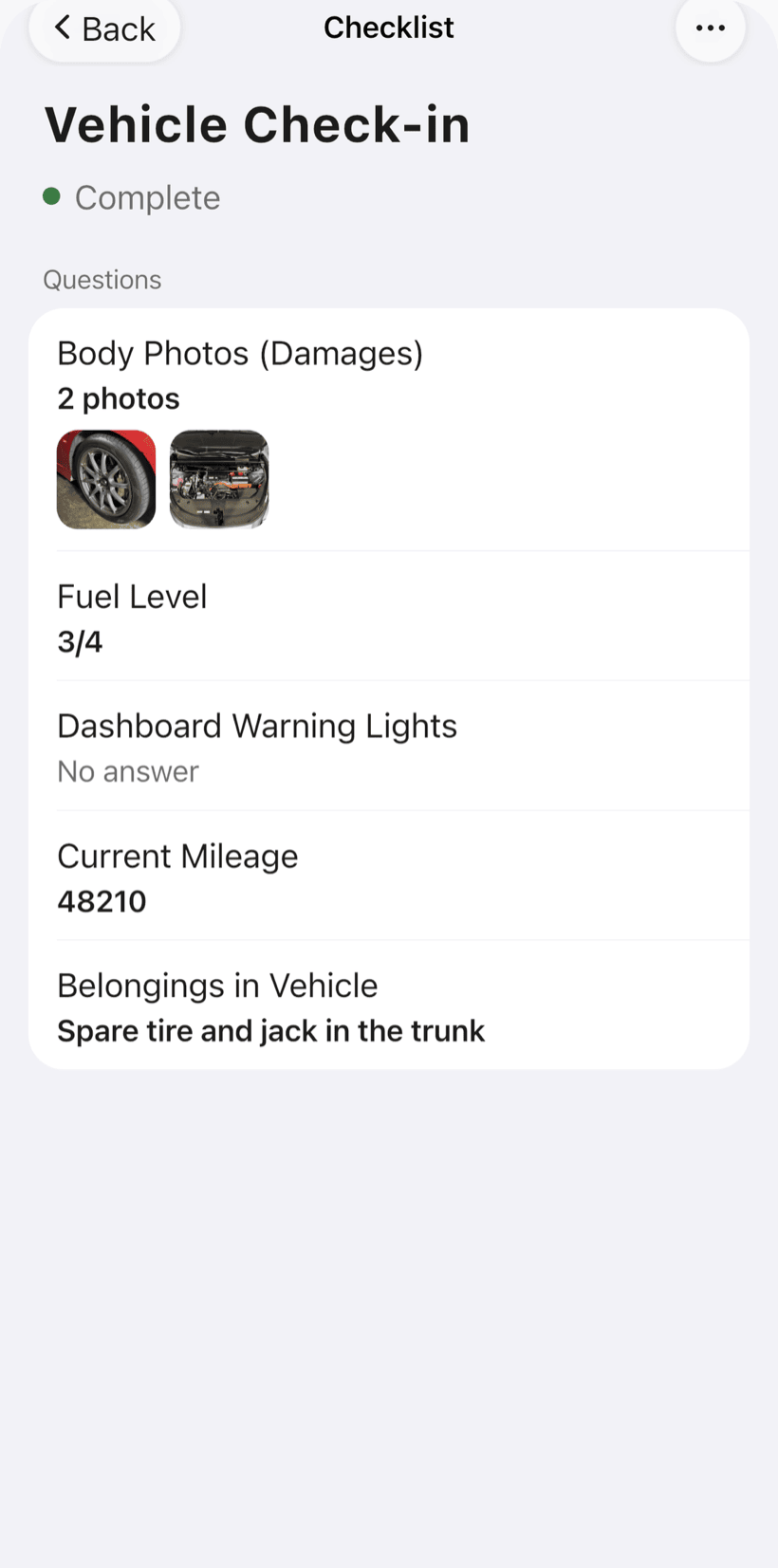
Appliance checklists come ready and you adjust the items: check-in, diagnosis by appliance type, safety and final test, with photos.
- Fridge: compressor, gas, thermostat, door seal, defrost
- Washer: filling, draining, spin, motor, bearings
- Microwave: magnetron, capacitor, door latch
-
Send the quote by link
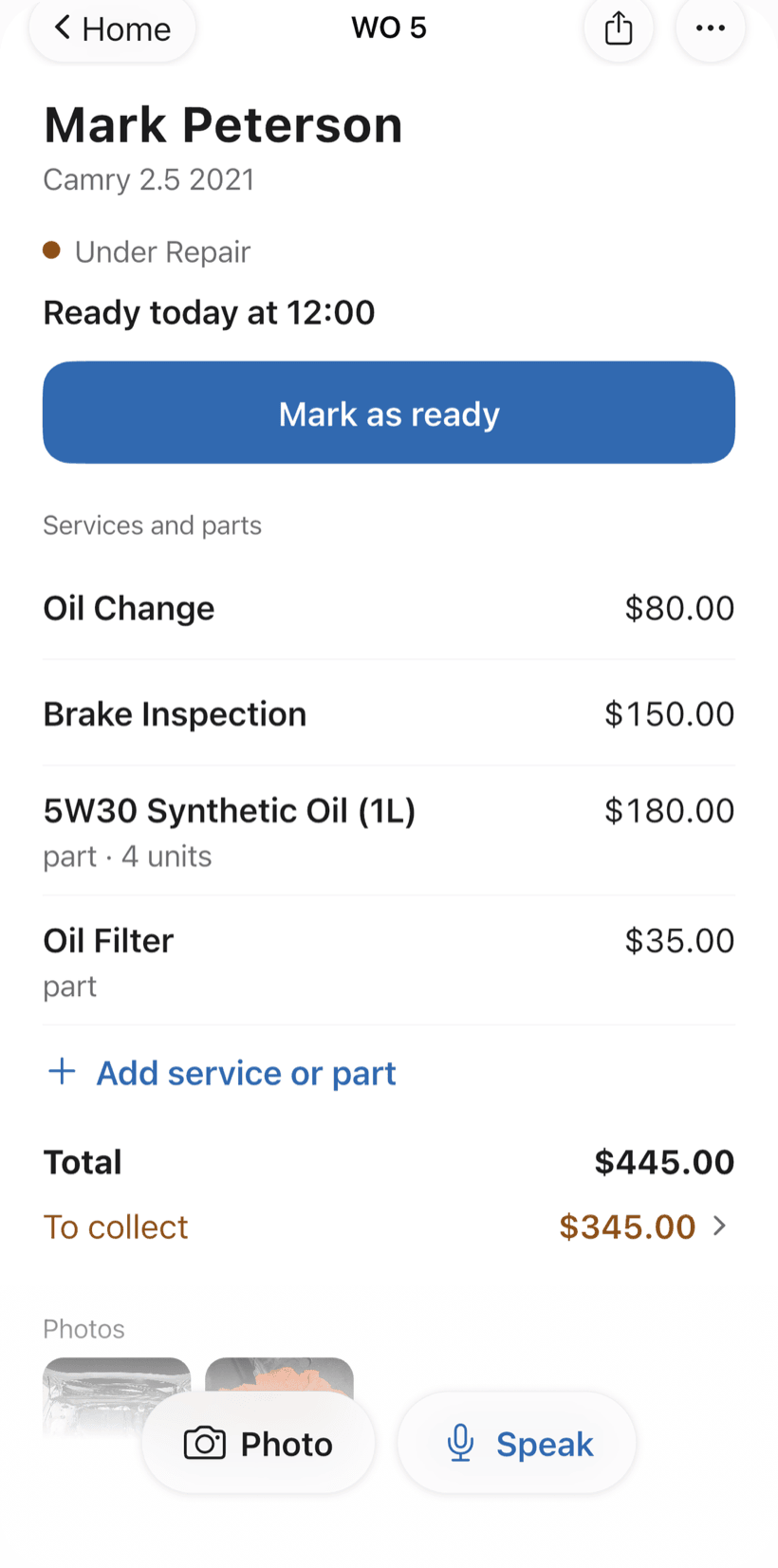
The customer opens the work order in the browser, with nothing to install. They see the photos, parts and labor, approve and leave comments. On the order, the blue button shows the next step.
- Approval recorded on the work order
- Customers follow the repair without calling
- Work order PDF with checklists and photos
-
Deliver with warranty and get paid
Record replaced parts, final test and warranty period on the delivery checklist. Then receive the payment, in full or in parts. Financial shows who still owes.
- 30, 60 or 90-day warranty on the order
- Partial payments and discounts in the same order
- Whoever has owed the longest shows up first
Questions from appliance repair businesses
If yours isn't here, send us an email — the PraticOS team answers it.
Do I have to pay to use it?
You can start free, with no limit on work orders or customers. The free plan has a monthly limit on photos and AI use, and one checklist template. Paid plans, subscribed in the app, raise those limits and unlock your team.
Which appliances have ready-made checklists?
There are diagnostic checklists for fridge and freezer, washer and microwave, plus intake, safety, final test and handover checklists that work for ranges, dishwashers and more. You can edit the items or build your own.
How does the visit schedule work?
The work order goes on the Schedule by its visit date. You see the week and the day, and your phone reminds you before the appointment. If someone works with you, you can filter the schedule by person.
Can my techs use it on their own phones?
Yes, if someone works with you. Tap the profile button at the top of Home, go to Team and invite them with an invite code, which you can send over WhatsApp, and they sign in with their own account on their own phone, with a role such as Technician or Manager. Inviting someone requires a paid plan, subscribed inside the app.
Does the customer need to install an app?
No. They get a link, open it in their phone's browser and see the work order with photos and prices. They approve the quote and leave comments right there.
Download it and open your first order today.
Start free. Paid plans available in the app.
Questions? Talk to us on WhatsApp praticos@rafsoft.com.br FAQ