
Every unit with its own history.
PraticOS is the work order app for HVAC and refrigeration technicians. Add the unit with BTUs, voltage and refrigerant, fill in the checklist with photos on site, send the quote as a link and record the payment — from your phone.
Start free · iOS and Android · paid plans in the app
- Customer
- Oakridge Dental
- Equipment
- Ductless mini-split 12,000 BTU · 220V
- Refrigerant
- R-410A
- Service
- Maintenance and coil cleaning
- Photos
- 8 attached
- Total
- $240.00
- Quote
- Approved
- Under maintenance
- Done
- Paid
Where an HVAC tech loses money
The calls come in. What slips away is the unit's history, the refrigerant charge nobody wrote down and the visit that turns into an argument about price.
-
Not knowing what was done on the unit
The customer calls because the AC stopped again. You can't tell whether it was a recharge, a capacitor or just a cleaning last time.
In PraticOSEach unit is on file with BTUs, voltage, refrigerant and install date. Search by name or serial number and see every work order for it.
-
Refrigerant charges with no record
How much went in, what were the pressures before and after? If the unit comes back with a leak, you have nothing to show.
In PraticOSThe recharge checklist records refrigerant type, amount in grams, pressure before and after, supply air temperature and the leak test.
-
Maintenance done, but no proof
The property manager asks what was cleaned and replaced. The answer lives in the tech's memory.
In PraticOSThe preventive maintenance checklist covers filters, indoor unit, outdoor unit, drain and electrical, with photos on every item.
-
Quotes agreed by voice message
You sent the price in a message, the customer remembers a different number. The part is already bought.
In PraticOSThe quote lives on the work order with services and parts from your catalog. The customer approves it by link and the approval is recorded.
-
A schedule in five places
An install in the morning, a service call in the afternoon, maintenance across town. A forgotten visit is a lost customer.
In PraticOSThe work order goes on the calendar by its scheduled date, and your phone reminds you before each visit, even with the app closed.
-
Closing the month without knowing who paid
Maintenance contracts, one-off jobs and IOUs all mixed together. Nobody knows what's still outstanding.
In PraticOSRecord full or partial payments on the order. Financial shows how much is still due, from which customers, with a button to send a payment reminder.
How an HVAC job moves through PraticOS
From the visit to the payment, everything stays on the unit's work order.
-
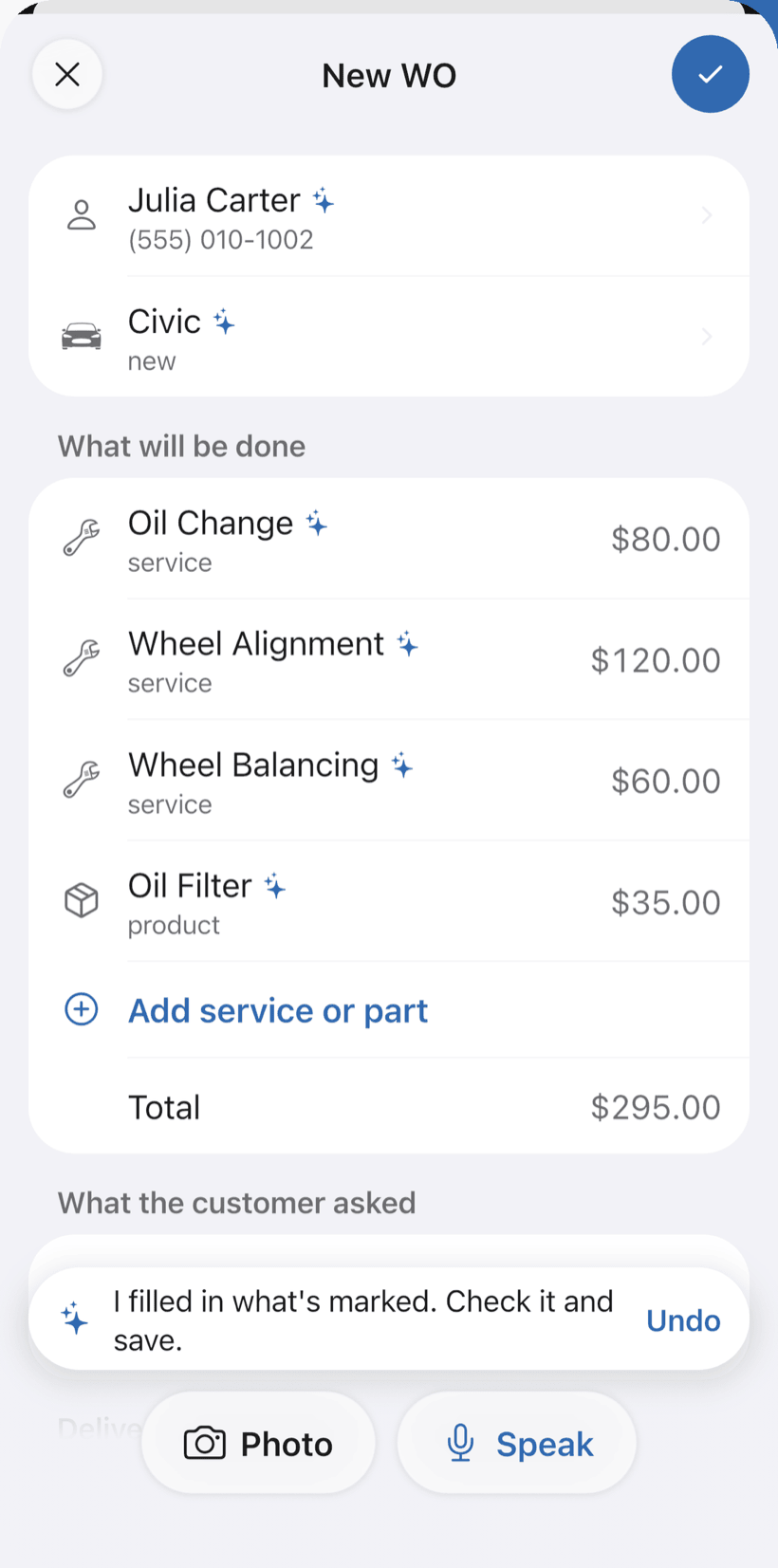
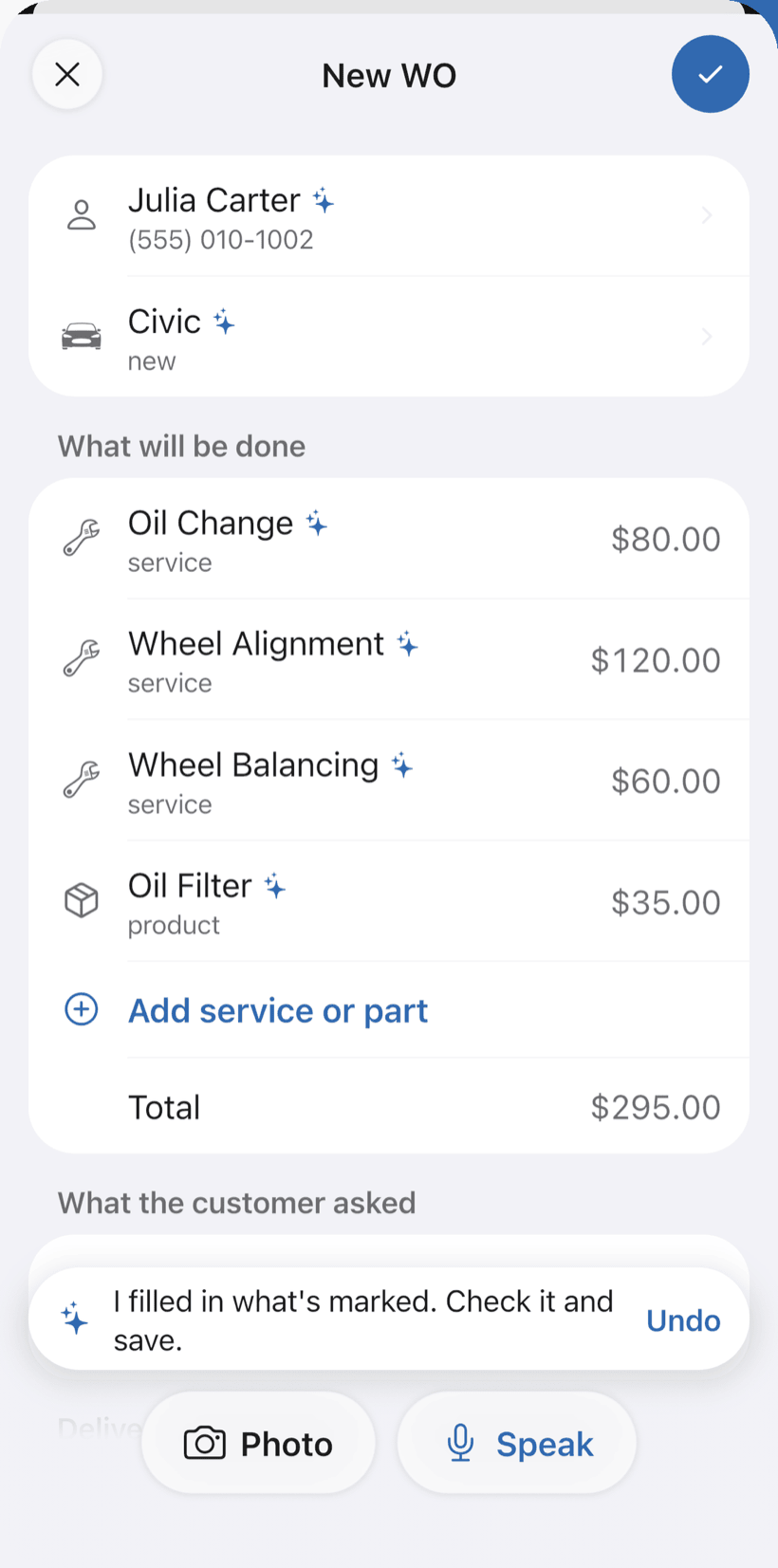
Say the job and the AI opens the order
Tap Speak and say something like: “Juliana's 12,000 BTU split, full cleaning and refrigerant recharge, tomorrow at 2pm”. Or photograph the unit's label. The AI fills in customer, unit, services and parts with your catalog prices and marks what it filled with ✦.
- BTUs, voltage, refrigerant type and install date
- With a date and time, the order goes on the Schedule and your phone reminds you
- Nothing is saved until you check it
-
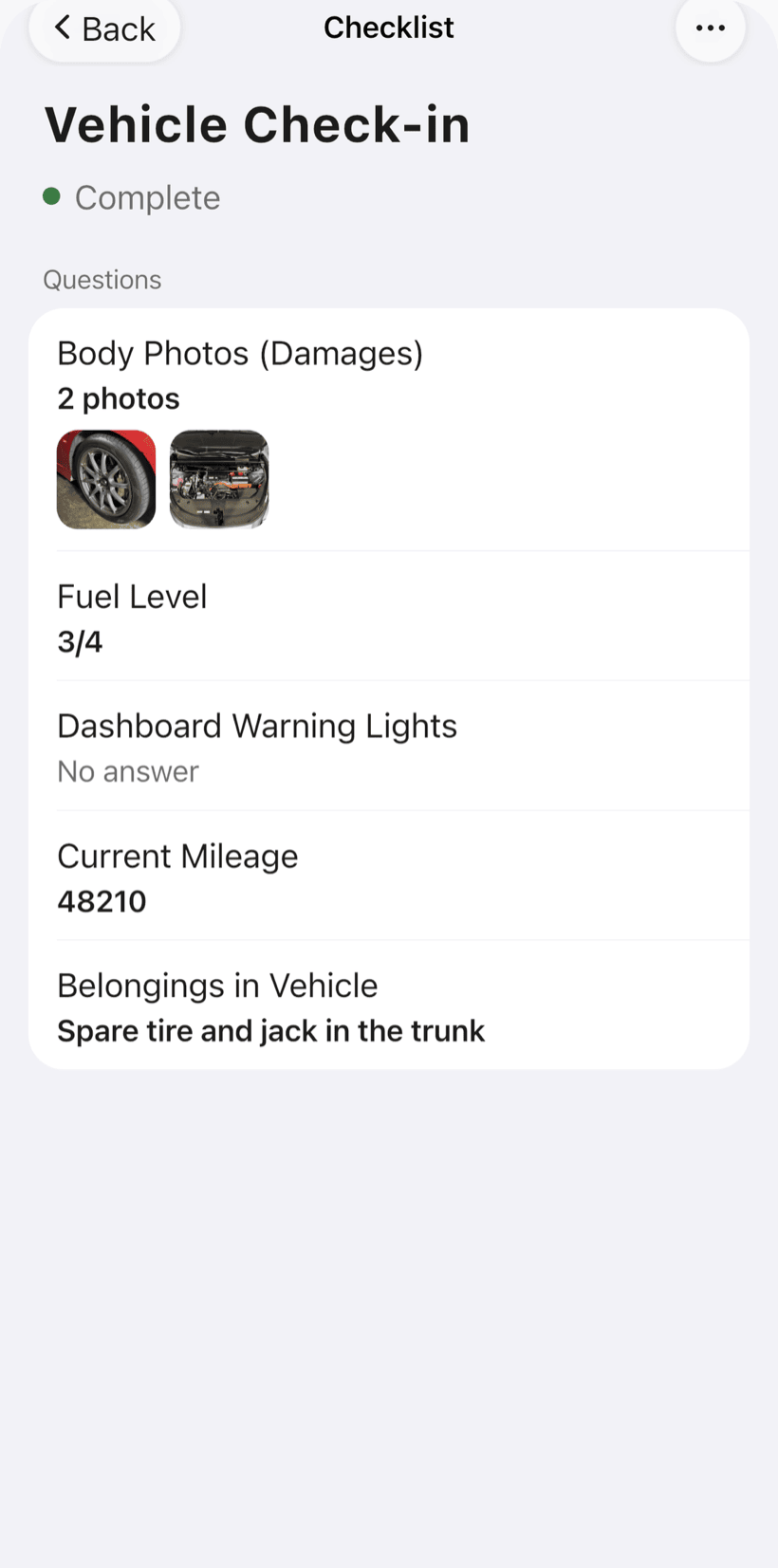
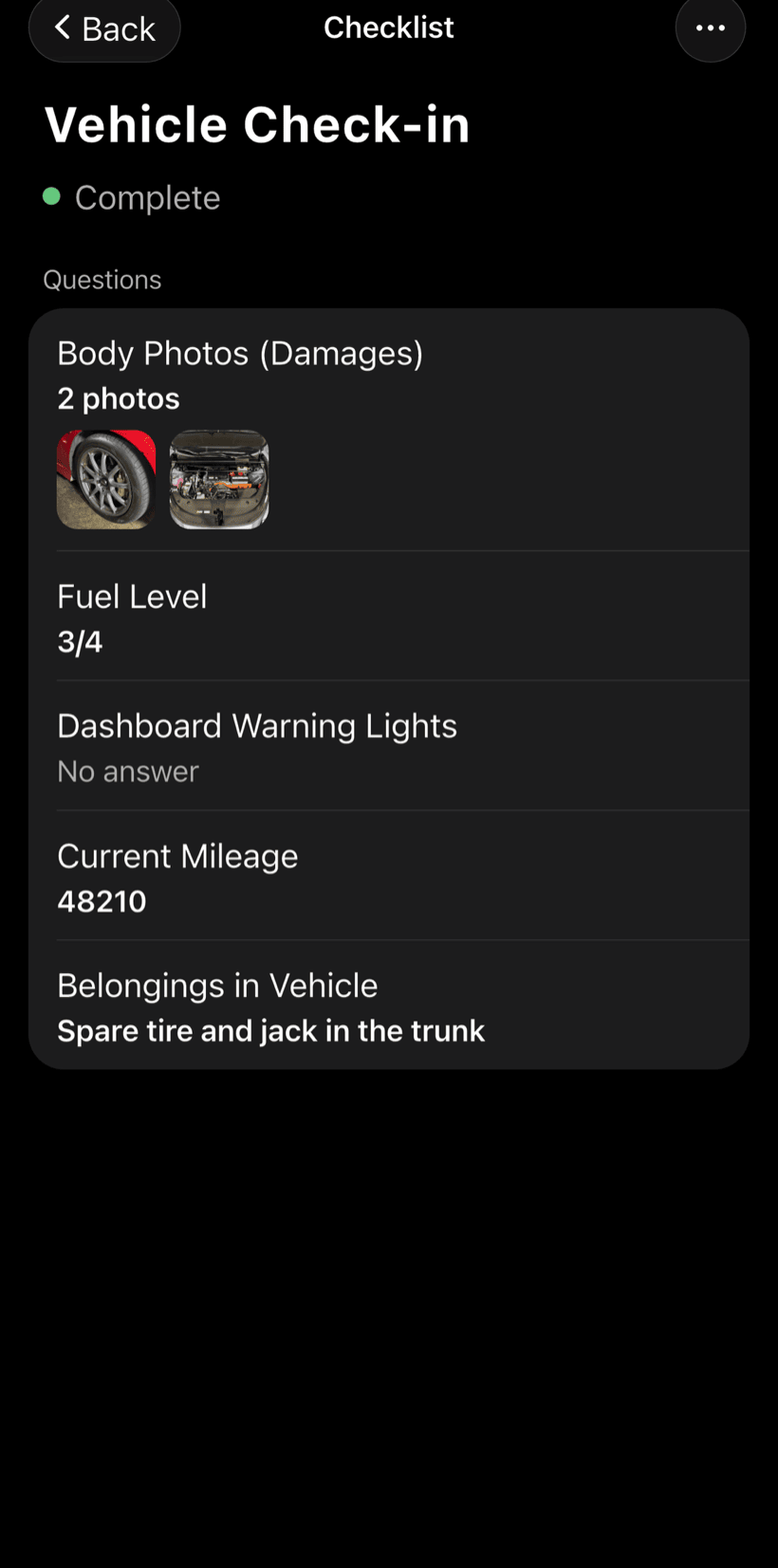
Fill in the checklist on site
The HVAC checklists come ready to use and you can adjust the items. Every item takes photos.
- Install: indoor unit, outdoor unit, drain, vacuum, pressure
- Preventive maintenance, diagnosis and refrigerant recharge
- Technician safety and commissioning with voltage, amperage and ΔT
-
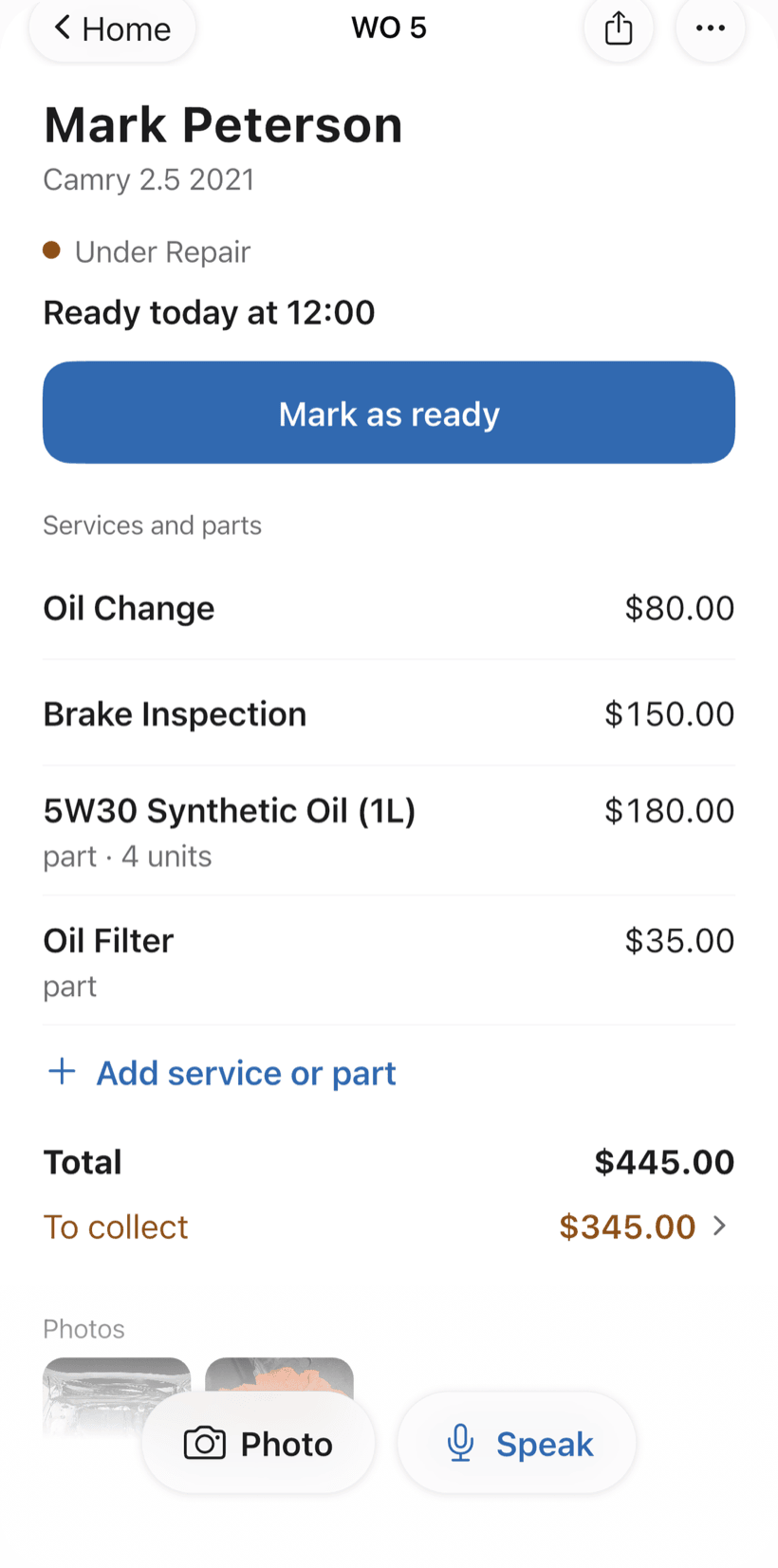
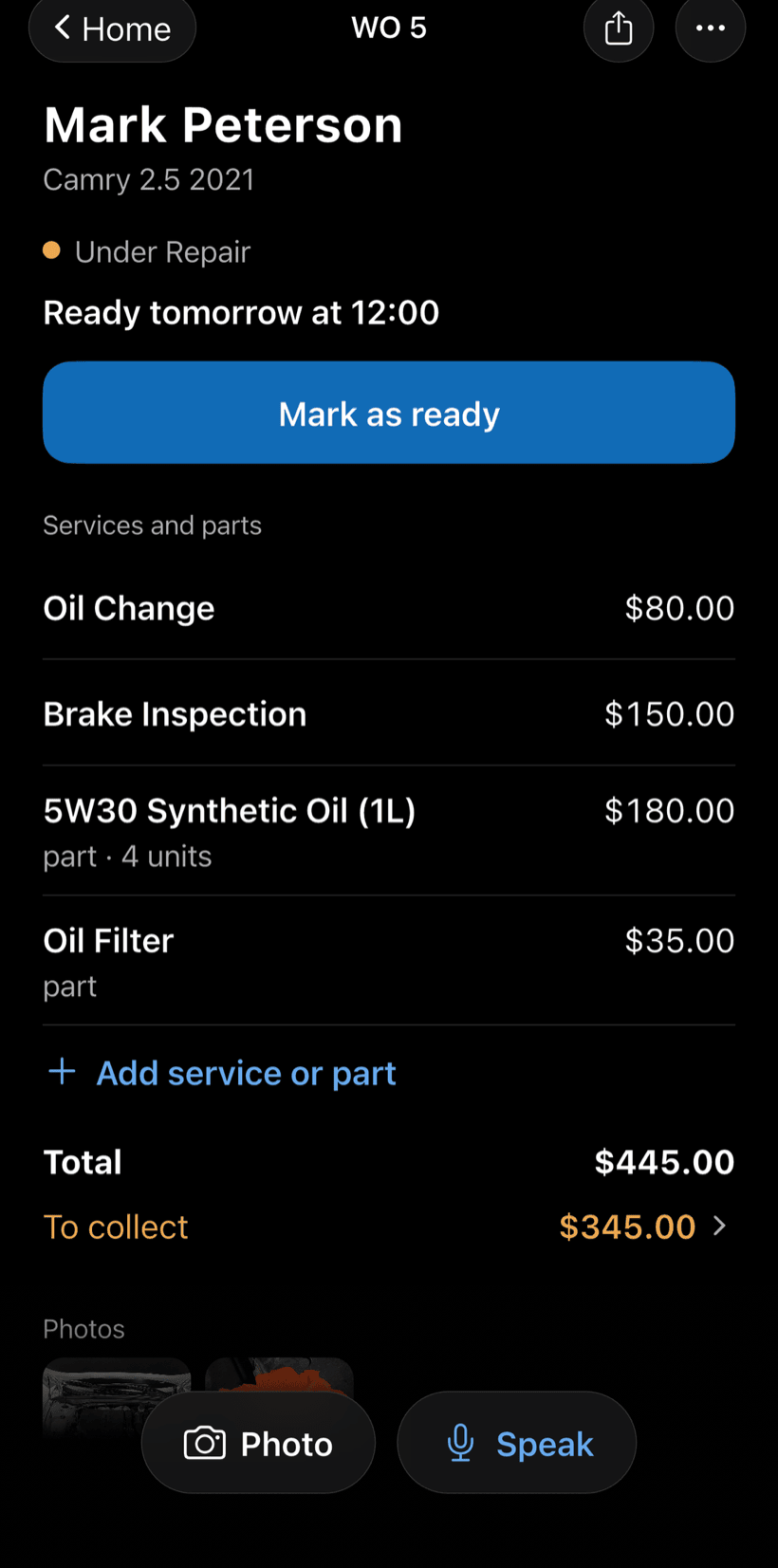
Send the quote as a link
The customer opens the work order in a browser, nothing to install. They see photos, parts and services, approve it and leave comments.
- Approval recorded on the work order
- You get a notification when the customer approves
- Work order PDF to print or send
-
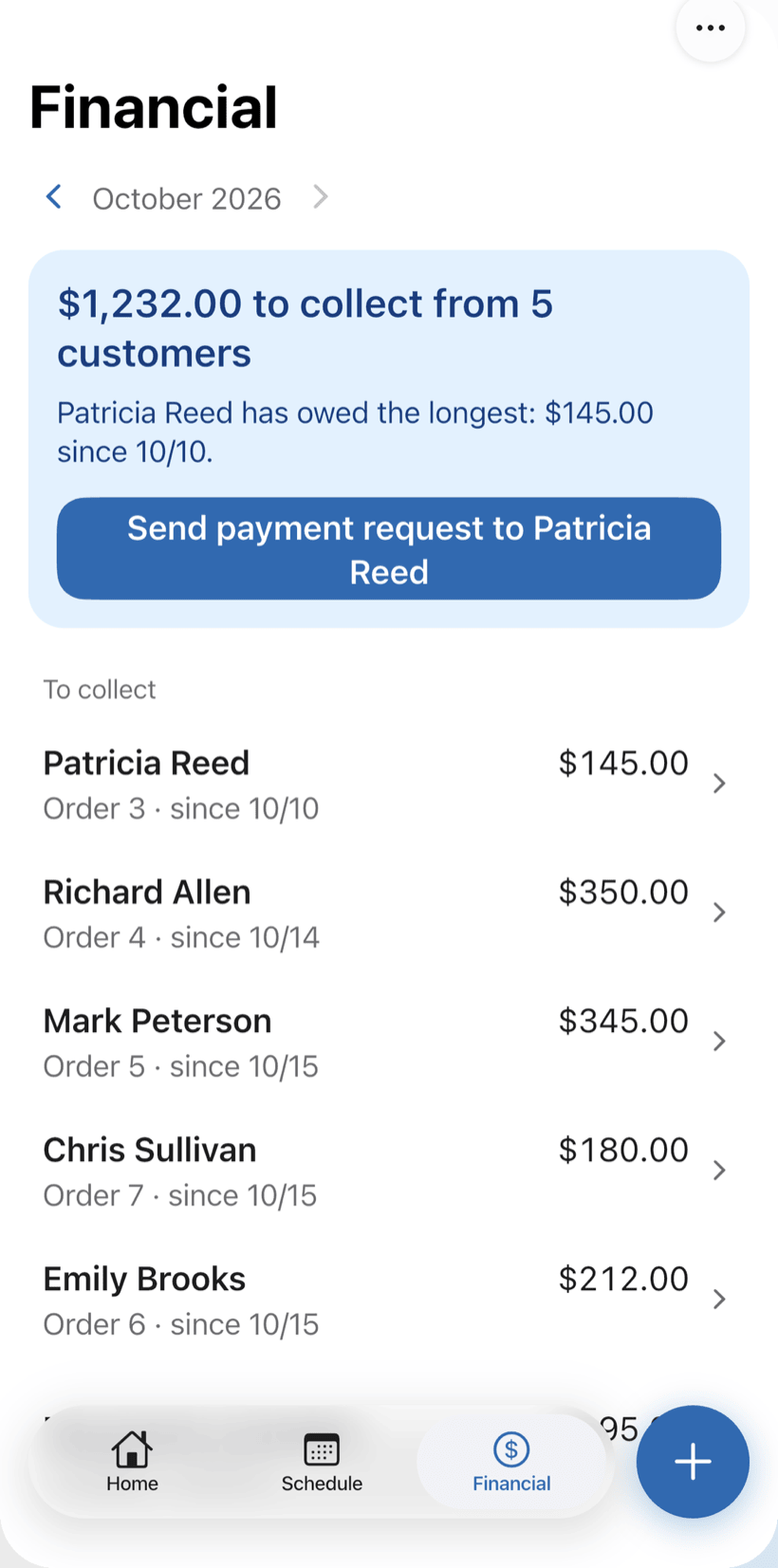
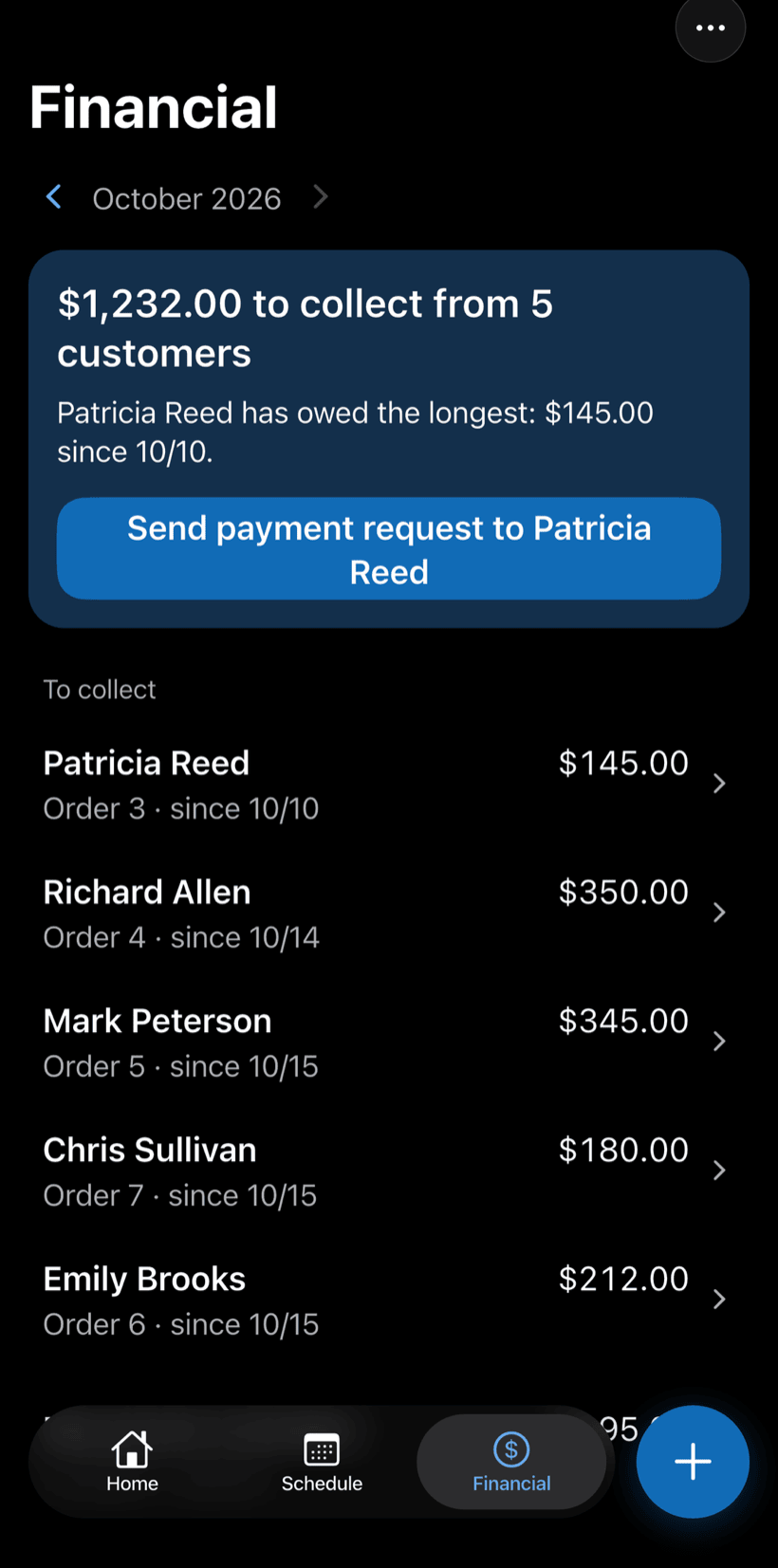
Finish the job and get paid
Record the payment in full or in parts, with a discount if needed. Financial shows how much is still due and from which customers.
- Partial payment and discount on the same order
- Monthly report of what came in
- Everyone who still owes you, in one list
Questions from HVAC techs
If yours isn't here, send us an email — the PraticOS team answers it.
Do I have to pay to use it?
You can start free, with no limit on work orders or customers. The free plan has a monthly limit on photos and AI use, and one checklist template. Paid plans, subscribed in the app, raise those limits and unlock your team.
Does it work for residential, commercial and automotive AC?
Yes. The HVAC segment covers residential split and window units, commercial systems like VRF, chillers and cold rooms, and vehicle AC. The app uses your trade's words: equipment, BTUs, refrigerant.
Can I keep a maintenance record for each unit?
Yes. Every preventive visit is a work order tied to the unit, with the checklist, photos and date. Search the unit's name or serial number in the work order list to see its full service history.
Can the people who work with me use it on their own phones?
Yes. If someone works with you, tap the profile button at the top of Home and go to Team: the invite goes out as a code over WhatsApp, and each person signs in on their own phone. The free plan is for one person; to add more people, subscribe to a paid plan inside the app.
Does the customer need to install an app?
No. They get a link, open it in their phone's browser and see the work order with photos and prices. They approve the quote and leave comments right there.
Download it and open your first order today.
Start free. Paid plans available in the app.
Questions? Talk to us on WhatsApp praticos@rafsoft.com.br FAQ